46
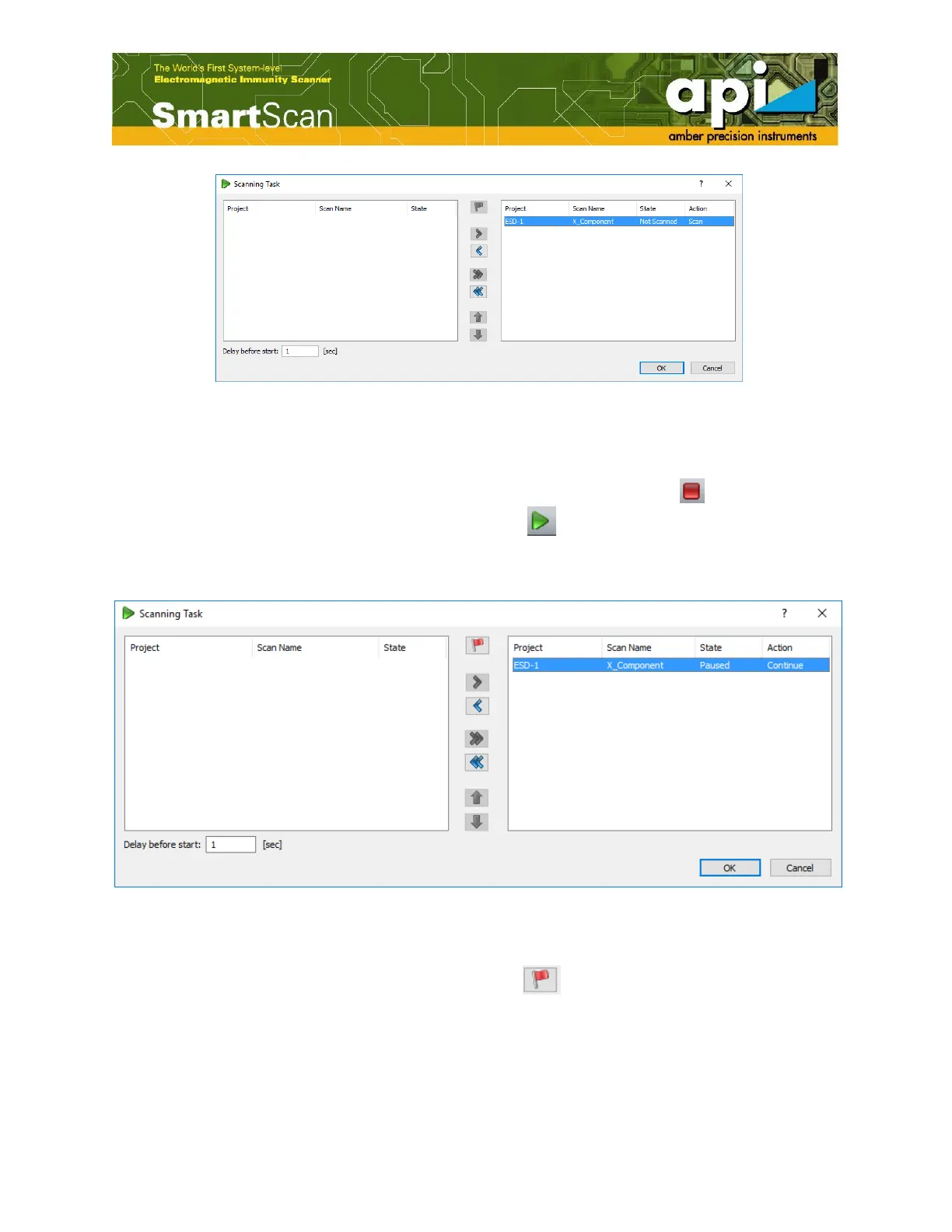
Figure 75: Select a project to run.
c. Click on "OK" to start the scan.
d. Stopping or resuming scan can be done at any time. Press "Stop" icon ( ) on top menu bar
to stop the scan. To resume, click on "Run" icon ( ). After the "Scanning Task" window
pops up, repeat procedure b to move the project to right window and click on "OK". The
project will then be resumed.
Figure 76: Resume scanning.
e. If something goes wrong with the existing scan, user can always rescan a project. Select the
project on right window, click on the red flag ( ). The action of the project will be
changed to "Rescan". Click on "OK" to rescan the project.



 To Next Page