57
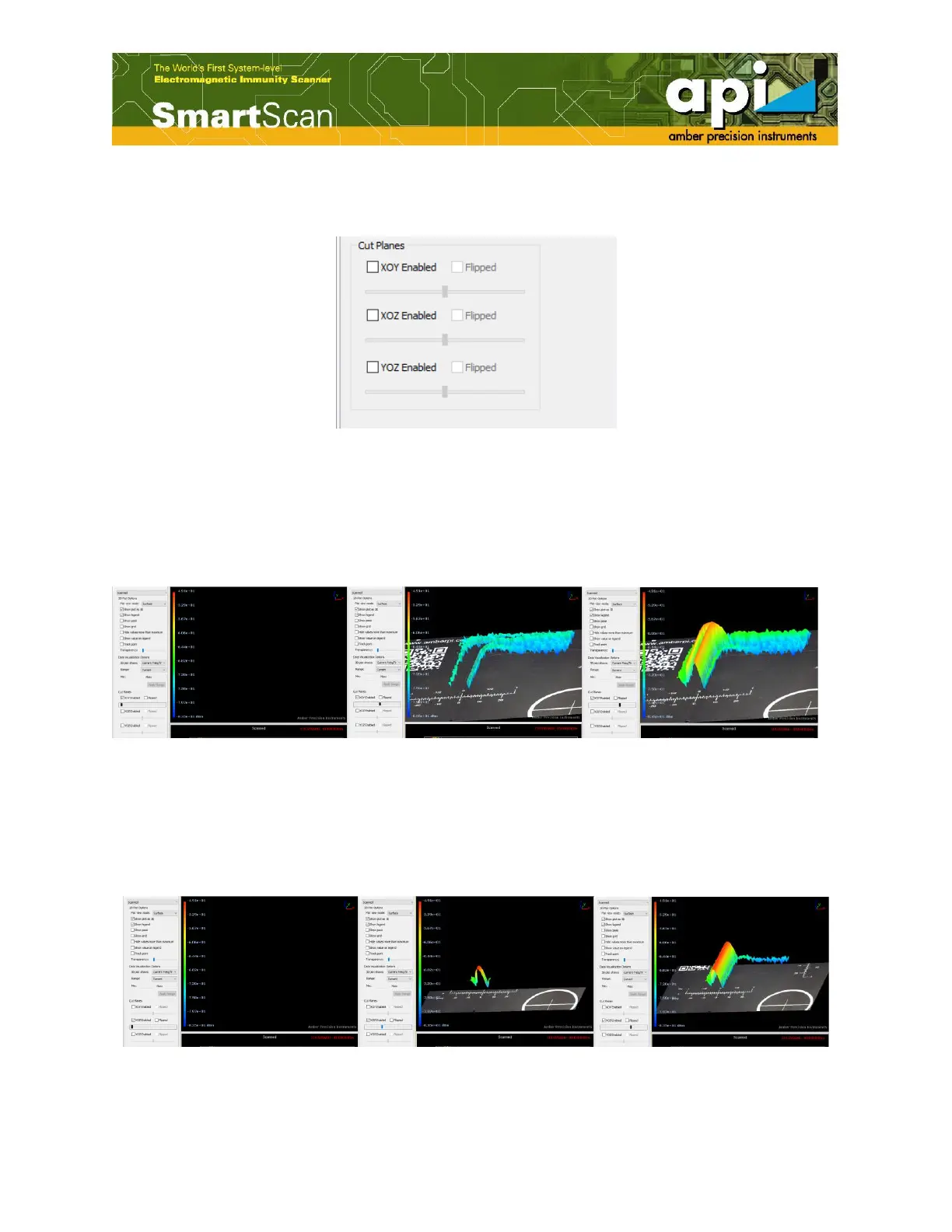
"Cut planes" function allows the user to check the scan result plane partially and gradually.Three
options are available for cutting plane.
Figure 97: Cut planes option.
XOY
When XOY is enabled, as the scroll bar moves from left to right, the data plot appears from the
bottom to top in Z direction. Check "Flipped" to reverse the data plot appear direction.
Figure 98: XOY cut plane option.
XOZ
When XOZ is enabled, as the scroll bar moves from left to right, the data plot appears from front
to back in Y direction. Check "Flipped" to reverse the data plot appear direction.
Figure 99: XOZ cut plane option.



 To Next Page