Safety Instructions 23
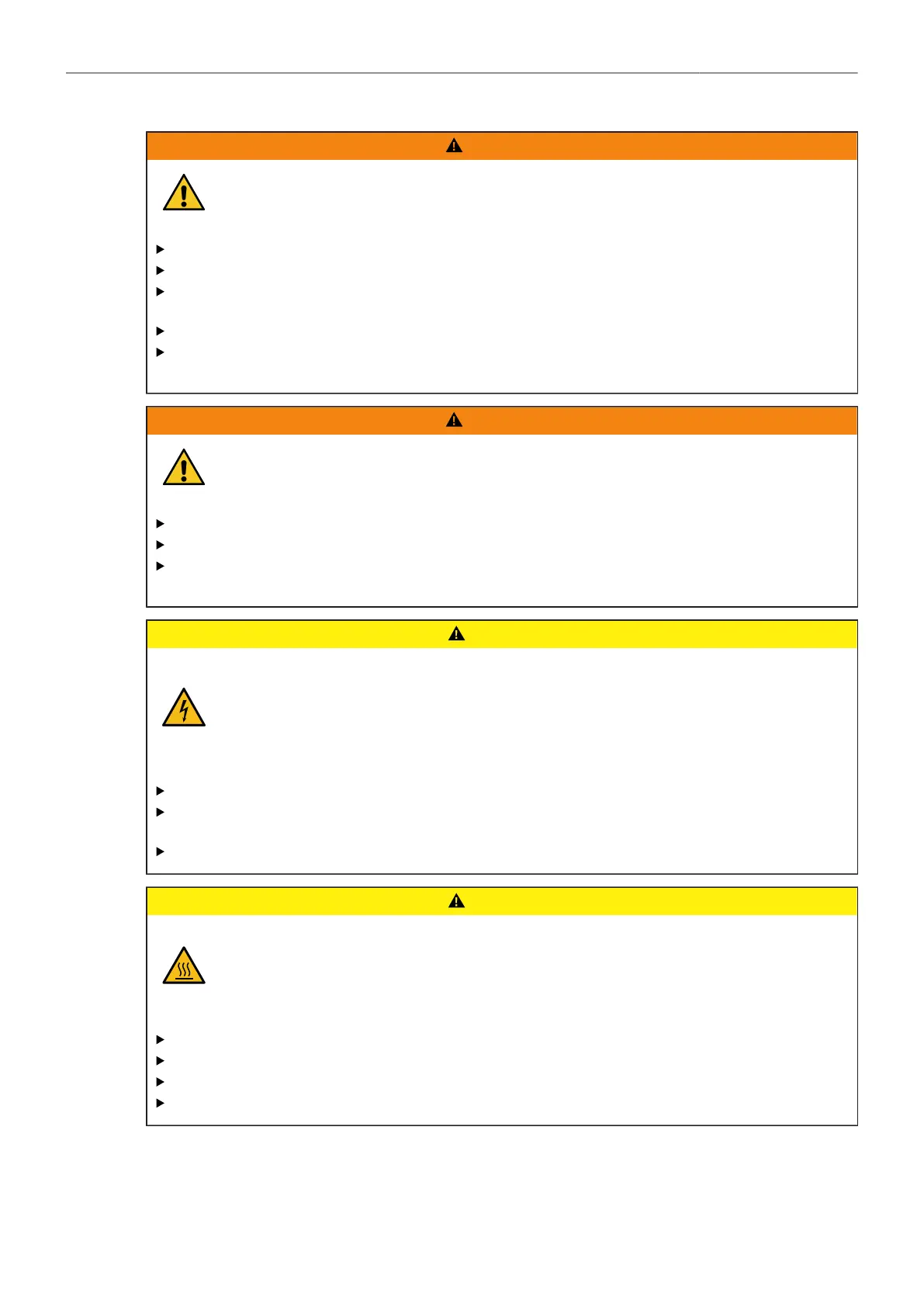
WARNING
Positioning the TRINITY 2 on an inclined or unsafe plane
Risk of injury caused by the TRINITY 2 tipping over.
Observe the accident prevention regulations.
Put the TRINITY 2 on level and stable ground
Do not place the TRINITY 2 on an unstable trolley or hand truck, stand, tripod, bracket, table or
any other unstable support device.
Always place the TRINITY 2 on dedicated support devices.
Use only TRINITY 2 components approved by ARRI. The use of components not approved by
ARRI is at your own risk. Please observe all relevant safety guidelines
WARNING
Overloading the TRINITY 2 by persons or objects
Risk of injury caused by the TRINITY 2 tipping over.
Do not lean on the TRINITY 2.
Do not place or hang any unauthorized objects on the TRINITY 2.
Use only TRINITY 2 components approved by ARRI. The use of components not approved by
ARRI is at your own risk. Please observe all relevant safety guidelines
CAUTION
Using the TRINITY 2 in a humid environment and with condensation
When moving TRINITY 2 from a cool to a warm location or when the TRINITY 2 is used in
a damp environment, condensation may form inside the on internal or external electrical
connections. Operating the electrical components while condensation is present bears risk
of electric shock and/or fire caused by a short circuit.
Never operate the TRINITY 2 when condensation occurs.
After moving the TRINITY 2 from a cool to a warm environment, wait for some time for the
system to warm up.
To reduce the risk of condensation, find a warmer storage location.
CAUTION
Hot surfaces on electrical TRINITY 2 components
During extended operation, high data rates and/or operation at high ambient temperatures,
the electrical TRINITY 2 components surfaces can get hot. Direct sunlight can result in
temperatures above 60° C (140° F).
Never cover, obstruct or block the fan in- or outlets during operation.
Do not place the TRINITY 2 near any heat sources during operation.
At ambient temperatures above 25° C (77° F), protect the ARTEMIS 2 from direct sunlight.
Do not touch heated parts of the TRINITY 2 after a long film shoot in the sunlight.



 To Next Page