10
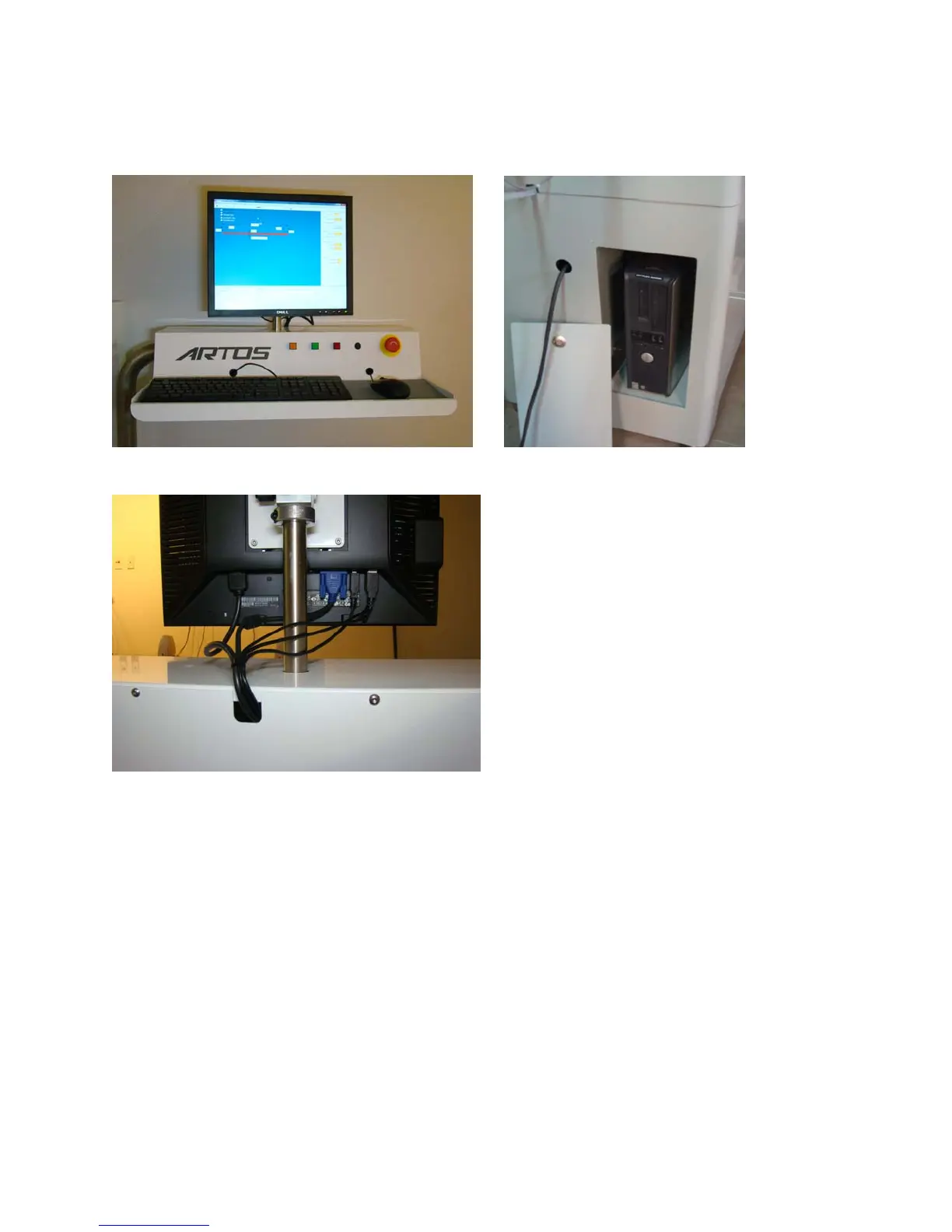
F. The connecting cables are routed through the tube and in along the mounting bracket. The cables are
joined just inside cabinet. See below,
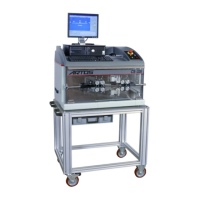
Monitor, Keyboard and Mouse PC compartment
Monitor, mouse, and keyboard cable connections
G. Connect to a 220 50/60/1 electrical supply.
CAUTION: Before connecting the main electrical supply, ensure that the voltage and frequency are
within the specified limits for the nominal values shown on the name plate.
H. Set-up and attach optional equipment in the appropriate locations in relation to the main unit.
I. Connect an air supply of 80 PSI nominal Volume 10 CFM
The CS 327 is ready to start.


 To Next Page