41
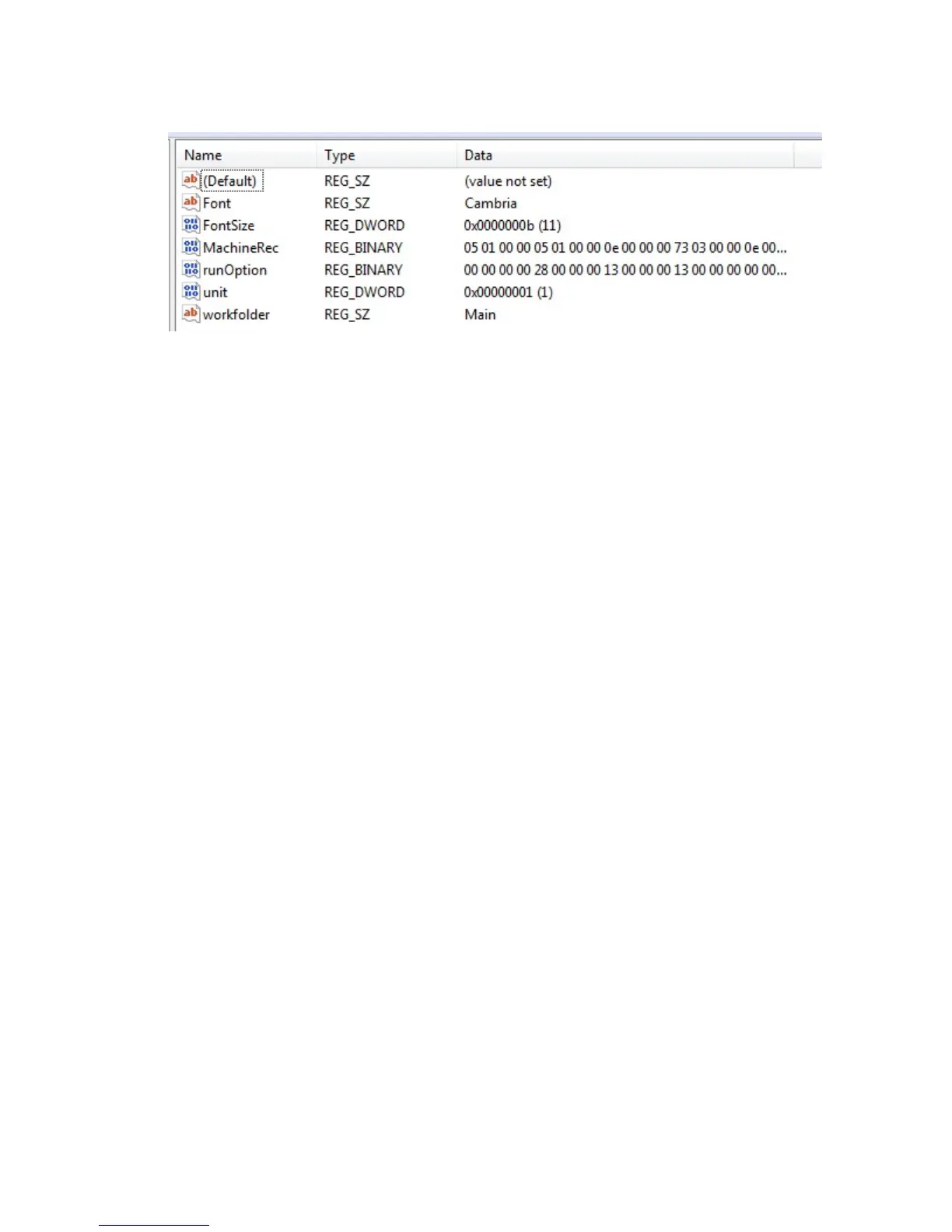
RightclickoverFontanddeletethekey.
RightclickoverFontSizeanddeletethekey.
Maintenance
Machine Settings – This is for the configuration of the machine. See section “CONFIGURATION”.
IO Status – To display the I/O and Servo motor information. Only used for maintenance of the machine.
See section “I/O status”.
IMAJE test – Diagnostics screen for the Imaje printer. See section “IMAJE TEST”
Counters – Displays the number of parts produced, the number of cycle start hours and master start hours
since machine installation. Also 2 counters for cycle start hours and parts produced that the
customer can reset.
Maintenance schedule – Not available
Maintenance task – Not available
Data Organizer – For coping or removing parts and wires. See section “DATA ORGANIZER”
User Administration – For setting passwords and what function each user has access to. See section
“Adding Users And Passwords”
Cell Manager Config – This feature is for a customer specific application.
Cell Mode – This feature is for a customer specific application.
Allow Cell control - This feature is for a customer specific application.
Controller
Connect to Controller – If the computer and Artos machine software was started before the machine
controller, you can click this to establish communications. This is instead of closing the software
and reopening it.
Comm Status – You can click this to determine if the software is communicating with the control. If this
test fails you would have to trouble shoot the serial communications. See service document
“serial communication problems gui.pdf”
IO Status - To display the I/O and Servo motor information. Only used for maintenance of the machine.
See section “I/O status”.



 To Next Page