35
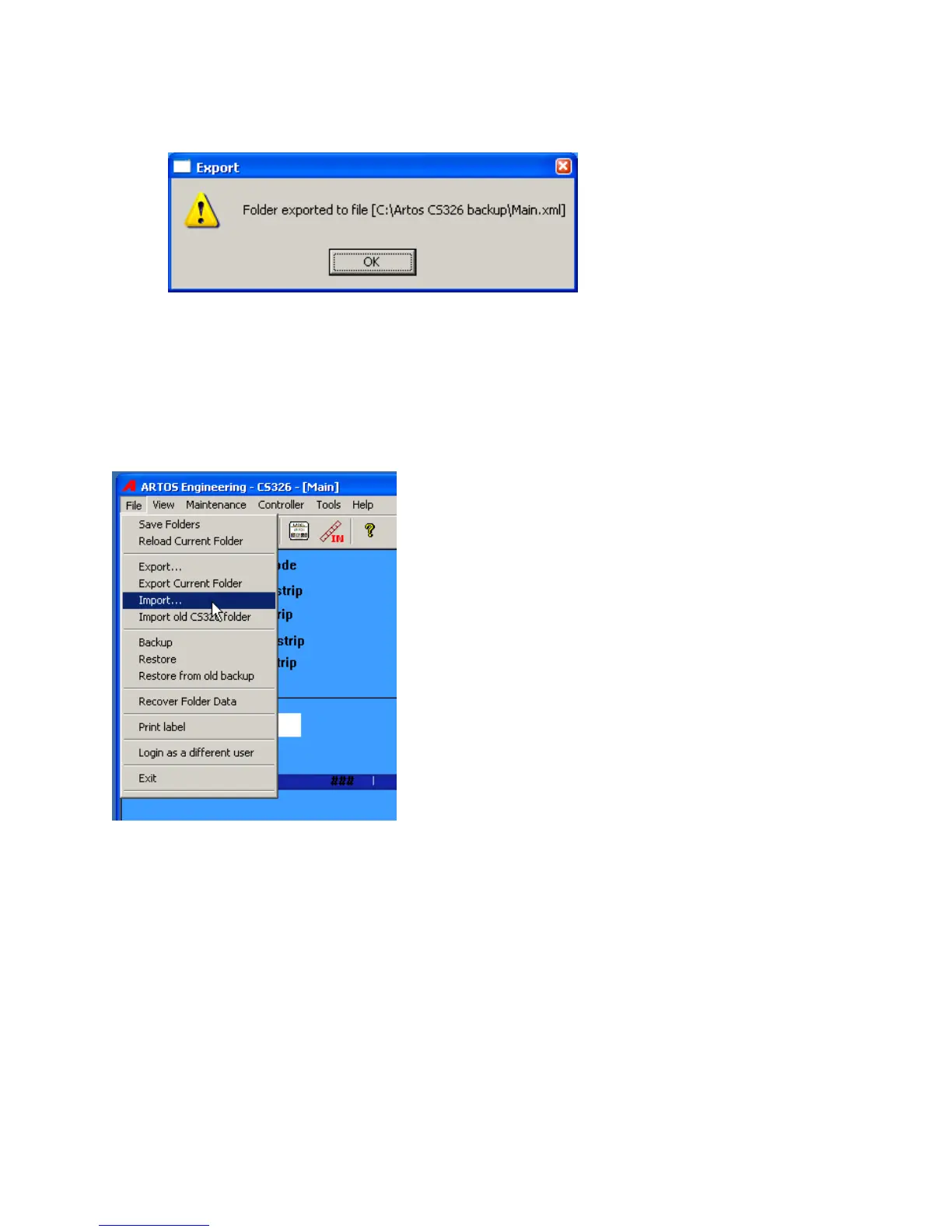
The following window will appear after the data has been saved.
Data Import
The data import function takes a previously saved *.xml file and imports it into the folder that is currently
open. The new data is added to the folder, existing data will not be erased. If the item like a Part already
exists in the folder the new imported data will overwrite this existing Part properties. This is true for any of
the stored items.
From the main menu bar click File – Import.
Select the folder or part you wish to import.



 To Next Page