11
MACHINE POWER UP
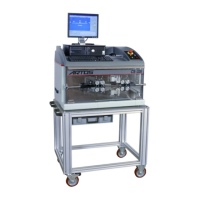
Turn on the main switch on the back of the electrical cabinet. Press the button on the UPS. It will beep
when it is on. The Operator interface (PC) will boot-up and initialize the Windows and ARTOS CS 327
GUI programs.
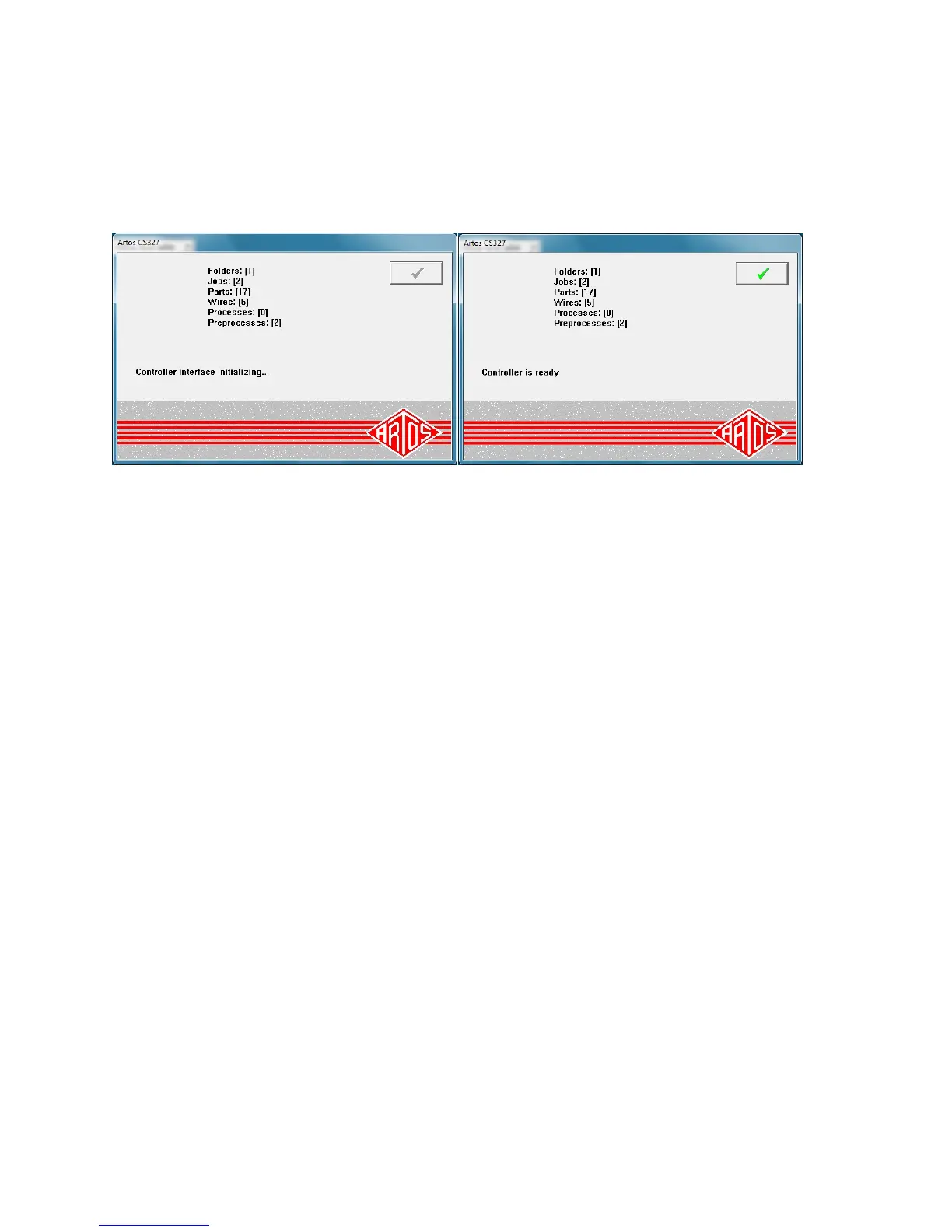
If communications are working these two screens will appear and automatically close.
Close the guard and release the E-Stop button. Pressing the Master Start button will energize the power
system in the machine. Pressing the Cycle Start will initialize the start up sequence (a series of beeps will
start). The Feed system will open and the cutterhead will reference. When the start up reference is
complete, the beeping will stop. Click the check boxes to clear the dialog windows.
Note: When shutting the machine down follow these steps.
Close the CS 327 software
Shut down the computer by clicking start - shutdown.
When the computer is off turn off power to the machine
Press the button on the UPS to turn off the UPS.


 To Next Page