93
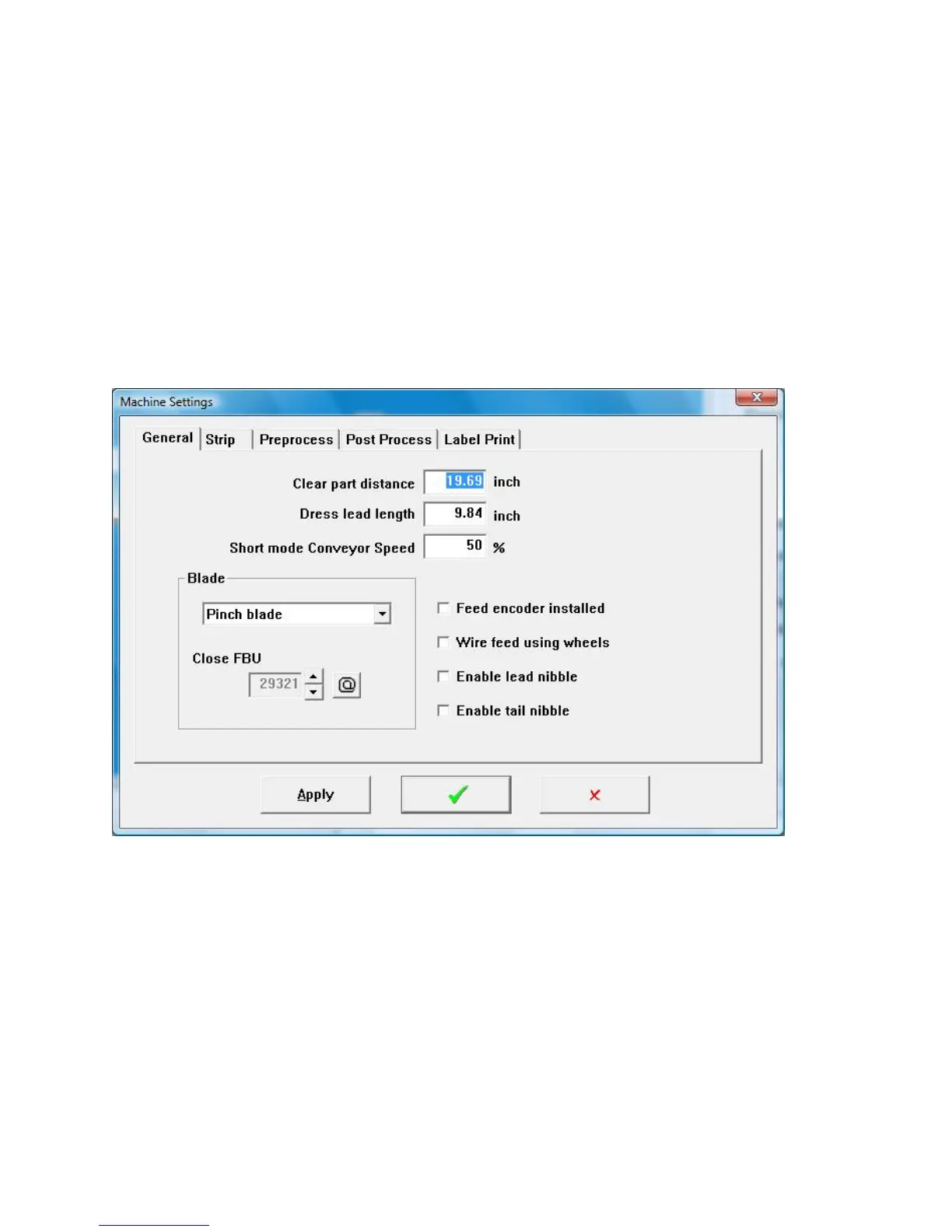
5. While holding the cutter head tight click the @ button located by the Close
FBU number.
6. Click Apply or the green check to save the setting.
Note. The up arrow can be used to increment the setting so the blades do not close
as far. The down arrow can be used to increment the setting so the blades close
more. This feature is only to be used for testing purposes. For standard production
only the @ button should be used.
INSTALLING THE CARBIDE BLADE
Carbide blade assembly 5-143296
Upper guide spacer 144916
Replacement carbide insert 143216
STEP 1 Software setup
Click maintenance then click machine settings.
Select the Blade type to be Double blade



 To Next Page