124
SERVO MOTOR POSTION
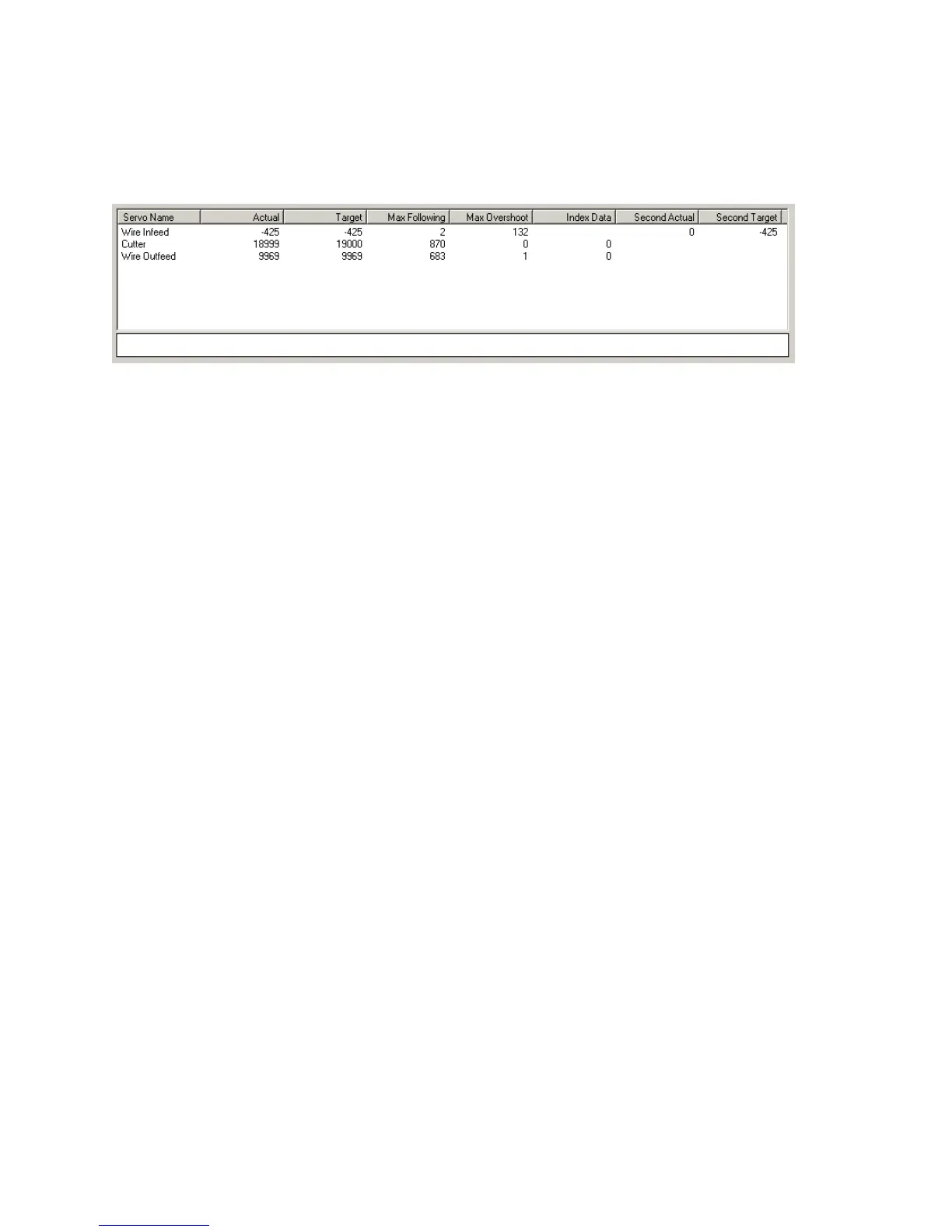
The servomotors are controlled by command and feed back data. This data is displayed in the screen
below.
The Target is the commanded position for the servomotor. Then Actual is the actual position of the
motor. The actual will follow target value until the position desired is reached. Max Following is the
amount of lag in actual to target values. Max Overshoot is the amount actual surpasses target at the
end of the move.
Second Target and Second Actual are the slip and snag detector encoder data
Index Data shows the one revolution marker in the encoder
Forcing the servo motors can be done by putting the speed and distance values in the windows and
click Motor + or Motor -
See page Error! Bookmark not defined. to explain the “Servo Reference Set-up” button function.
IMAJE TEST
When powering up the Imaje 9040 unit you may get an error message that says “Font not found”. This
means the original test message created by Imaje is not using the Artos fonts. To get rid of this error on
power up edit the Imaje test message. Delete everything that is in the Imaje test message and create a
new one using one of the fonts that are now available.
Imaje Diagnostics
This screen is available on software versions 4.39 and above.



 To Next Page