33
Data Export
The data export and data import functions can be used to transfer parts, jobs, wires and process data
between machines or between a desktop computer and the machine.
There are two type of data export
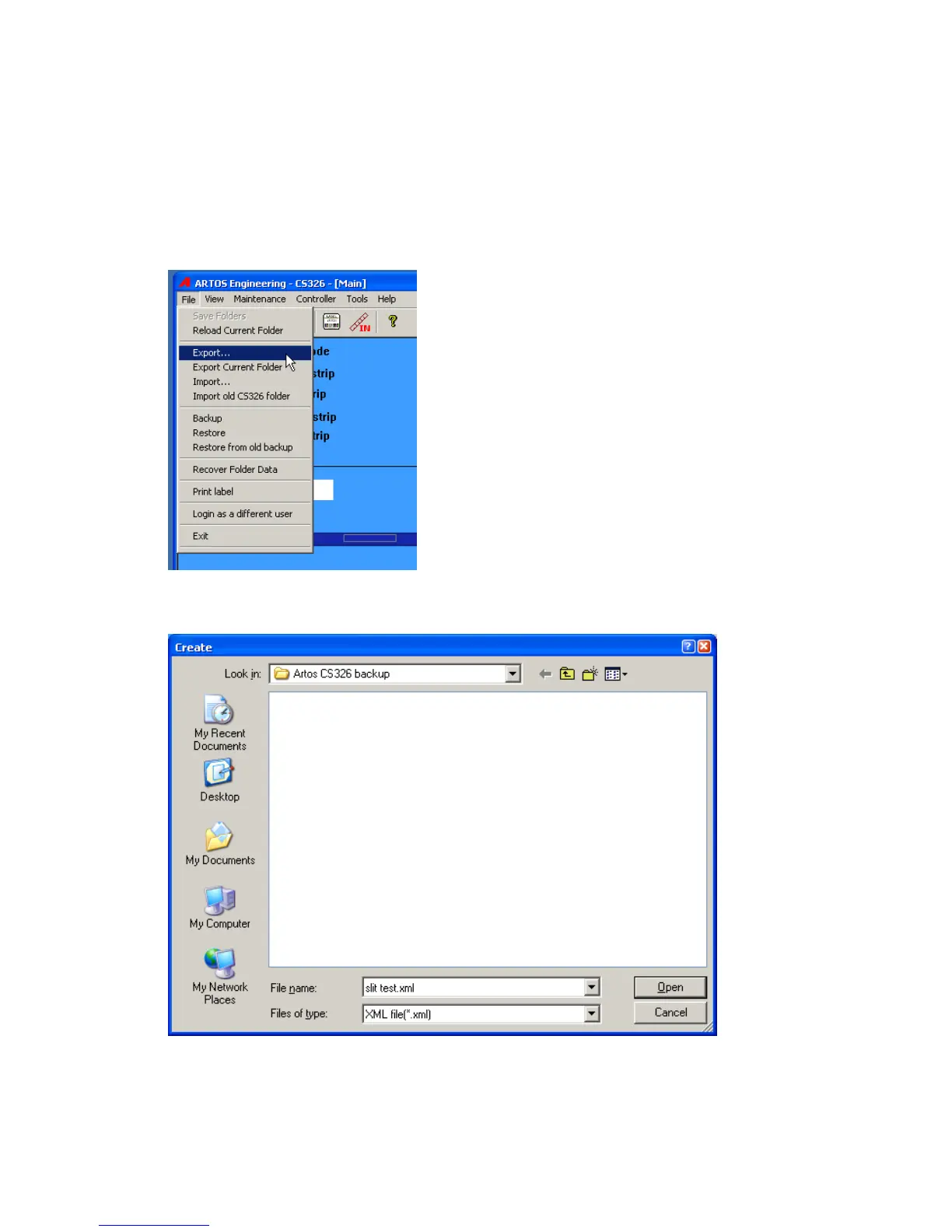
1. Export the current part and job that is on the screen. This export will include the Wire Parameters,
process and pre-process data that is used to make the part. From the main menu bar click File –
Export
Select the location to create the file in. The file name will already be filled in with the current part
name. If you need a name different than this, change it now.
The following window will appear after the data has been saved.



 To Next Page