34
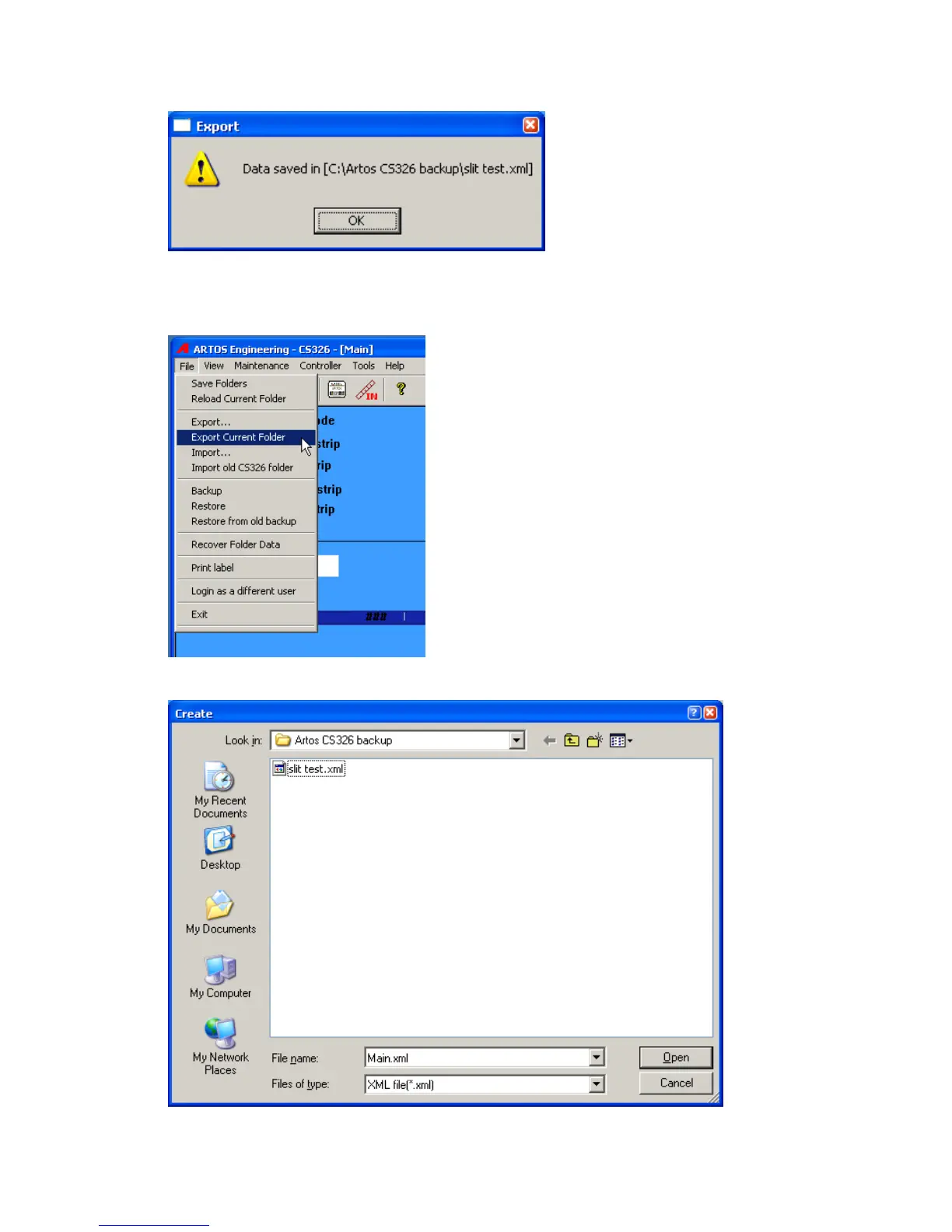
2. Export the all the data that is in the currently selected folder. This will save all the parts, jobs,
wires and processes that are accessible in the currently selected folder. From the main menu
bar click File – Export Current Folder.
Select the location to create the file in. The file name will already be filled in with the current
folder name. If you need a name different than this, change it now.



 To Next Page