44
MATERIAL VALIDATION
When the machine is set for material validation mode, you have to scan the bar code of the wire,
terminals, and applicators before you are allowed to run. It should be noted here that the bar code
scanner should be configured so that it outputs data in USB keyboard format and has a CR suffix. This
means you can scan information into any data field that accepts keyboard entry.
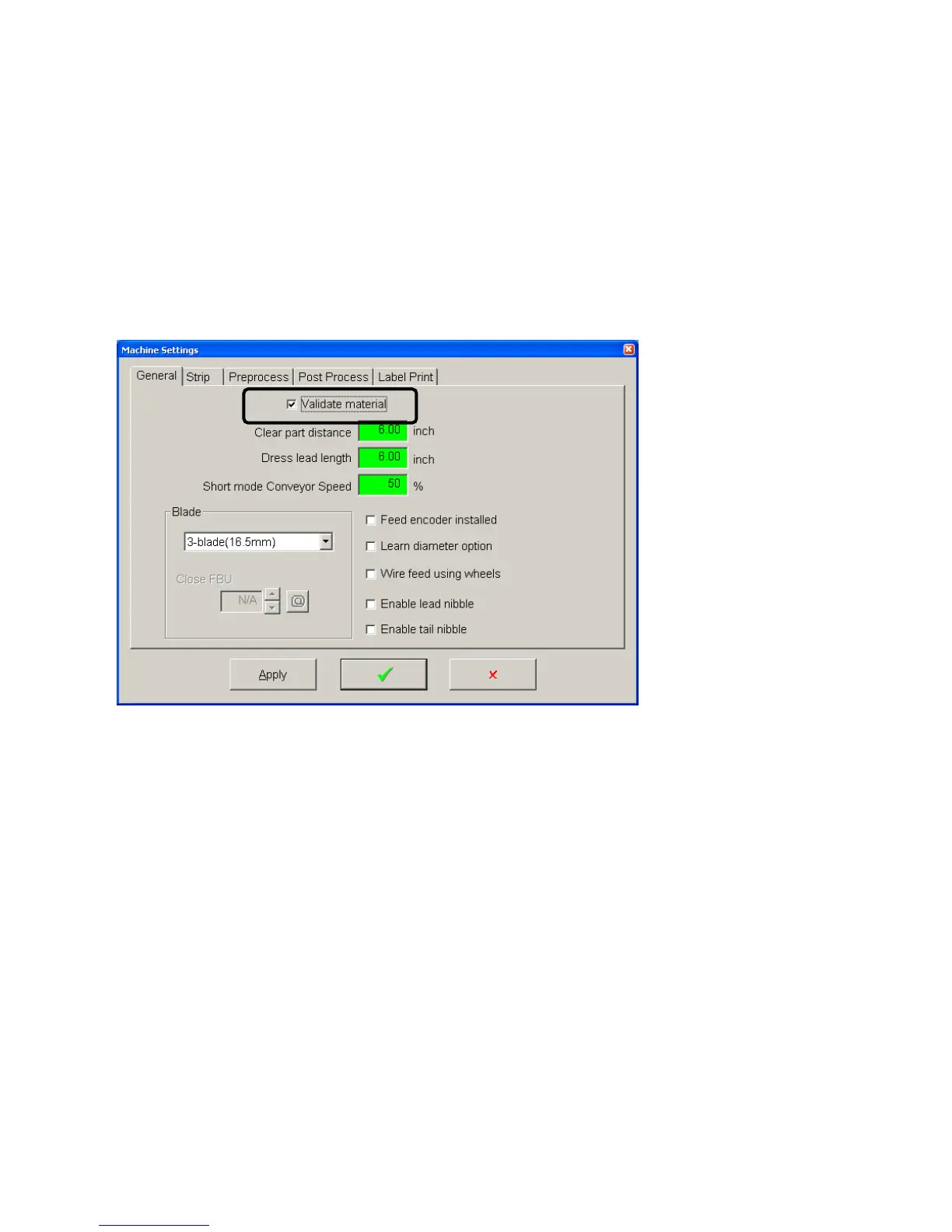
Configuringthemachineformaterialvalidation.
From the menu bar on the main run screen click Maintenance – Machine settings and go to the General
tab. Check the box for Validate material
EnteringbarcodedatafortheWire
Go to the wire properties window of the wire you wish to enter the bar code for. Click in the barcode data
field. Scan the bar code. Click the green check to save and exit



 To Next Page