45
Operationofmaterialvalidation
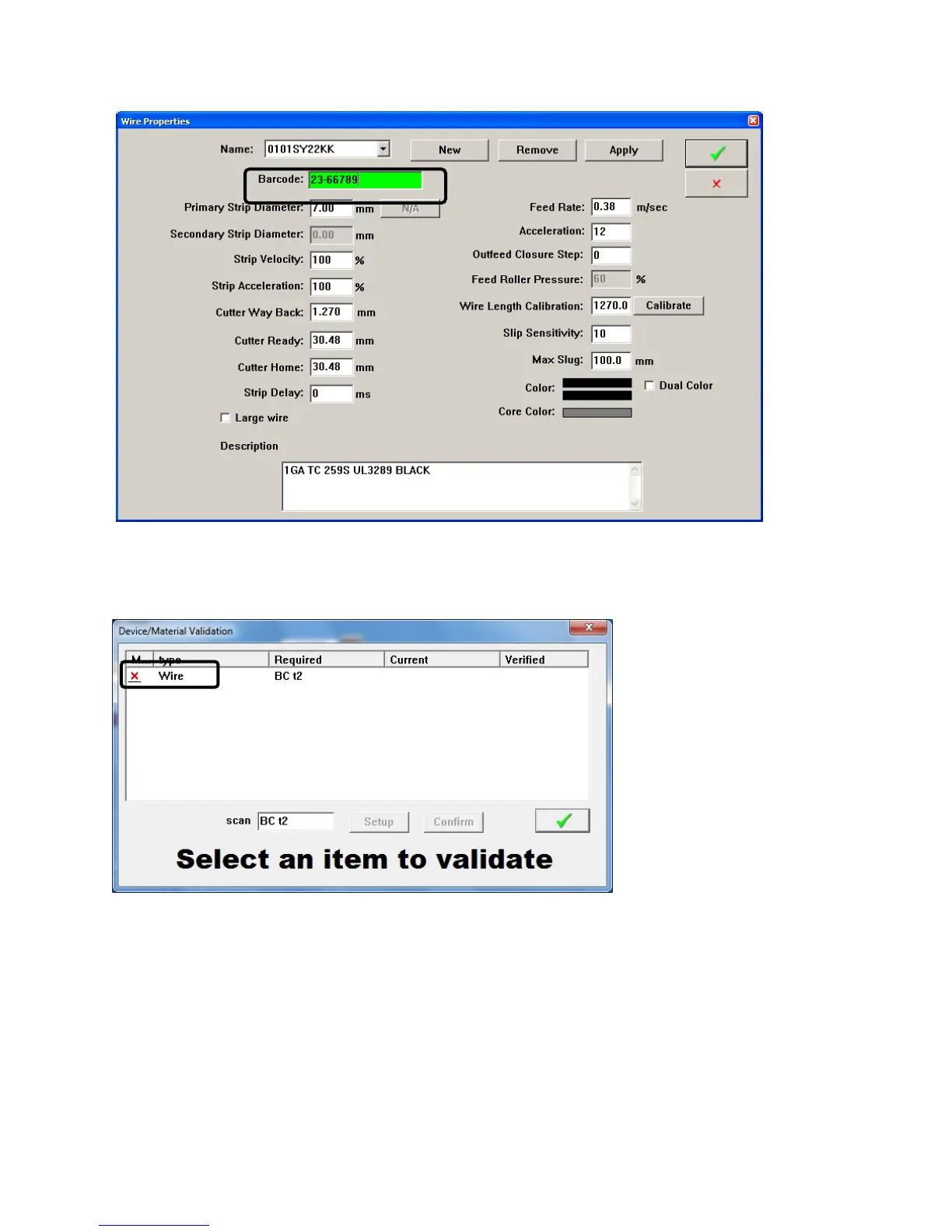
When the machine is configured to use material verification and a part program is called up the following
window will appear.
Scan the barcode of the wire. Then click the name Wire. If the barcode matches what is programmed the
red X will change to a green check. After it is a green check you will be ready to run.
- If the part you are about to run has the same wire as on the last part you ran, then the software
will not ask you to scan the wire again.
- It is possible to enter new bar codes while in this mode. Just select the wire in the list and click
setup.
- You can manually open this screen by clicking the material button on the main run screen.



 To Next Page