54
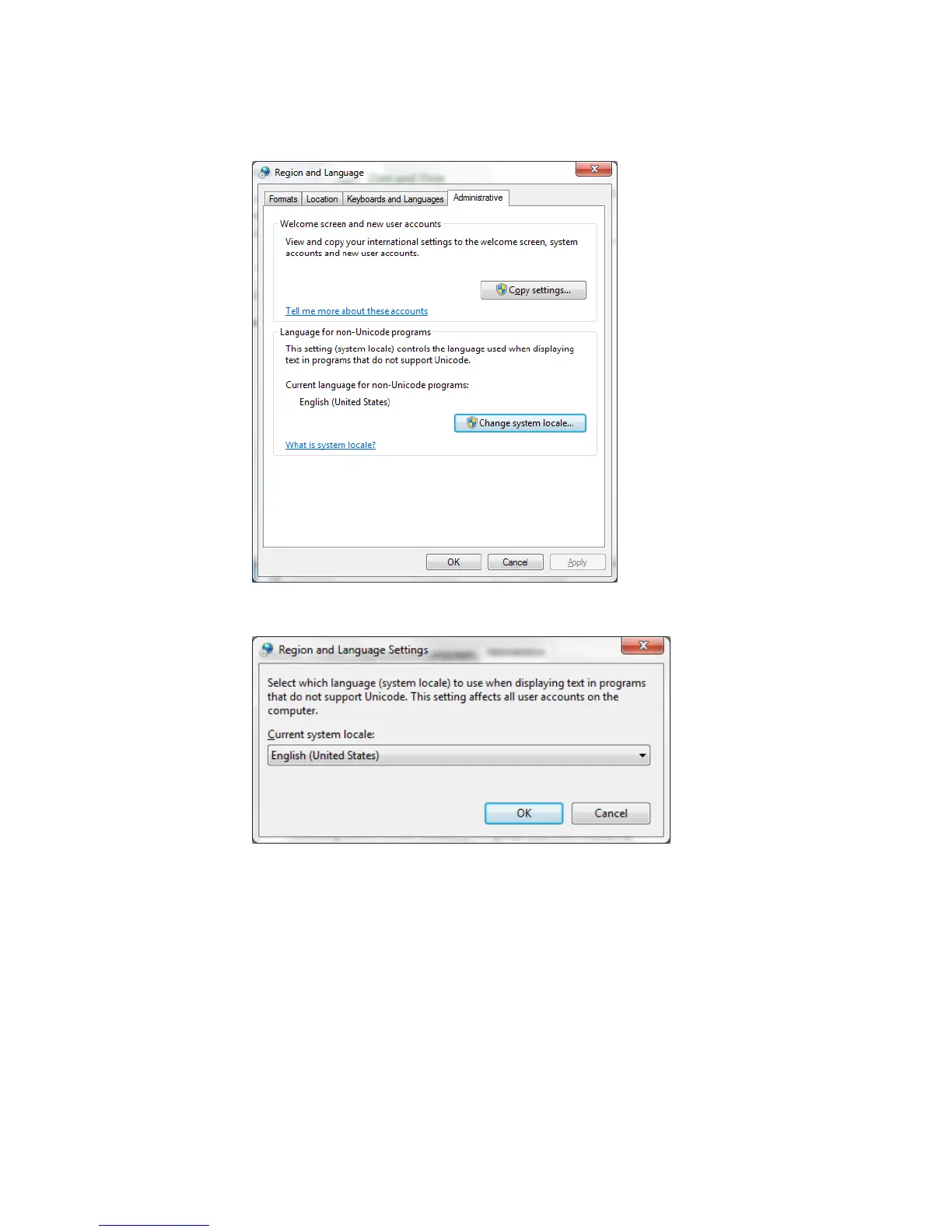
c. Click the Administrative tab. If using Windows XP you can change the
language in this window. If windows 7 continue to the next step.
d. Click the Change system locale… box. Then change the current system locale
to the desired language.
When working in a language other than English it is possible to temporarily display the screens
in English. From the main menu in the CS327 software select View – Display in English. To
change back to the language that the Set Language screen is set for just, select View – Display in
English.


 To Next Page
 Loading...
