78
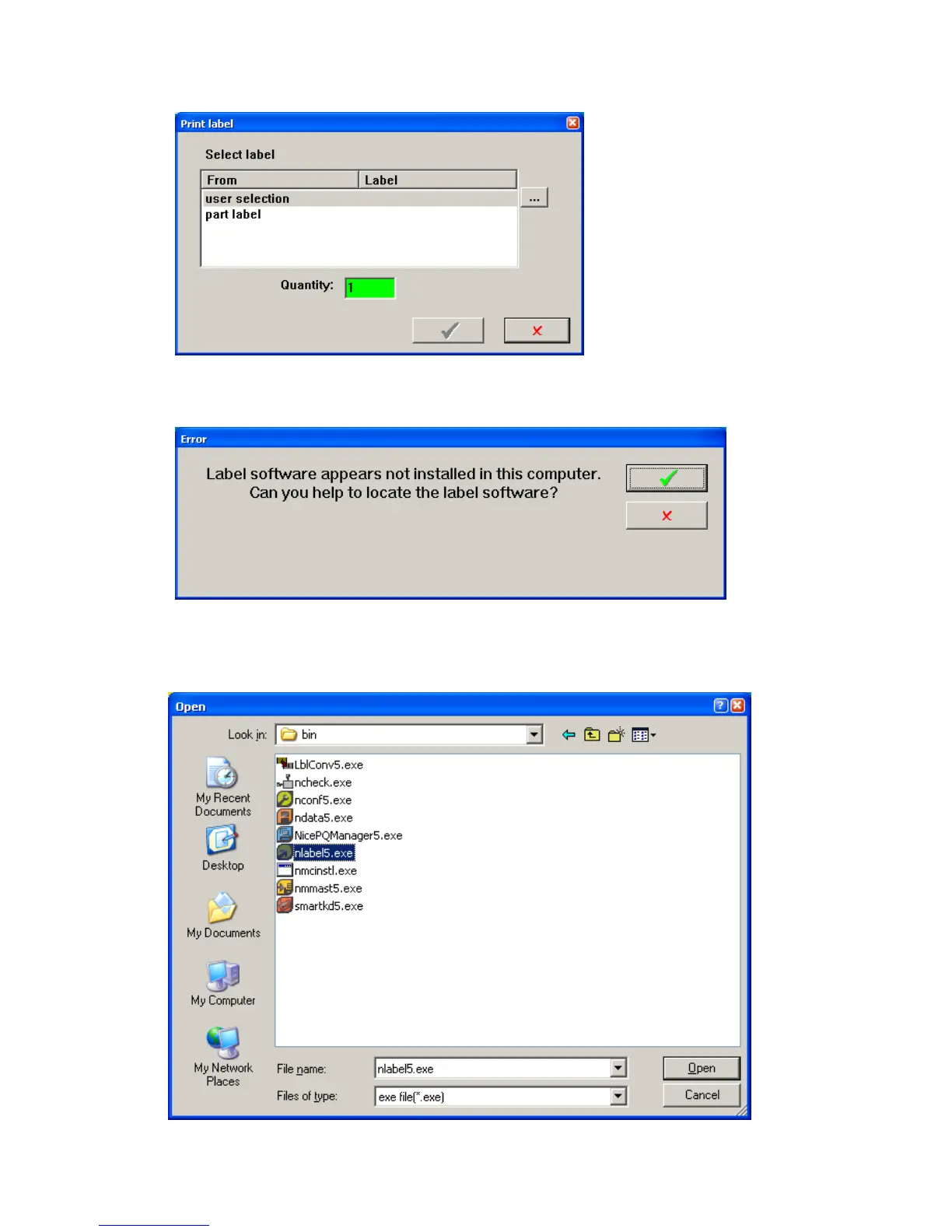
o If an error message comes up that says the Label software appears not installed…. Then click the
green check.
Navigate to C:\Program Files (x86)\ EuroPlus\NiceLabel 5\Bin\nlabel5.exe If the (x86)
directory does not exist then navigate to C:\Program Files\EuroPlus\NiceLabel
5\Bin\nlabel5.exe . Then click open. You may have a newer version of Nicelabel, if so select
the current version number.



 To Next Page