84
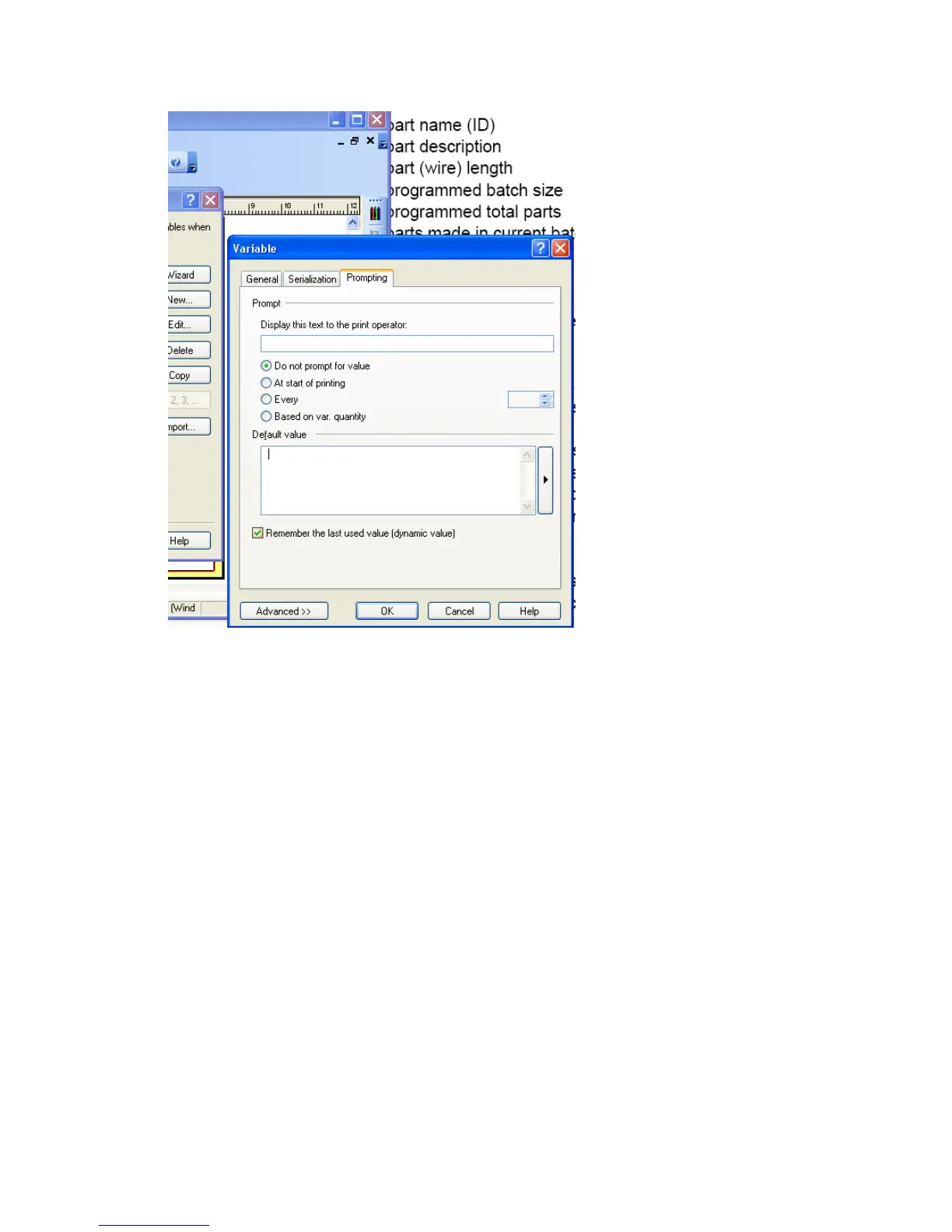
9. Click O.K. to return to the variable list.
10. If you need to add another variable go back to step 2.
11. After you have loaded all the variables you plan to use click ok to close the dialog boxes back to
the Nice Label main window.
12. To place the variable on the label select Text Box – Use Existing Variable – Variable name . Or if
you would like to use Rich Text select Rich Text box– Use Existing Variable – Variable name.
The difference between the two types of text are explained in the Nicelabel help menu.



 To Next Page