FastPak EXP Operating Manual 91
Dispensing Batches
An Ignore All option on the Users window in the
Maintenance application, when checked, allows
users to see the Ignore All Meds button on the
Invalid Medications tab within the Dispense
application. If this option is unchecked, the user will
not have access to the Ignore All Meds button. Refer
to the FastPak EXP System Software Manual for
more details.
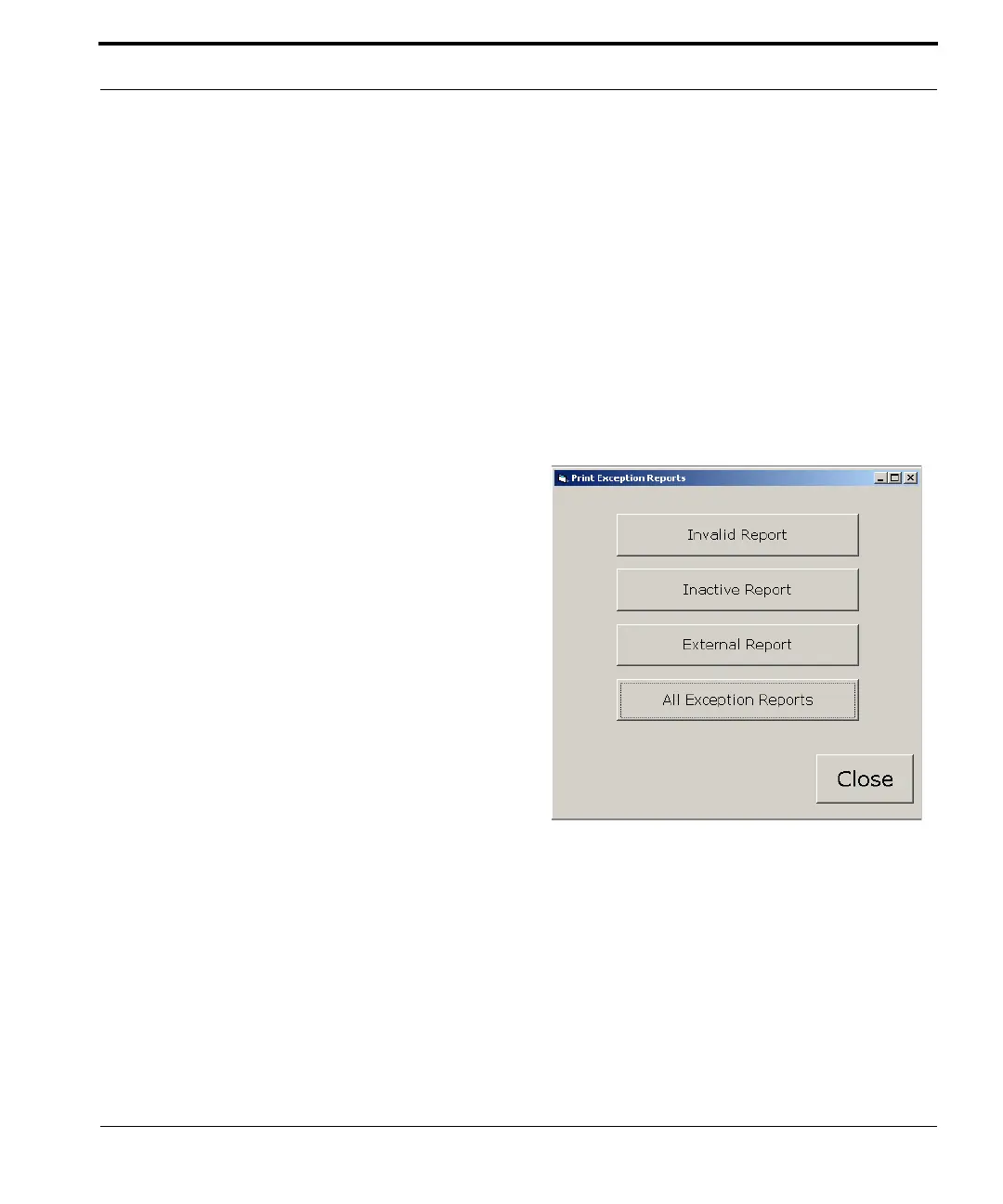
Click Print to print an Invalid Report, Inactive
Report, External Report, or All Exception Report,
and the following window appears.
Figure 7-14 Print Exception Reports window
Note: The reports that print will be the only record of the
invalid or inactive medications that were ignored in the
batch
Click All Exception Reports to
print reports in all the categories.



 To Next Page