Filling the UTC Tray
36 FastPak EXP Operating Manual
3. Press MODE again for two seconds.
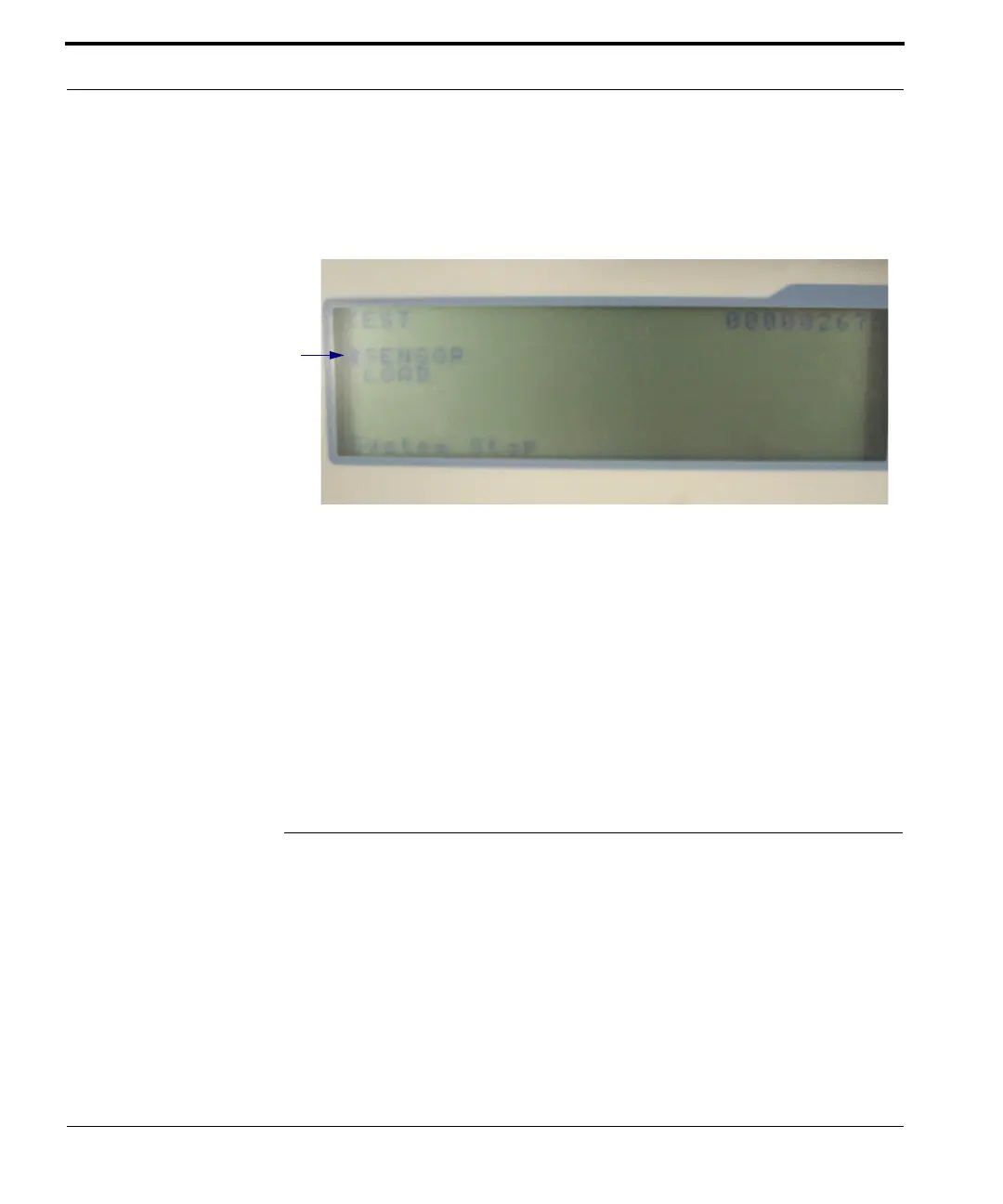
4. The LCD panel displays “TEST. SENSOR.
LOAD.” This is the diagnostic mode window.
Figure 4-4 Diagnostic mode window
5. Use the up and down arrows on the keypad to
move the cursor to LOAD.
6. Select START on the keypad.
7. Use the up and down arrows on the keypad to
move the cursor to UTC Lock Solenoid.
8. Select START on the keypad; the drawer opens.
Filling the UTC Tray
The operator manually fills the UTC tray. When the
Tray Fill List window appears and indicates a UTC
medication is needed to complete a batch, the UTC
drawer opens.
Cursor
Note: Depending on the
firmware version of
your FastPak, the
window shown here
may differ somewhat
from that on your
device.



 To Next Page