Keypad and LCD Panel
12 FastPak EXP Operating Manual
Push the drawer lock in (towards the machine) to
lock all the medication drawers. Unlock the drawers
by pulling the drawer lock out.
Note
Even when the drawer lock has not been engaged, only
one medication drawer may be open at a time. You
must first close an open drawer to permit opening of
another drawer.
Keypad and LCD Panel
The keypad and LCD panel are located on the front
of the FastPak EXP, as shown in Figure
1-1.
The LCD panel is capable of displaying 8 lines of
text, with 30 characters per line. Typical messages on
the LCD include machine status and machine errors
or alarms.
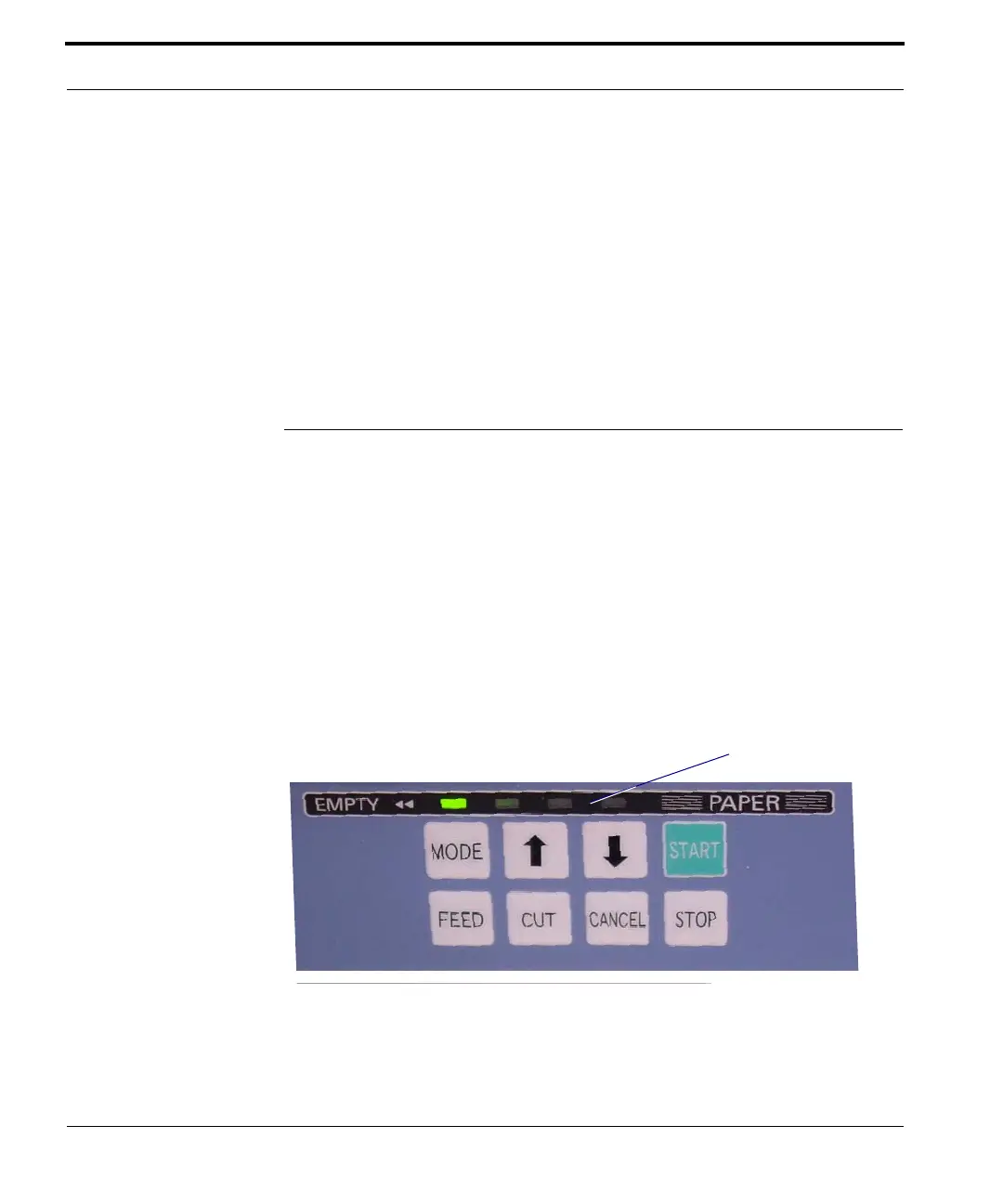
The keypad, pictured below, is located to the right of
the LCD panel.
Figure 1-10 Keypad



 To Next Page