FastPak EXP Operating Manual 97
Cabinet Replenishment
Loading a Saved Batch
Click Batch Management. Scroll through the list of
saved batches. Click on the batch you want to
dispense. Click Load. The batch moves to the Main
window.
Note:
You cannot load a saved batch if the batch is currently
active.
Deleting a Saved Batch
Click Batch Management to view a list of saved
batches. Click the batch you want to delete. Click
Delete.
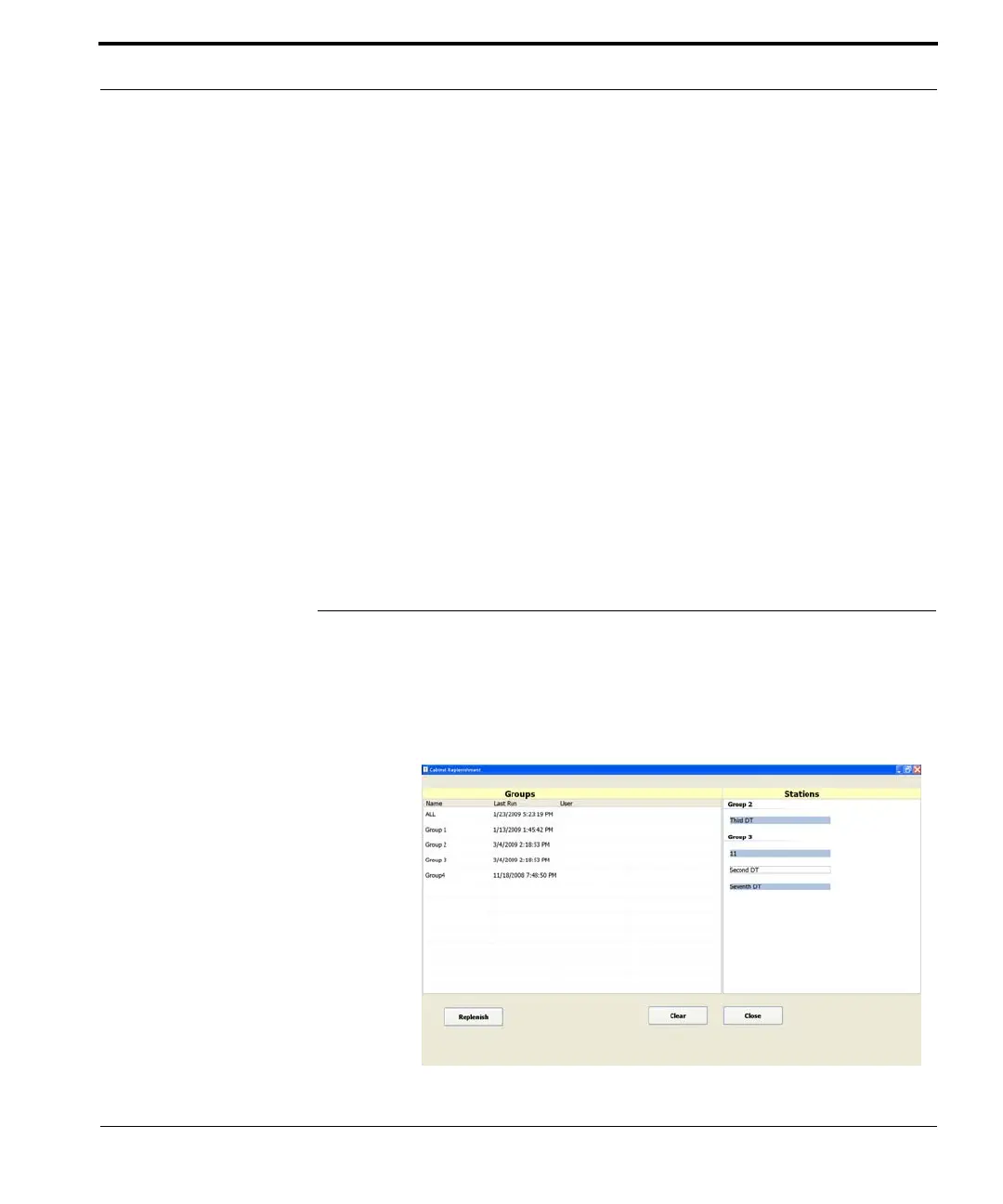
Cabinet Replenishment
Click Cabinet Replenishment (on the Main window
shown in Figure
7-1) to view the Cabinet
Replenishment window.
This window applies to a Med-
Select cabinet, and may differ
from that shown with your
setup.



 To Next Page