FastPak EXP Operating Manual 99
Skip Med Report
The machine will remain locked until a user clicks
Unlock Device, then logs on to access the FastPak
EXP medication drawers.
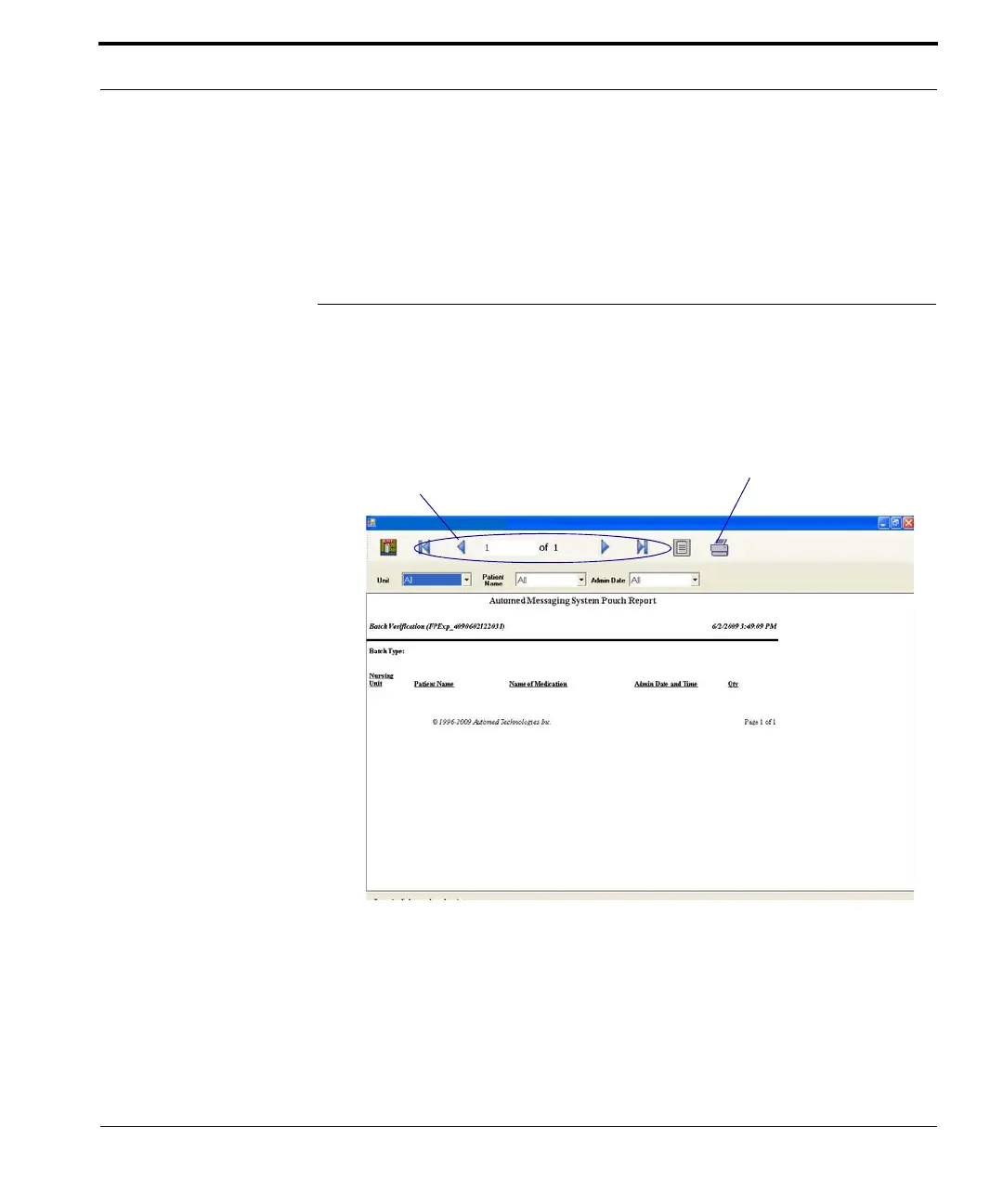
Skip Med Report
Click Skip Med Report (on the Main window in
Figure
7-1) to view a report of skipped medications,
similar to that shown here.
Figure 7-21 Sample Skip Med report
The report includes the medication name and
quantity, the patient name, and the administration
time. Use this report to monitor skipped medications.
Use these buttons to move
through the pages of the report
Click the printer icon to
print the report



 To Next Page