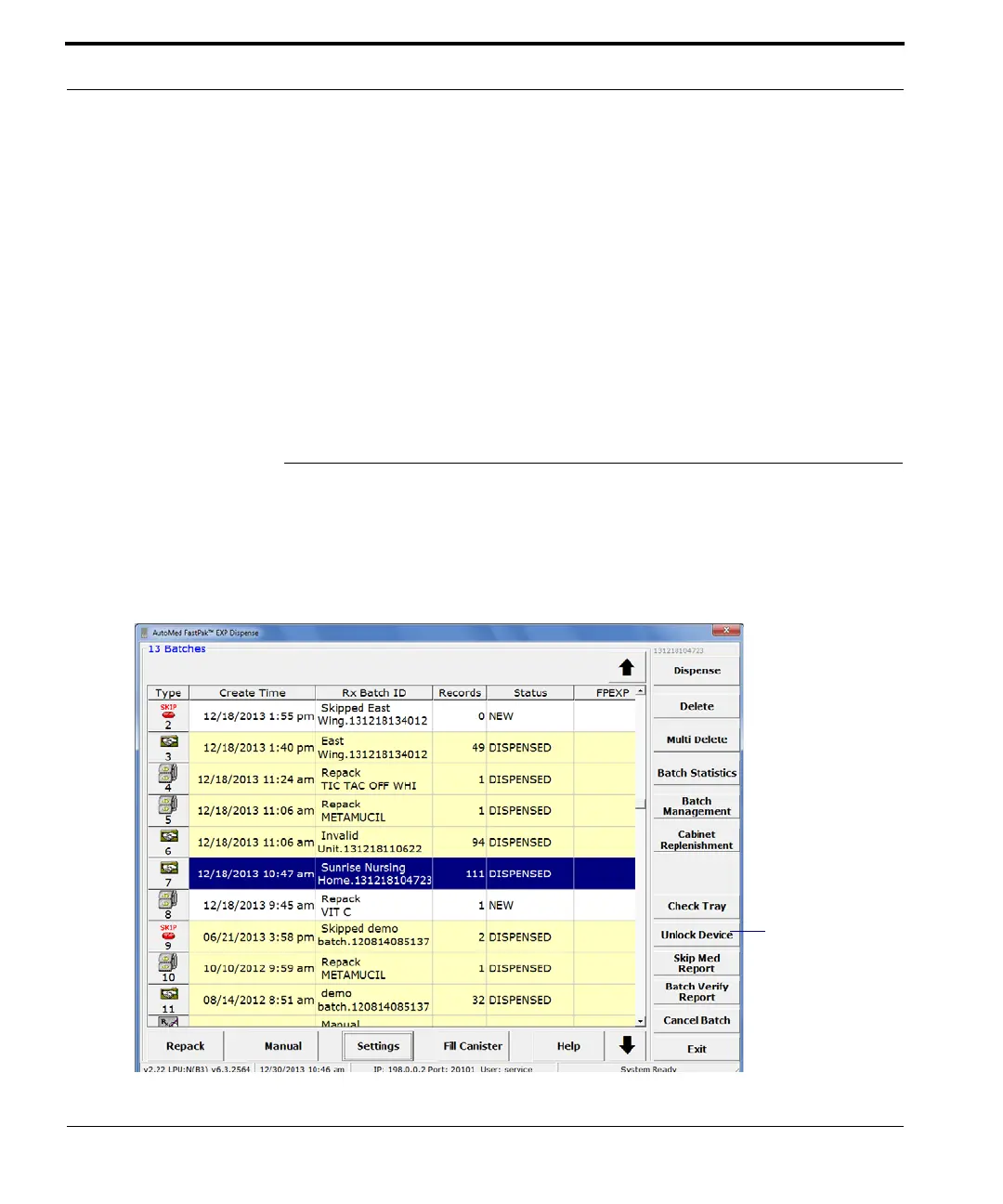
Unlocking the Device
98 FastPak EXP Operating Manual
Cabinet replenishment requires a MedSelect, Pyxis,
or other similar interface to generate a file for the
Autolink application to process and create a batch
which appears on the Dispense window. Note that the
categories of groups and stations originate from
either MedSelect or Pyxis, not ARxIUM. Any
changes in these categories must be requested from
your cabinet vendor.
Follow the screen prompts to replenish your cabinets.
Unlocking the Device
The Unlock Device button only appears on the Main
window (as shown below) when you choose the
Machine Locked option on the Dispense Settings
window.



 To Next Page