Batch Management
96 FastPak EXP Operating Manual
Batch Management
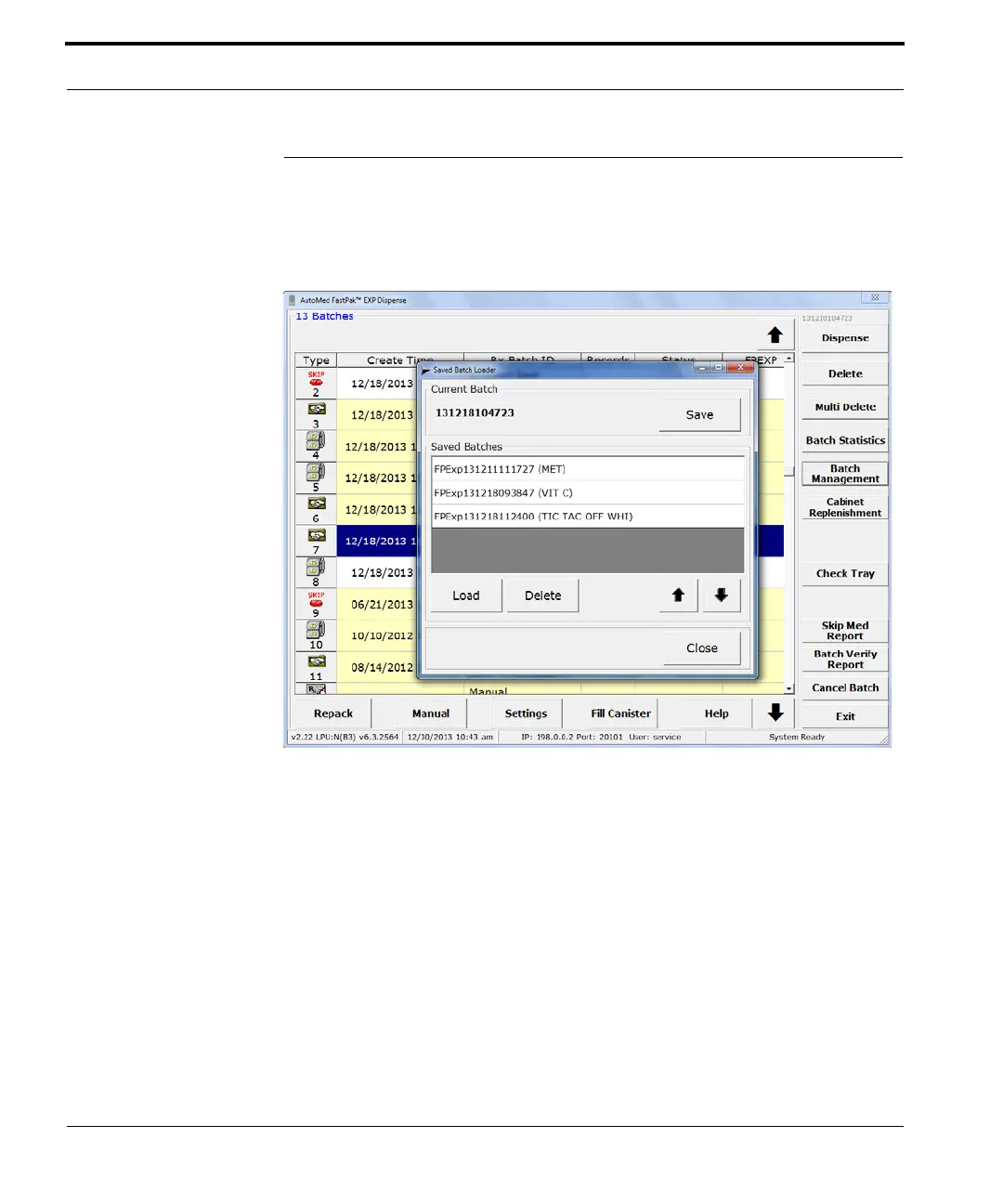
Click Batch Management (on the Main window
shown in Figure
7-1) to view the window shown
here, to save batches, and load saved batches.
Figure 7-20 Batch Management window
Saving a Batch
Click on a batch in the Main window (Figure 7-1),
then click Batch Management. When the Batch
Management window opens, click Save. The batch is
added to the saved batches.



 To Next Page