FastPak EXP Operating Manual 19
Connecting PC Components
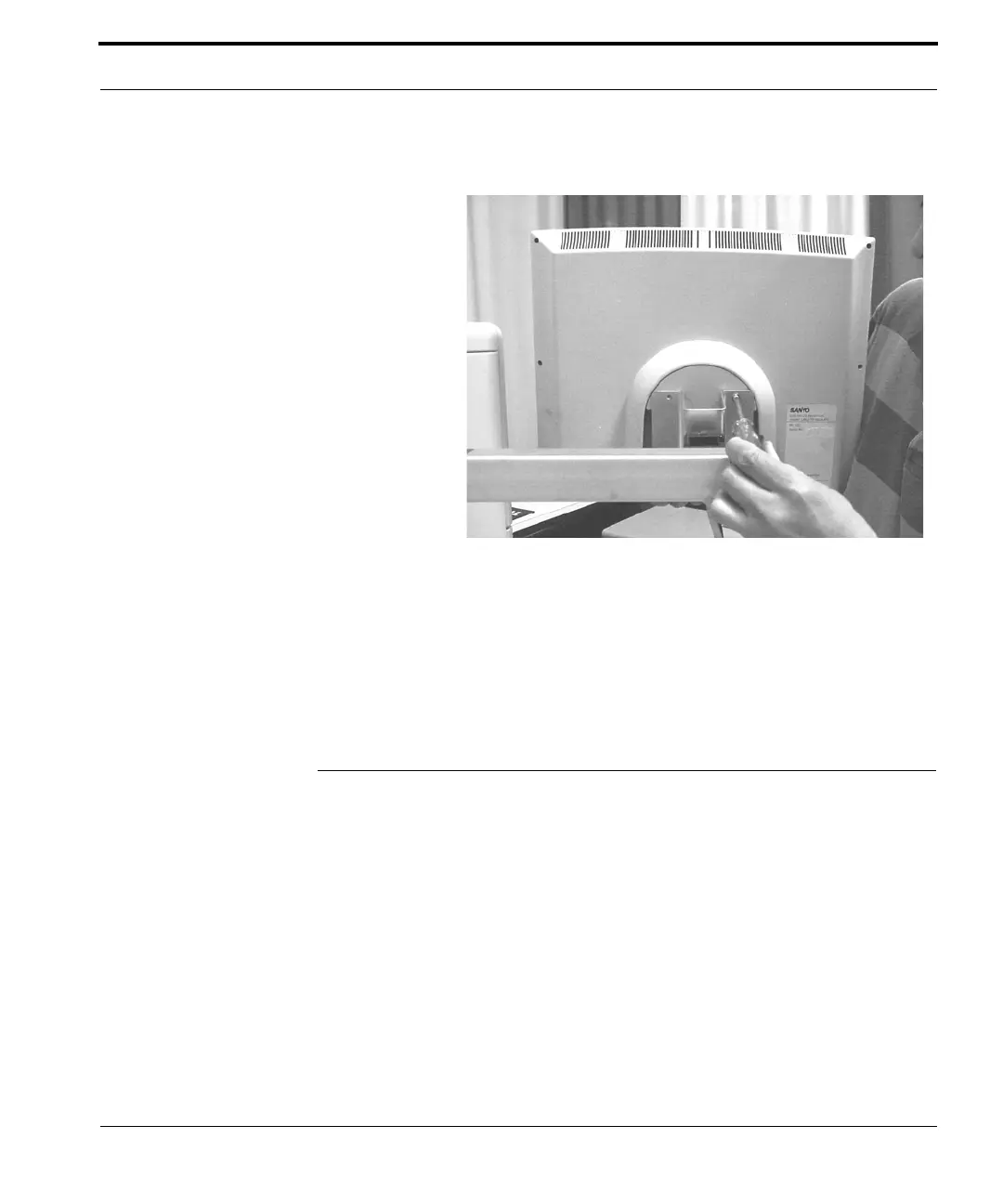
Figure 2-3 Securing the touchscreen to the
support arm
5. Connect the touchscreen to the computer and
power source as detailed in the section below.
Connecting PC Components
Connect the FastPak EXP to the ARxIUM computer
as follows:
1. Connect the 9-pin cable from the touchscreen
into COM 2 of the PC.
2. Connect the 15-pin cable from the touchscreen to
the monitor port on the client PC.
3. Connect the cable from the scanner to the
synapse cable (keyboard wedge), matching the
marked "S" connectors together.



 To Next Page