FastPak EXP Operating Manual 55
Replacing the Printer Ribbon
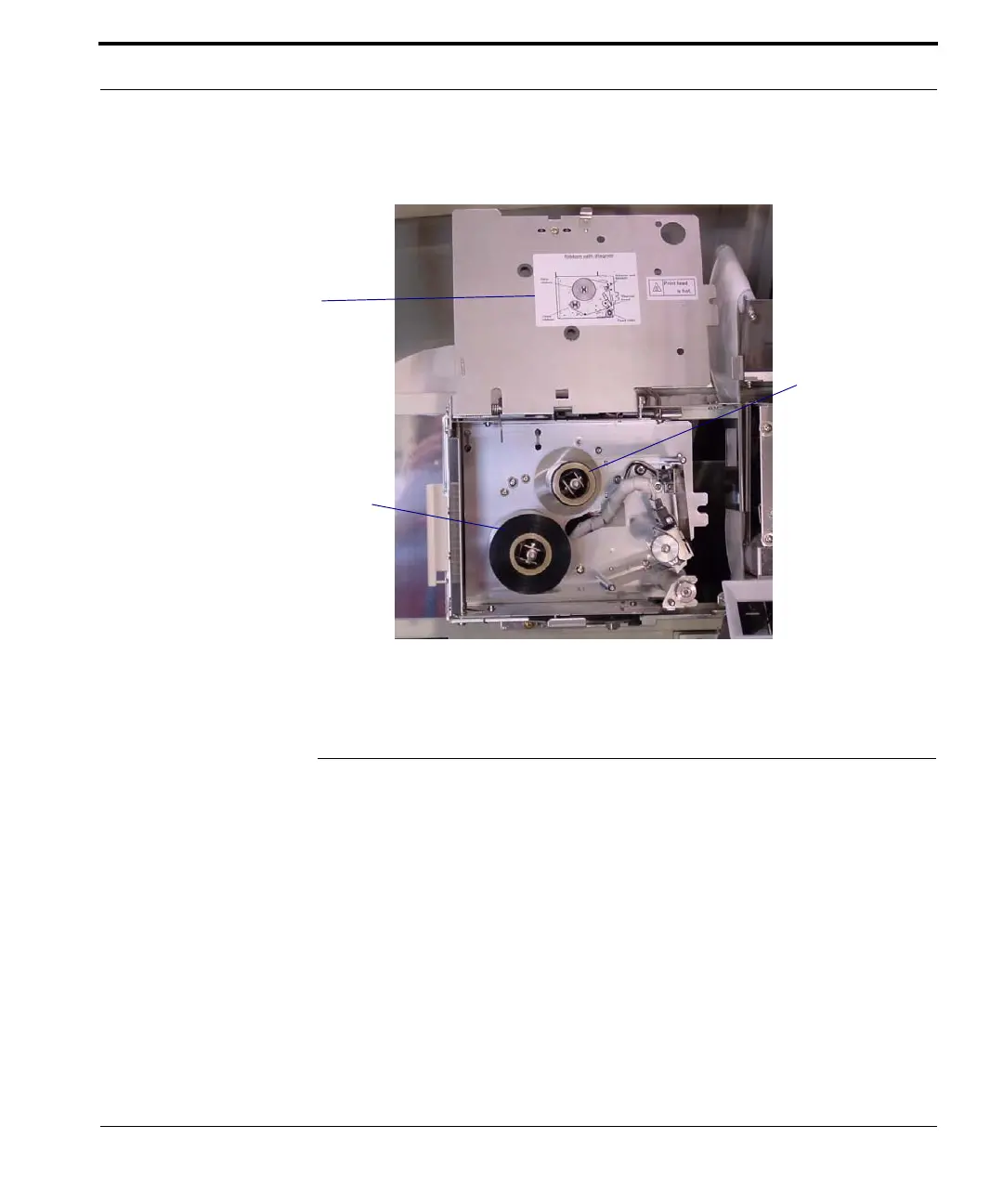
You will see the printer ribbon inside the box.
Figure 6-5 Printer ribbon
Replacing the Printer Ribbon
Follow the steps below to replace the printer ribbon.
1. When the alarm sounds and an error message
announces a printer error, open the front access
doors and pull out the lower assemblies, as
shown in Figure
6-1.
2. Unlatch and open the printer ribbon box, as
shown in Figures
6-3 and 6-4.
Printer ribbon
Ribbon threading
diagram
take-up spool
Ribbon supply
spool (nearly
empty in this
photo)



 To Next Page