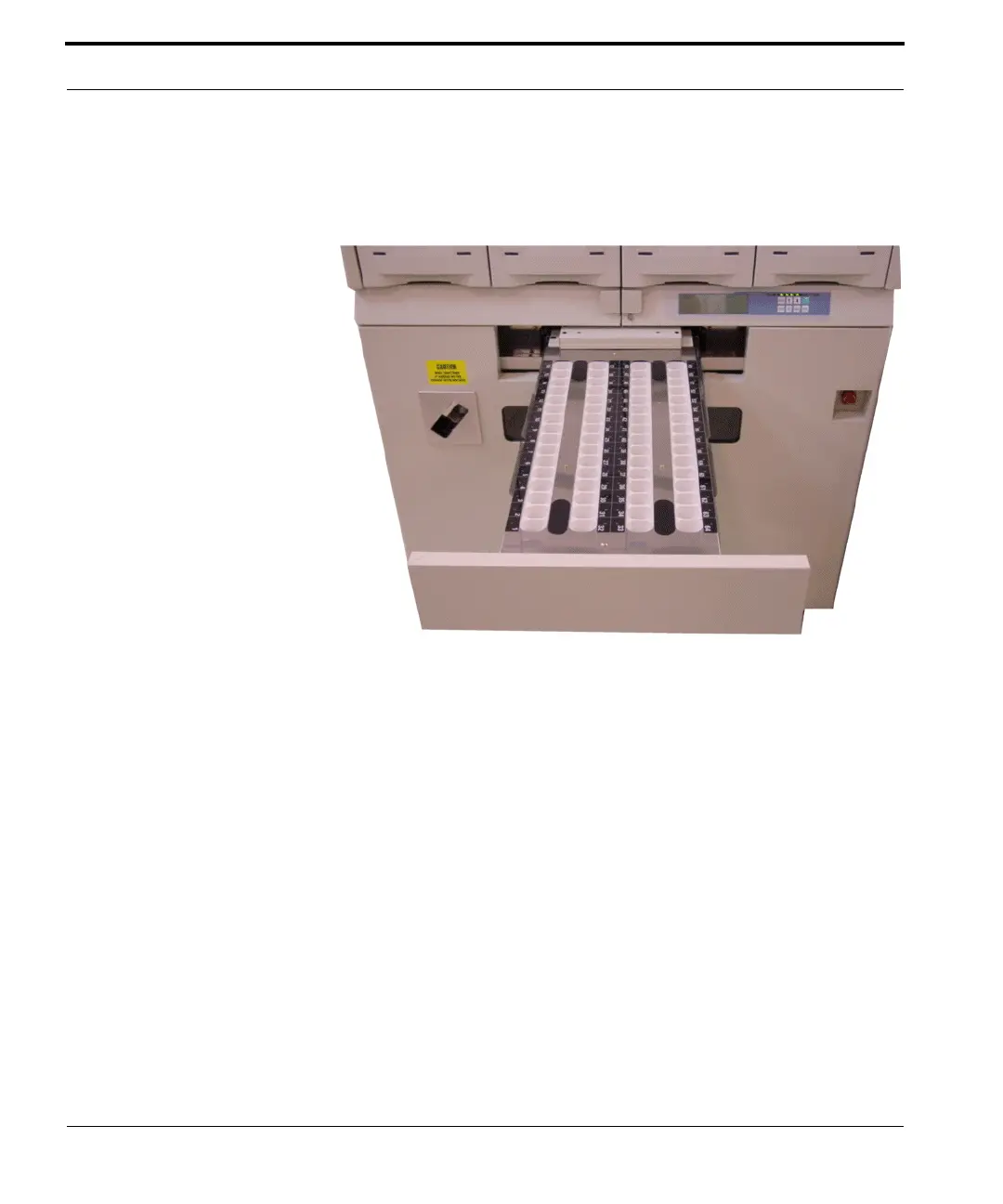
Opening the UTC Drawer
34 FastPak EXP Operating Manual
Select Open Tray from the Tray Fill List window.
The UTC tray slides open. Gently pull it out to its full
extent, as shown in the figure below.
Figure 4-1 UTC drawer
Note
You may also open the UTC drawer via the FastPak
EXP diagnostic mode. Follow the steps below to enter
diagnostic mode.
1. Press MODE for two seconds when the LCD
panel displays “SYSTEM IS WAITING”.



 To Next Page