Replacing the Med-Paper
46 FastPak EXP Operating Manual
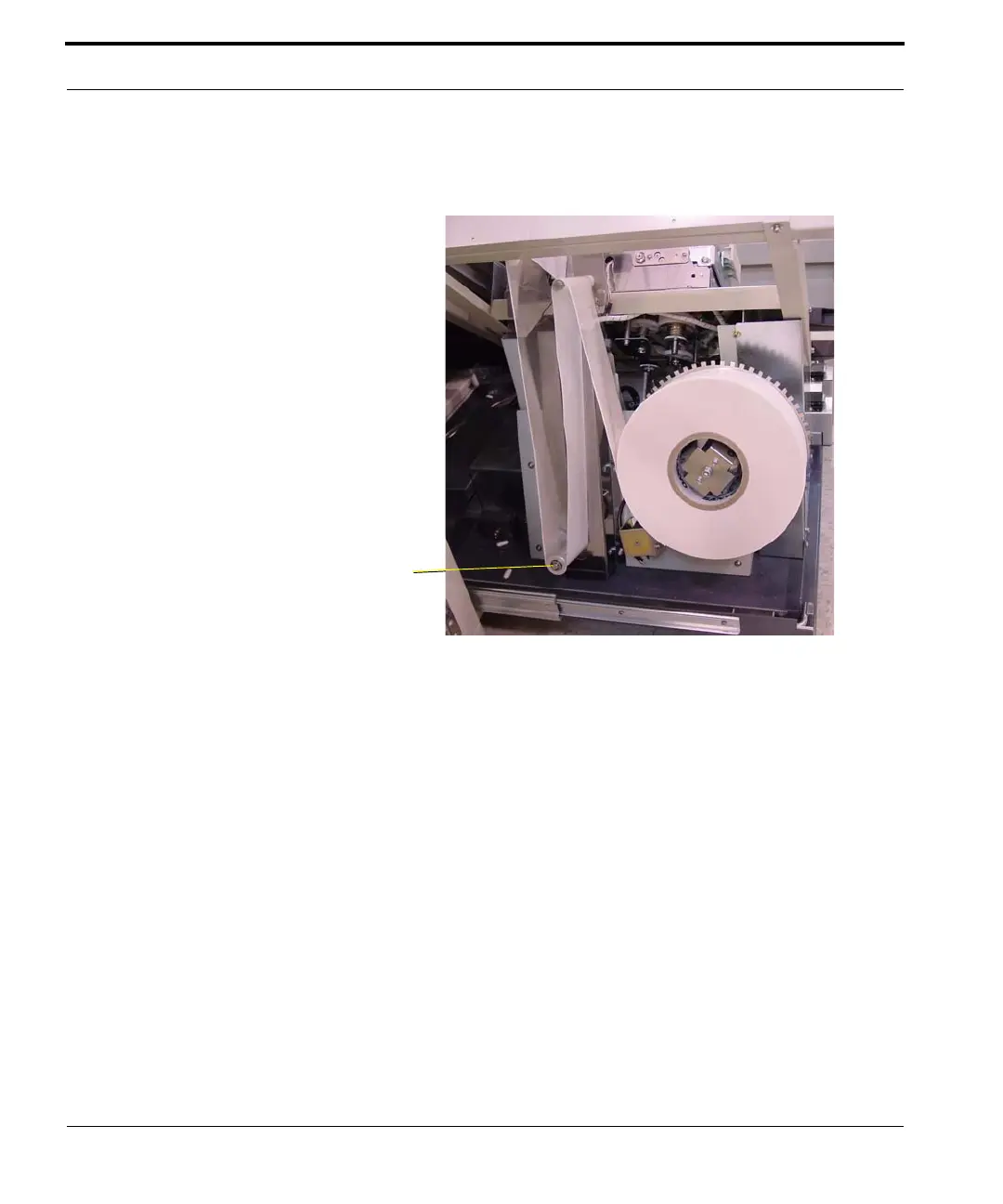
8. Rotate the med-paper supply spool (counter-
clockwise) to reduce the med-paper slack.
Figure 5-5 Med-paper installation complete
9. Push the lower assemblies back into place inside
the lower cabinet.
10. Close the front access doors.
11. Select Continue on the error message window on
the ARxIUM computer.
12. Resume packaging medications, watching for
and removing the spliced pouch.



 To Next Page