Replacing the Printer Ribbon
58 FastPak EXP Operating Manual
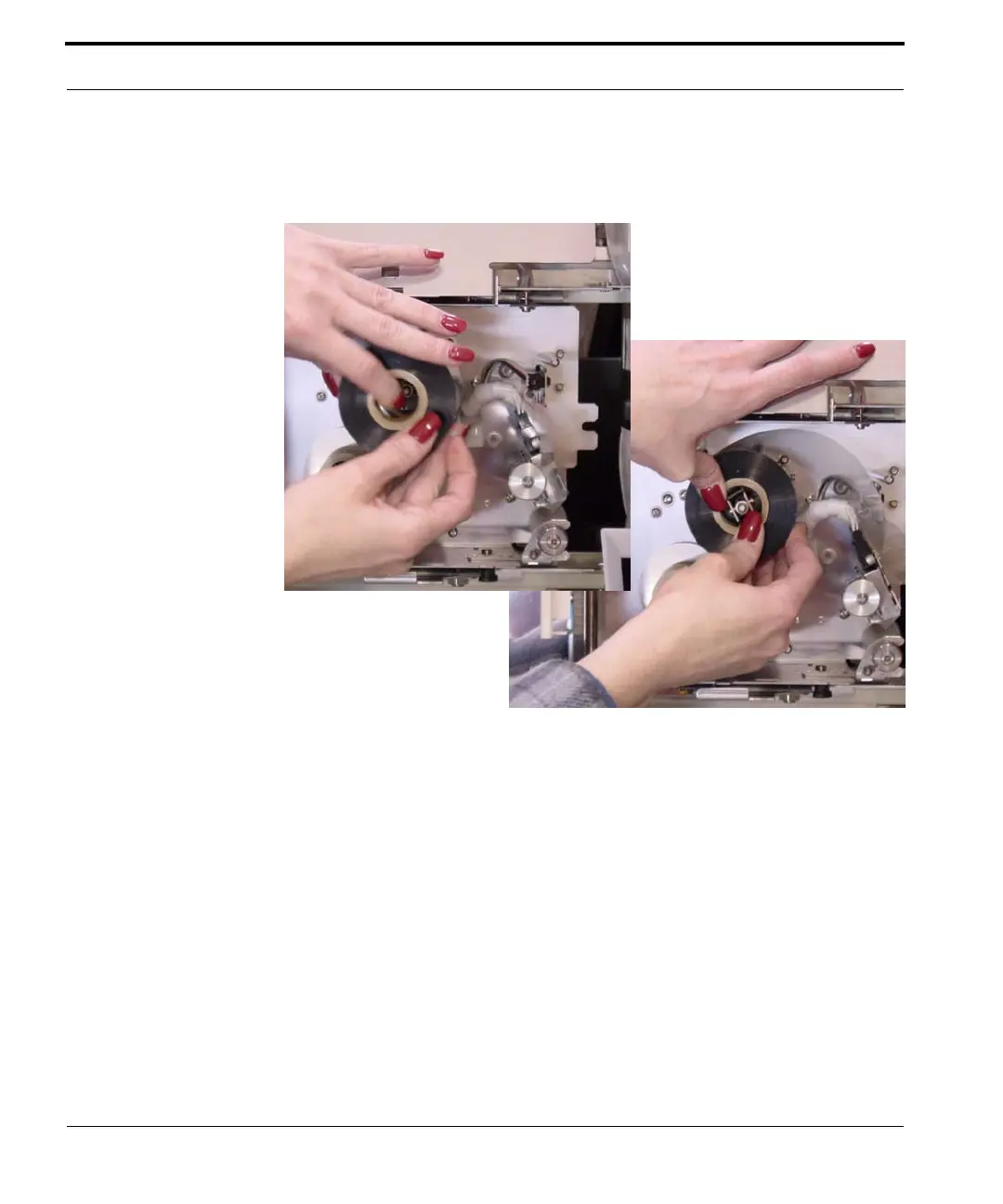
5. Place the new ribbon supply on the spool,
ensuring it rotates in a clockwise direction.
Figure 6-8 Placing the new ribbon onto the
spindle
Note
When replacing the ribbon used for printing on the
narrow pouches, be sure to insert a spacer on the
supply spindle and on the take-up spindle before
placing the new ribbon supply.



 To Next Page