Replacing the Printer Ribbon
60 FastPak EXP Operating Manual
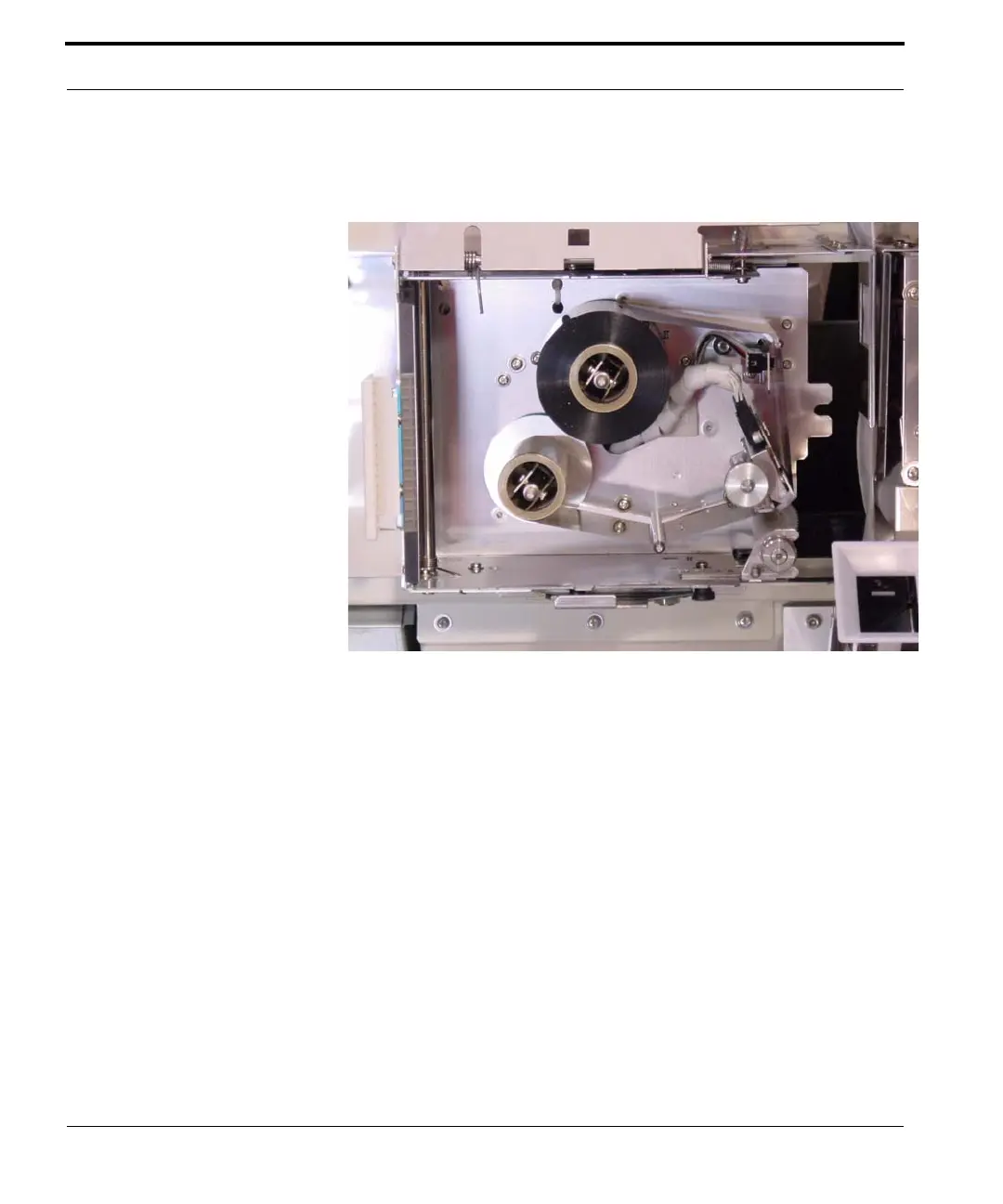
8. Ensure the ribbon is threaded correctly,
comparing your work to the threading diagram.
Figure 6-10 Correct ribbon threading
9. Close the printer ribbon box lid.
10. Return the printer ribbon box to its original
position by pressing on the latch and sliding the
box towards the rear of the machine until it clicks
into place.
11. Slide the printer and paper assembly back inside
the lower cabinet.
12. Close the front access doors.
13. Select Continue on the ARxIUM computer
screen to resume dispensing.



 To Next Page