SECTION 2 INSTALLATION AND PREPARATION FOR USE
______________________________________________________________________
2-4
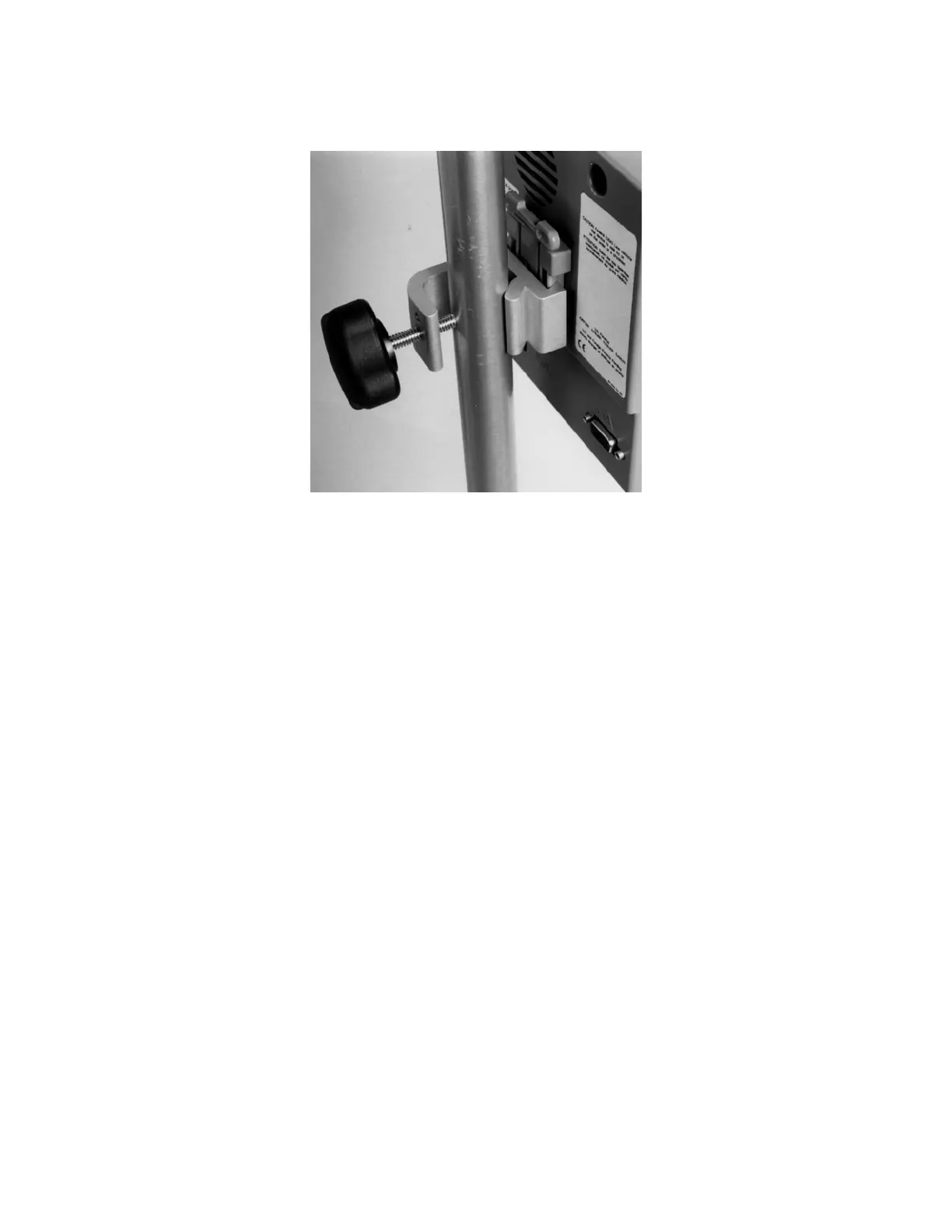
Figure 2 Pole Clamp
To remove the monitor, press tab on top of clamp shoe before sliding monitor up.
The pole clamp may be locked onto the monitor so that the two do not get separated.
To do this:
1. Line up the clamp shoe (on back of monitor) with the slot on pole clamp and slide
monitor down to fit. The bottom of the clamp shoe should be seen well below the
bottom of the pole clamp and the monitor should snap securely into place.
2. Make sure that set screw hole on pole clamp aligns with corresponding hole on
clamp shoe.
3. Remove black knob screw from pole clamp.
4. Using the Allen wrench supplied, secure pole clamp to monitor with the set screw
provided.
5. Replace black knob screw.
6. To attach to pole, place pole within clamp bracket and tighten screw using the
black finger knob.
2.2.4.3 Optional Mounting Accessories
For information on optional mounting accessories, request Aspect’s “Monitor Mounting
Solutions” booklet (part number 070-0031)



 To Next Page