SECTION 3 OPERATING THE A-2000
______________________________________________________________________
3-23
During periods of poor signal quality (below 50), hatched artifact bars appear between
the DSA and AMPL graphs. When signal quality is too low for BIS, these bars will show
prominently as solid white and the DSA, total power, and spectral edge information will
not be displayed.
Event markers may be added to the display by pressing [MENU/EXIT], then selecting
[EVENT] from the Setup Menu. Event markers are shown as arrows next to the time
scale markers.
When the user has set alarm limits in the Alarm Menu and these limits have been
reached, the BIS number in the upper left corner of the screen will alternately display as
a solid or outlined numeric character or blink depending on the signal quality, a message
will appear in the Message Region of the screen, and a warning tone will sound (unless
the [SILENCE] key has been pressed).
3.5.2 The EEG Display
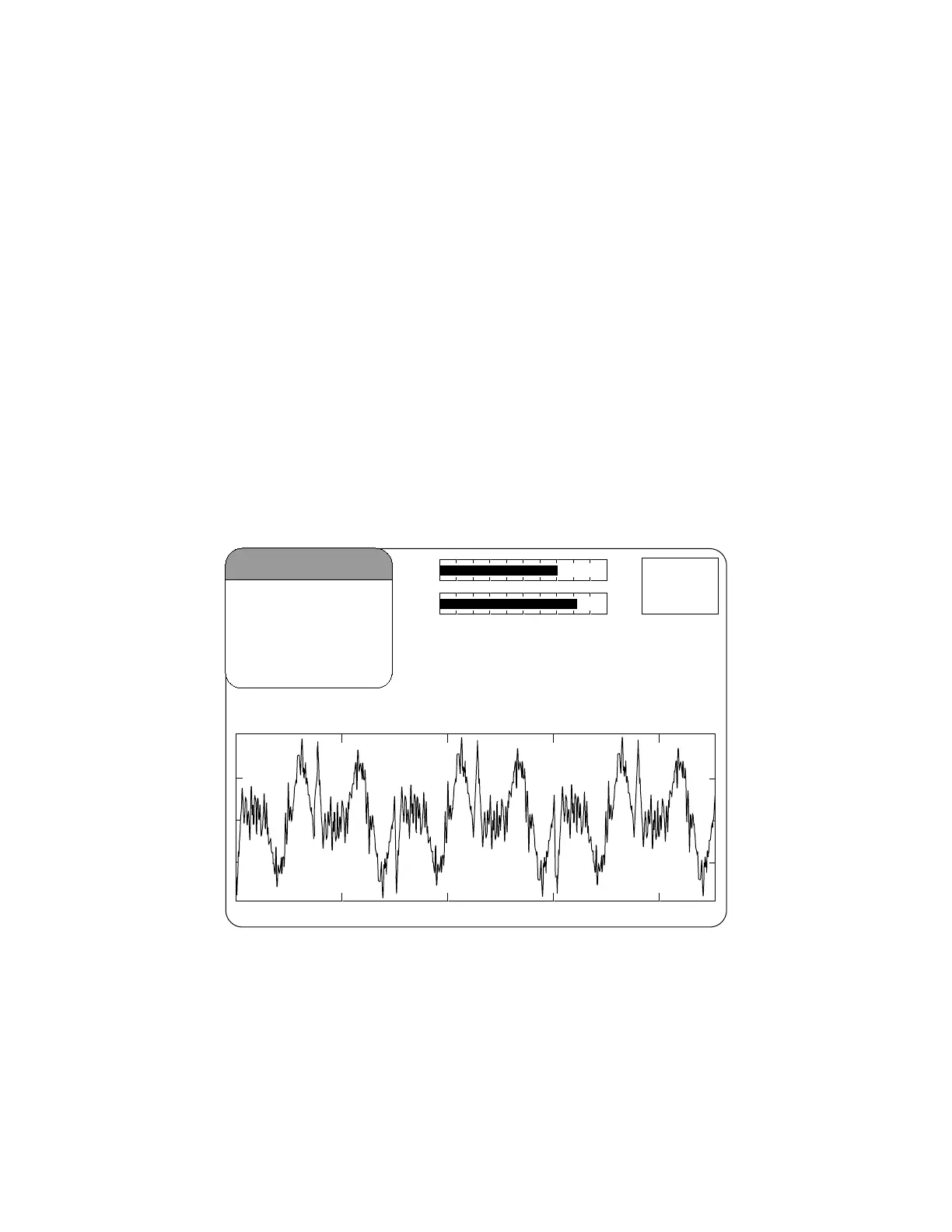
This display is a larger version of the EEG waveform display in the signal quality region.
Filtered EEG waveforms are displayed with a sweep rate of 25 millimeters per second
and a scale of 25 microvolts per division (default). EEG filters can be turned off and the
sweep speed and amplitude can be changed in the Display Parameter Setup screen.
4242
BIS
SQI
EMG
SR
50
-
+
25 mm/sec
25
μ
v/div
09 Feb 2000 12:55:02
Case: Af40
Figure 21 The EEG Display



 To Next Page