SECTION 3 OPERATING THE A-2000
______________________________________________________________________
3-10
3.4.2 The Setup Menu
The Setup Menu can generally be accessed by pressing the [MENU/EXIT] key. Before
using the monitor for the first time, you may want to update the Setup Menu with your
desired screen settings and the current date and time. You should also familiarize
yourself with the various menu options available. These menu options are discussed
below. For more detail on what the settings mean, refer to “The BIS Trend Screen
Display” in Section 3.3 and "Features and Capabilities" in Section 5.
4242
BIS
BIS EMG09 Feb 2000 12:55:02
Event
Sensor Check
BIS Smoothing Rate (secs.) 15 30
Advanced Setup
Display Type Trend DSA
to Exit
Press
Setup Menu
100
80
60
40
20
0
80
70
60
50
40
30
12:10 12:20 12:30 12:40 12:50 13:0012:00
CASE:aG2c
BIS Log EEG
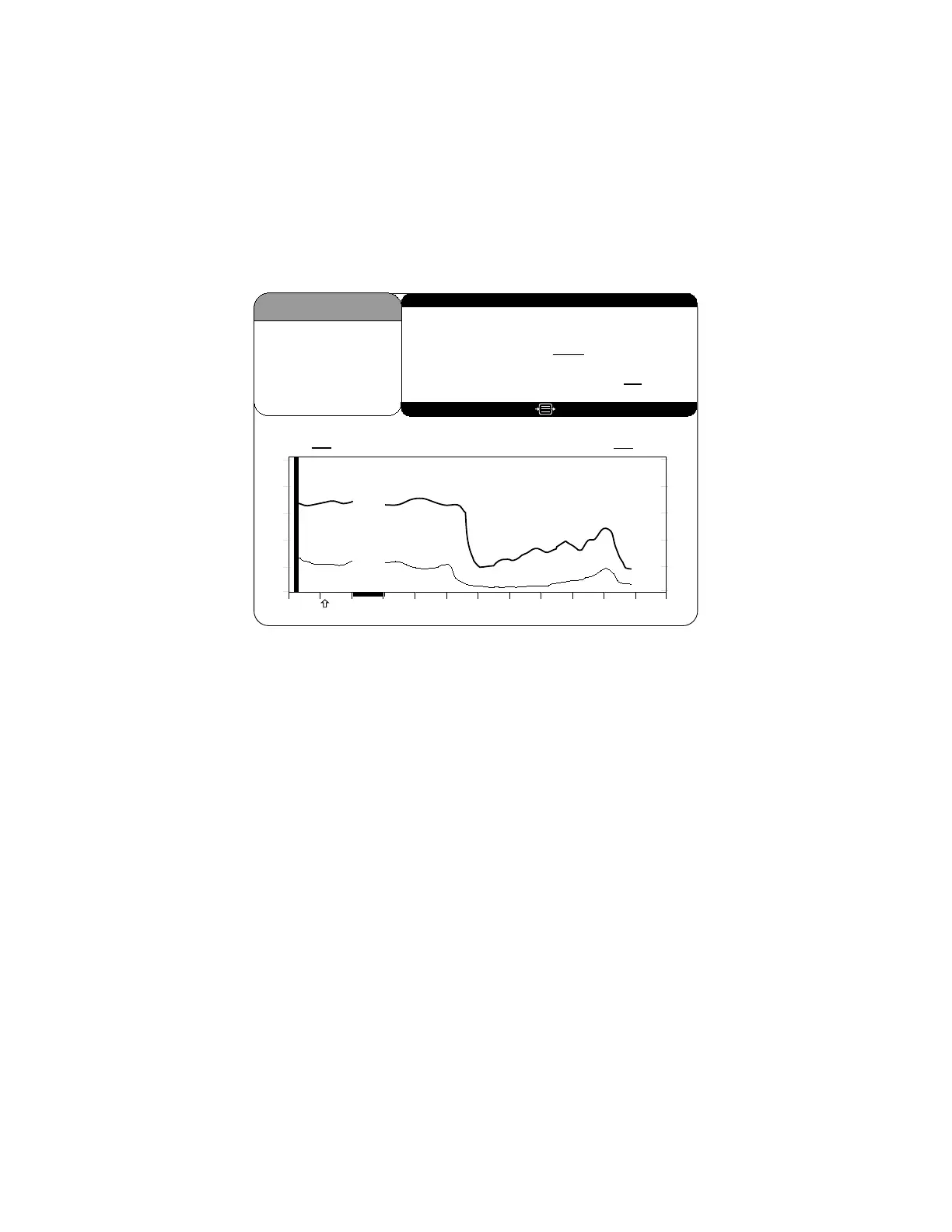
Figure 15 Main Screen with Setup Menu and Trend Display
When the Setup Menu appears, the first selection, "Event," is highlighted.
To move from one selection to another, use the up [↑] and down [↓] arrows to
highlight the option you desire. Then follow the instructions below:
Event - This option is used during operation to mark a significant event on the screen
display and printout.
To mark an event:
1. Press [MENU/EXIT] to access the Setup Menu.
2. Press [SELECT] when Event is highlighted.
The event is immediately marked with an arrow on the time scale and the Setup Menu
automatically exits to the Main Screen.



 To Next Page