SECTION 7 DIAGNOSTICS AND TROUBLESHOOTING
______________________________________________________________________
7-2
The Diagnostic Menu Data Display
Important data are displayed in the Diagnostic Menu, which you may need to know if you call
with a service question. This includes: System Revision, Host Revision, BIS Engine Revision,
FPGA Firmware Revision, Run Time, Serial Number, BIS Usage Counter, DSC Type, and
PIC/Sensor Type. These numbers will be updated if any software updates are performed, or
each time a new DSC or sensor is attached. The BIS Usage Counter increments whenever a
PIC or Sensor is connected. The Run Time shows the monitor operating time in seconds.
7.1.1 DSC Self-Test
The Digital Signal Converter self-test is a thorough test of the entire signal processing chain
including the signal processing computers. Selecting this item will initiate an extensive DSC test
and printout (if a printer is connected). The DSC test reports PASS/FAIL status, noise, high-
pass blocked, high-pass normal and gain values. If any of the self-tests fail, notify your
Biomedical Engineering Department or your Aspect Medical Systems service representative.
See Section 7.3 “What to do if the A-2000 Requires Service.”
7.1.2 Display Self-Test
To test the screen display, this test may be selected from the Diagnostic Menu. The user is
instructed to press [SELECT] to start the test. The test may be ended at any time by pressing
[MENU/EXIT]. This test will not be performed when the unit is on battery backup.
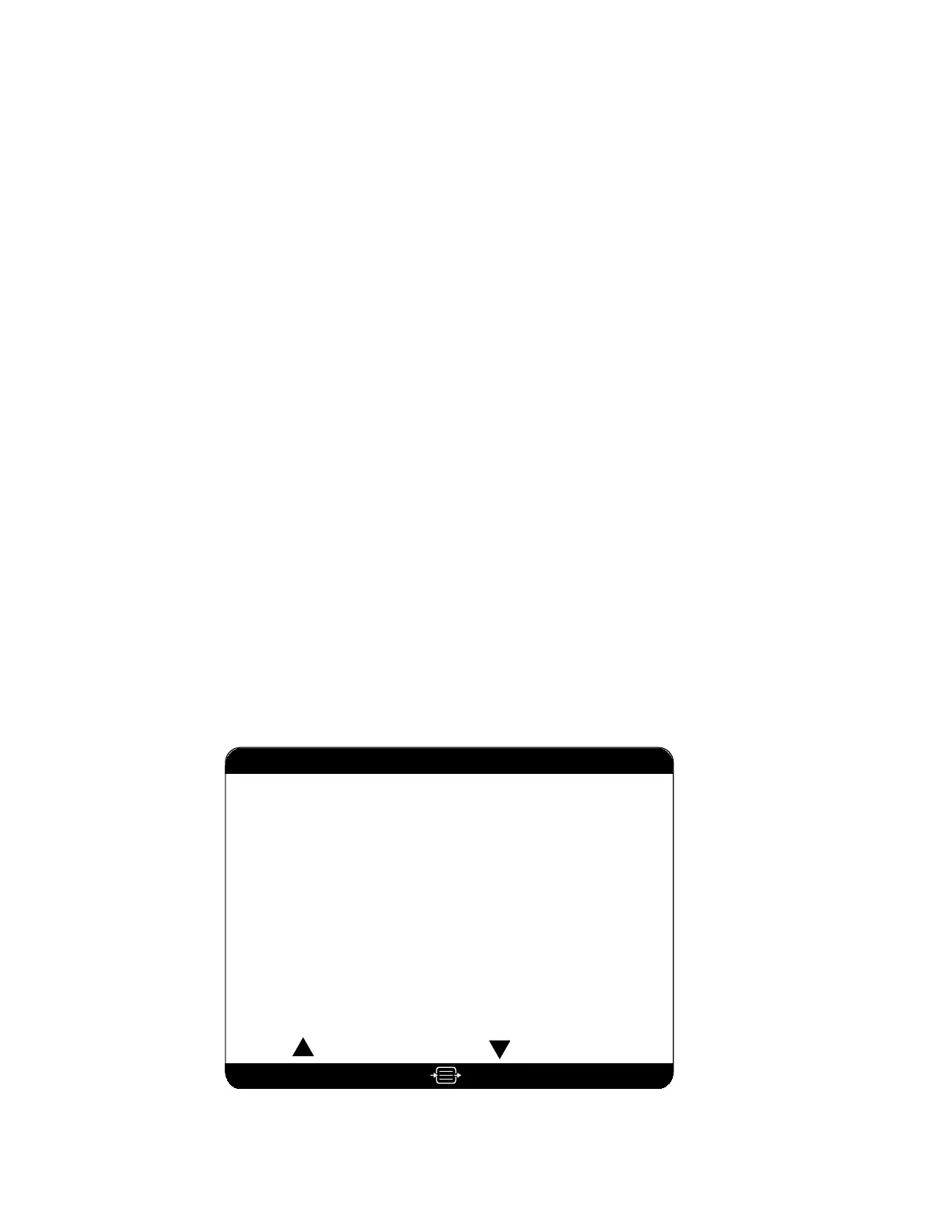
7.1.3 Sensor Data Display (BIS XP Platform only)
Select this item to display information about sensors that have been used on the
A-2000 monitor. If you are experiencing problems with the sensor, check this screen and note
the appropriate sensor information before contacting Aspect. The latest sensor used will display
first. Information about other sensors may be displayed by using the up and down arrows to
scroll through the sensor database. The following data are displayed: the lot code, serial
number, sensor type, expiration date, whether the sensor was used for more than 5 minutes or
not, and the number of times the same sensor was connected. The date and time of each
connection are also displayed.
Sensor Data Display
to ExitPress
02 Jun 1999 12:54:55 003
02 Jun 1999 13:01:02 002
Lot Code . . . . . . . .
0220003f
Serial Number . . . . . . .
12345
Sensor Type . . . . . . . . . . . XP
Use By . . . . . . . . . . Jan 2000
Used (> 5 minutes) . . . . .
YES
Connection Count . . . . . . .
2
Connections
Previous Sensor Next Sensor
Figure 26 Sensor Data Display



 To Next Page