SECTION 3 OPERATING THE A-2000
______________________________________________________________________
3-16
3.4.4 Display Parameter Setup
This menu allows the user to view or change basic system parameters.
Display Parameter Setup
to ExitPress
Return to Advanced Setup Menu
BIS Log Interval
Dual EEG Display OFF ON
Filters OFF ON
EEG Sweep Speed
(mm/sec)
(minutes)
EEG Amplitude
(uv/div)
5 10 25 50 100
15 25 30
1 5 15 60
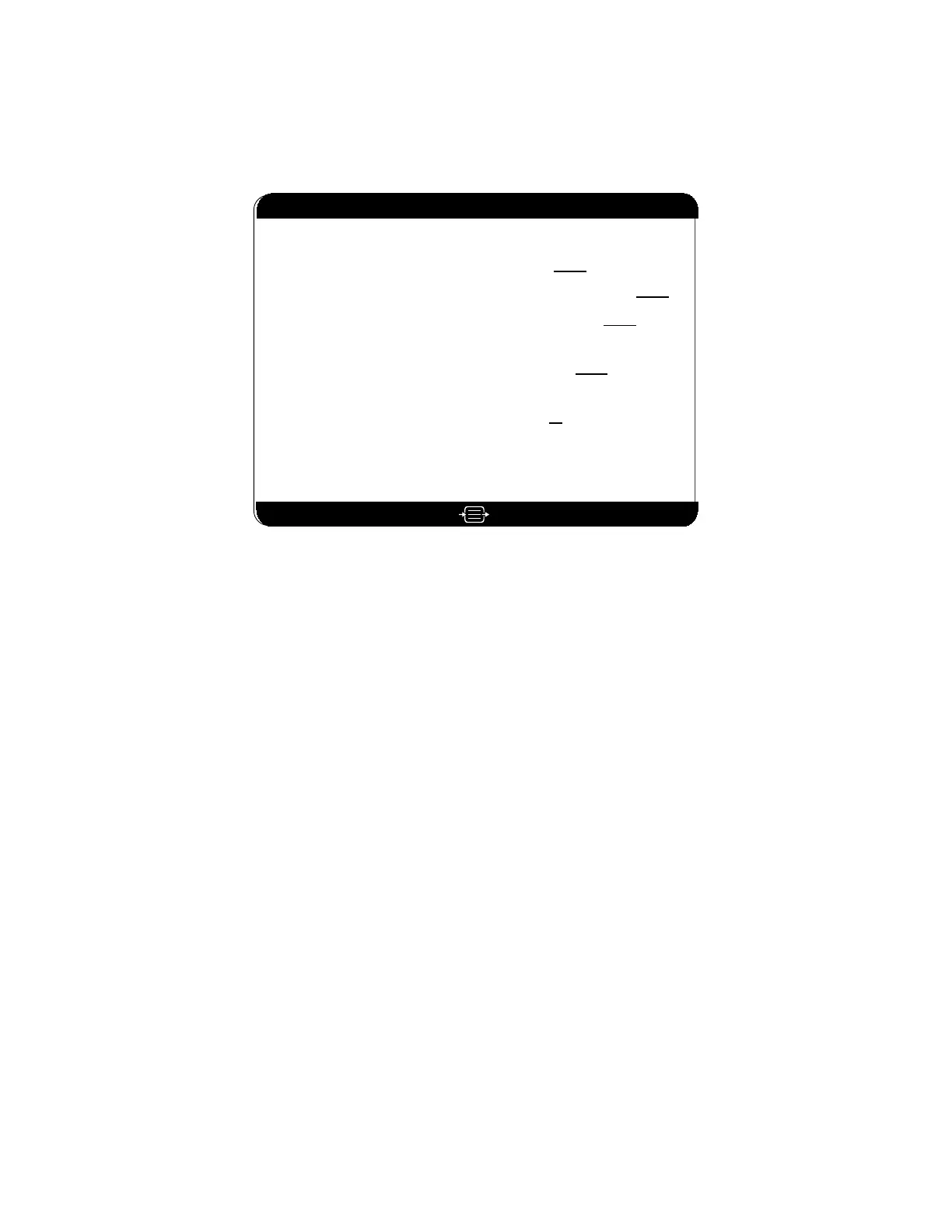
Figure 17 The Display Parameter Setup screen
Dual EEG Display – This option displays only when a BIS Quatro or a BIS Extend
sensor is connected. When Dual EEG Display is turned ON, the Signal Quality Region
of the screen displays an additional channel of EEG that can be used for equipment
troubleshooting purposes.
To display dual EEG waveform charts:
1. Press [MENU/EXIT] to access the Setup Menu.
2. Highlight Advanced Setup using the up [↑] or down [↓] arrows.
3. Press [SELECT].
4. Highlight Display Parameter Setup using the up [↑] or down [↓] arrows.
5. Press [SELECT].
6. Highlight Dual EEG Display using the up [↑] or down [↓] arrows.
7. Press [SELECT] until ON appears in reverse video.
8. Press the up [↑] or down [↓] arrows to move to the next menu item, or
9. Press [MENU/EXIT] to exit.
To permanently save this change, use the “Save Settings” option in the Advanced Setup
Menu.



 To Next Page