SECTION 3 OPERATING THE A-2000
______________________________________________________________________
3-4
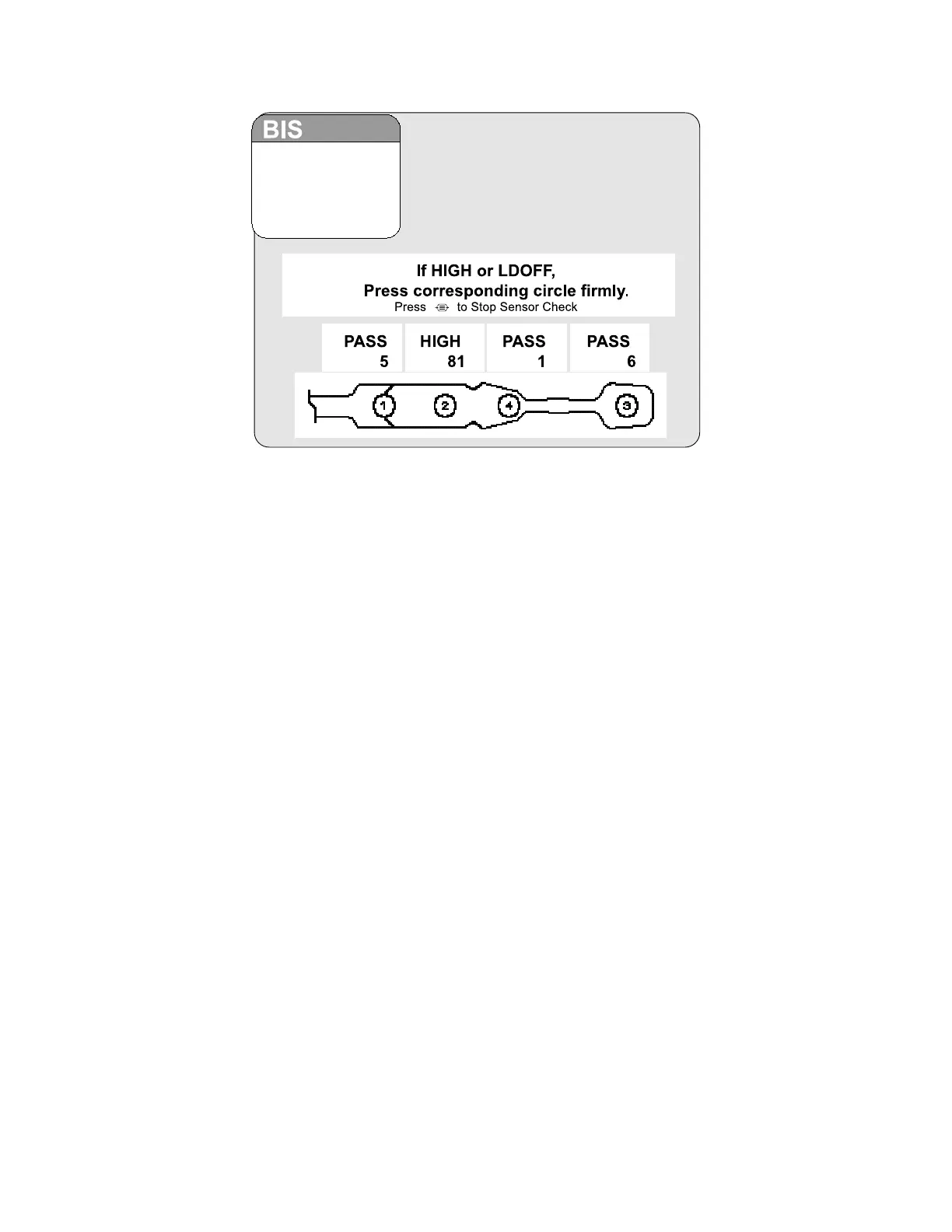
Figure 10 The Sensor Check (BIS Quatro and BIS Extend)
The impedance value for each electrode, in kilo ohms, appears on the screen along with
its status:
PASS - An electrode passes if the impedance for that electrode is less than 7.5 kilo
ohms. The ground electrode (element #2) must be less than 30 kilo ohms to pass.
HIGH - An electrode is labeled "HIGH" if its impedance value is above 7.5 kilo ohms. As
long as the combined impedance (elements #1 and #3) is less than 15 kilo ohms, the
sensor check will be considered successful. (BIS Quatro and BIS Extend also check
combined impedance of elements #1 and #4). If the combined impedance is over the 15
kilo ohms limit, you will need to re-prep the electrodes and check all connections. The
monitor will continue to check impedance until it is acceptable.
NOISE - If the signal from the electrode goes beyond the measurable range, the label
"NOISE" will appear.
LDOFF - If a lead is too loose or disconnected, the label "LDOFF" will appear.
The monitor continues updating the values until all impedance values are acceptable. To
end the impedance test, press [MENU/EXIT]. The Sensor Check impedance test must
be successfully completed before normal processing resumes.
Note:
All signal status messages will be suppressed for 60 seconds after a
sensor check has exited. This provides the time for signal quality to
recover.
The Sensor Integrity Check (BIS XP Platform only) is also initiated each time that a
sensor is connected to the PIC. It checks to make certain that a valid, unexpired sensor
is in use.



 To Next Page