SECTION 3 OPERATING THE A-2000
______________________________________________________________________
3-9
3.4 THE A-2000 SOFTWARE MENUS AND MENU SELECTIONS
This section discusses the A-2000 software menus and menu selections, including:
• Setup Menu
• Advanced Setup Menu
• Display Parameter Setup screen
• Diagnostic Menu
• Alarm Menu
• Sensor Data Display screen
• System Configuration Menu
Details of the Diagnostic and System Configuration Menus and the Sensor Data Display
screen are covered in more detail in Section 7.
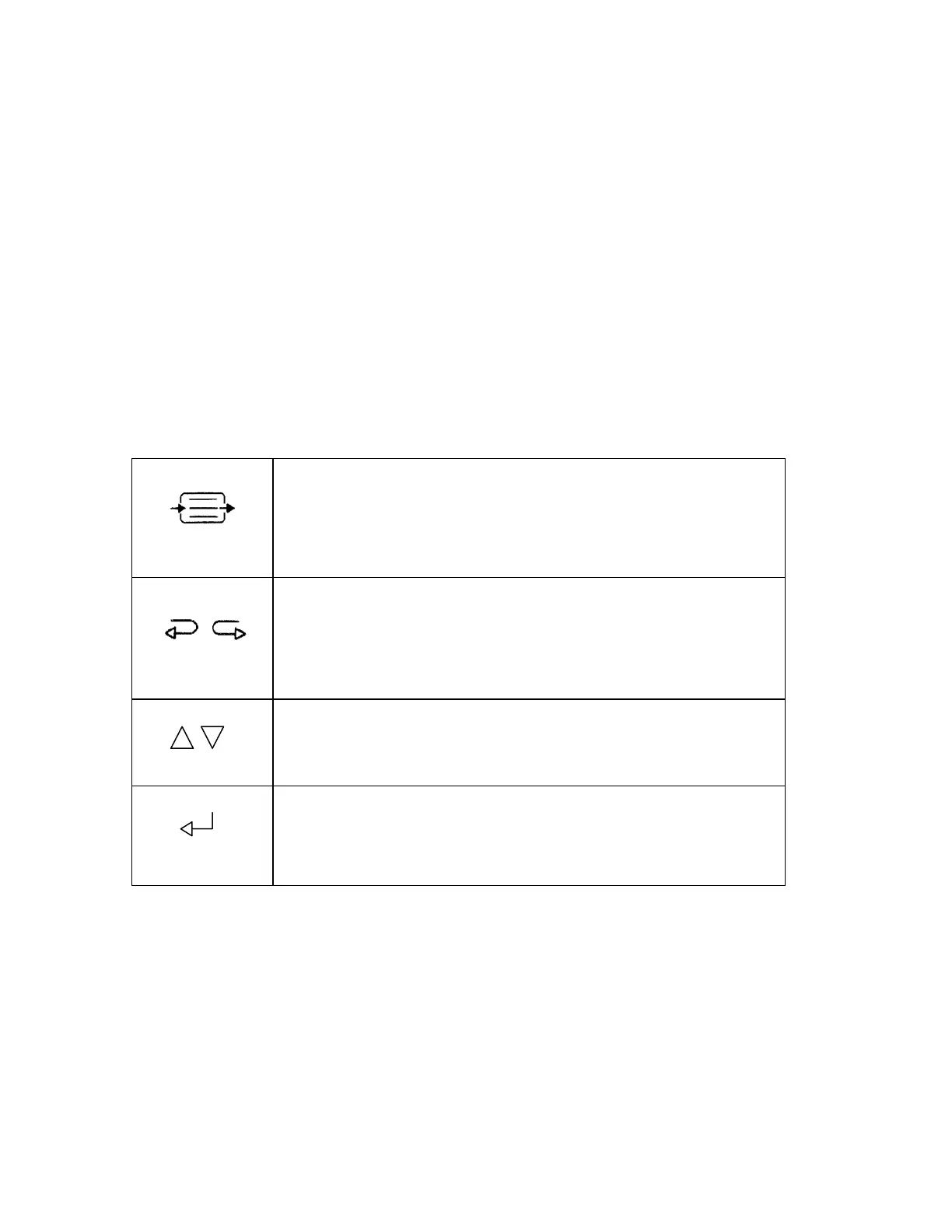
3.4.1 Menu Navigation:
The [MENU/EXIT] key is generally used to enter the Setup Menu
and to exit from all other menus. It is also used to halt certain
procedures, such as the sensor check, and to answer "no" to a
question.
The left [←] and right [→] arrow keys are generally used to enter
Review mode and to scroll data backward and forward in time. In
the BIS Log, they show the previous [←] or next [→] screen of
data.
The up [↑] and down [↓] arrows are generally used to move from
one menu selection to another.
The [SELECT] key is used to move between options within a
menu selection, to confirm an entry, and to answer "yes" to a
question.
Figure 14 Menu Navigation
When a menu is displayed, the default or set values for each line are underlined. The
line that is currently selected is highlighted, and the default or set value for that line
appears in reverse video. To move to another line, use the up [↑] or down [↓] arrows.
To select a particular menu item, or to change a selection, use the [SELECT] key.



 To Next Page