You can configure the 620L
to go directly to the Perform
Test screen.
1. Set 620L Info to
CONTINUE.
2. Set the Main Menu
selection to OFF. Now
when the instrument is
powered up it will go
directly to the Perform
Test screen.
From the Power-On screen, two different parameters may be accessed: 620L Info and
Main Menu.
620L Info
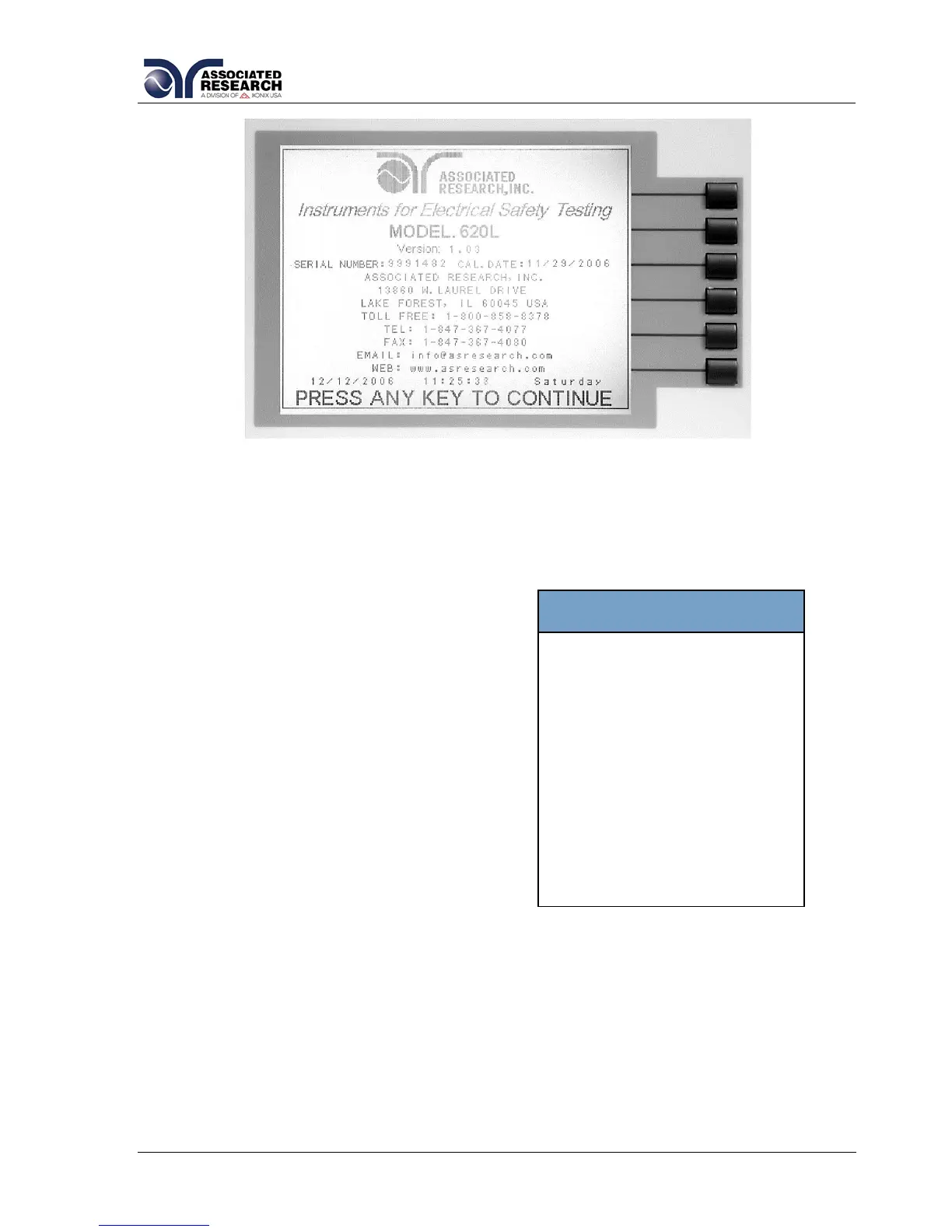
The 620L Information screen is the very first screen to appear when the instrument is
powered up. You have the option to PAUSE the instrument at this screen after power
up or CONTINUE through to the next screen
after the Information screen is displayed for
four seconds. The option to PAUSE or
CONTINUE may be selected by pressing the
“620L Info” soft key. When PAUSE is
selected the words “Press any key to
continue“ will appear at the bottom of the 620L
Information screen.
Main Menu
When the Main Menu parameter is ON the
first display to appear after the 620L
Information screen is the Main Menu. When
the Main Menu parameter is OFF the first
display to appear after the 620L Information
screen is the Perform Test screen.


 To Next Page