User's Manual 102 Document #: LTRT-71405
MediaPack Series
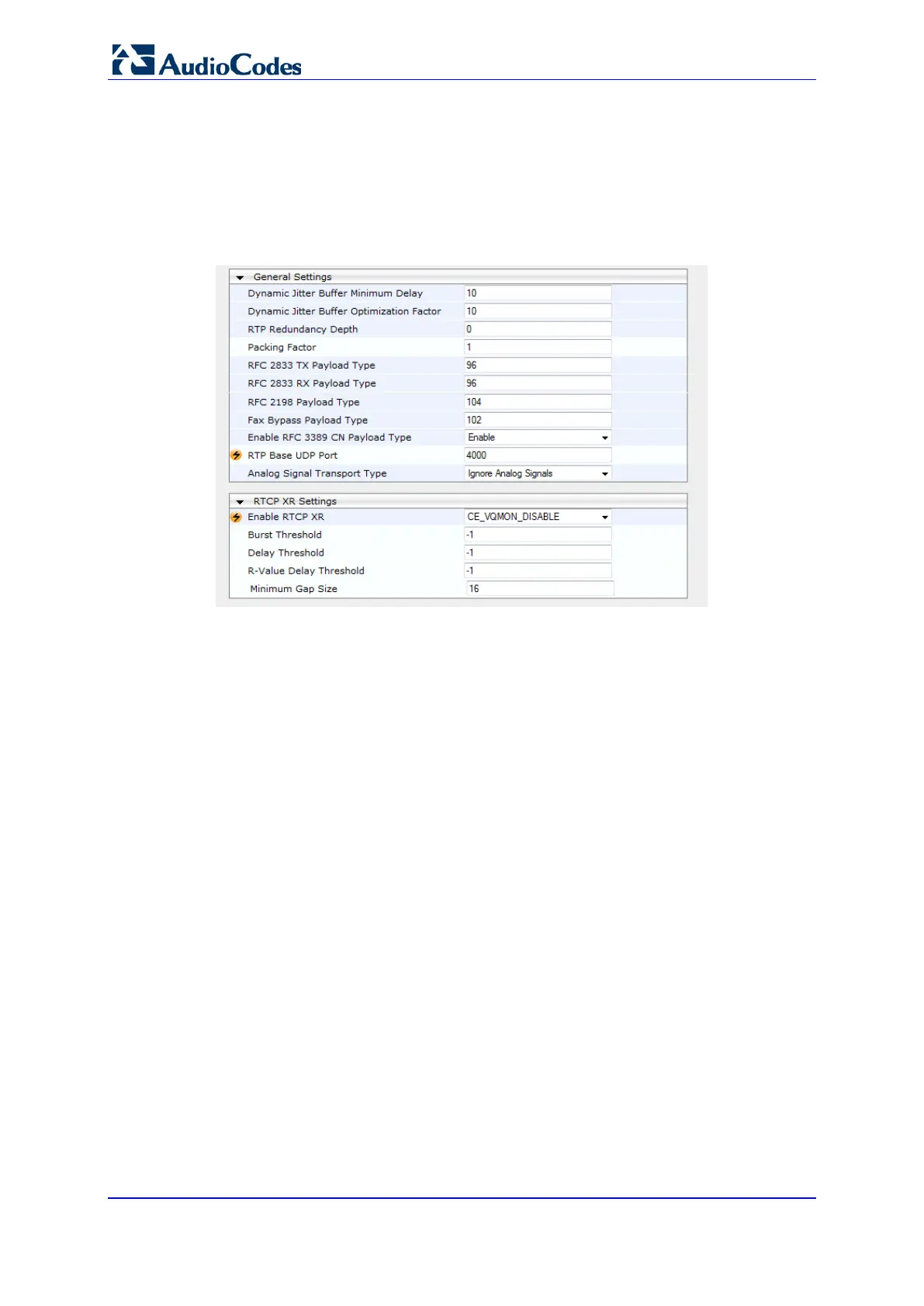
6.5.2.7.3 RTP/RTCP Settings
To configure the RTP/RTCP Settings:
1. Open the RTP/RTCP Settings page (Configuration tab > VoIP menu > Media >
RTP/RTCP Settings).
Figure 64: RTP/RTCP Settings
2. Use the appropriate tables in the Product Reference Manual as a reference when
configuring/modifying the RTP/RTCP Settings parameter fields in the RTP/RTCP
Settings page.
3. After configuring/modifying the parameter fields, click the Submit button. The changes
are entered into the system and the page is refreshed.













 To Next Page