User's Manual 6. Configuration Using the Web Interface
Version 6.6 45 MediaPack Series
6.2 Accessing the Web Interface
To access the Web interface:
1. Open any standard Web-browser application, such as Microsoft™ Internet Explorer™
(Ver. 6.0 and higher) or Firefox™ (Versions 5 through 9.0).
Note: The browser must be Java-script enabled. If java-script is disabled, a message
box with notification of this is displayed.
2. Specify the IP address of the device in the browser's URL field (e.g., http://10.1.229.17
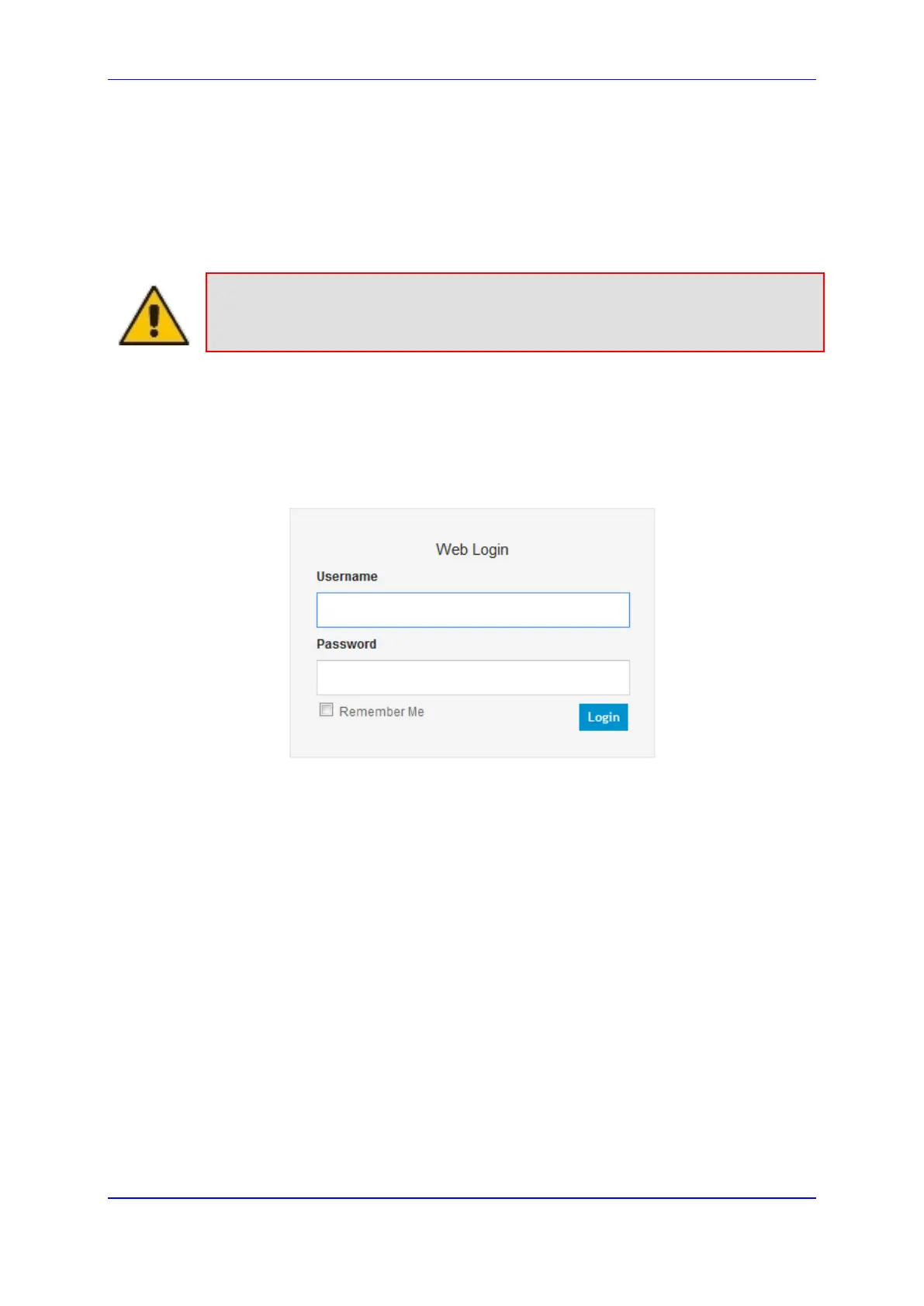
or https://10.1.229.17 for an SSL secure link). The browser's Password page appears.
The default user-name and password are both "Admin" (case-sensitive).
Figure 6: Enter Network Password Screen













 To Next Page