User's Manual 122 Document #: LTRT-71405
MediaPack Series
6.6 Maintenance
The Maintenance tab contains the following sub-menus:
Maintenance - Refer to Maintenance on page 122
Software Update - Refer to Software Update on page 126
6.6.1 Maintenance
6.6.1.1 Maintenance Actions
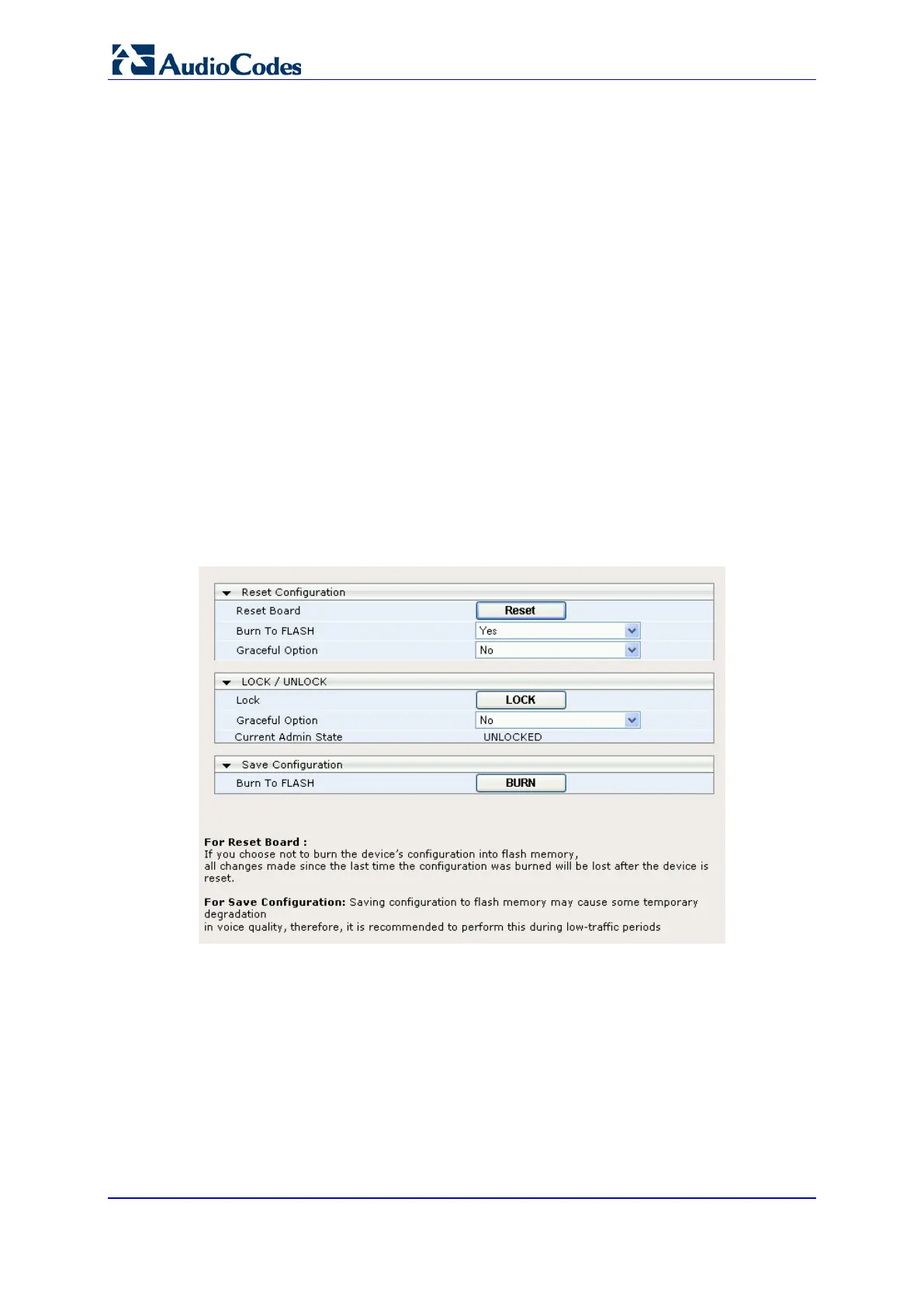
The 'Maintenance Actions' page allows you to perform the following operations:
Reset the device (refer to Resetting the Device on page 123)
Lock and unlock the device (refer to 'Locking and Unlocking the Device on page 124)
Save the configuration to the device's flash memory (refer to Saving Configuration on
page
125)
To access the Maintenance Actions page:
• Open the Maintenance Actions page (Maintenance tab > Maintenance Actions
menu).
Figure 81: Maintenance Actions













 To Next Page