User's Manual 6. Configuration Using the Web Interface
Version 6.6 91 MediaPack Series
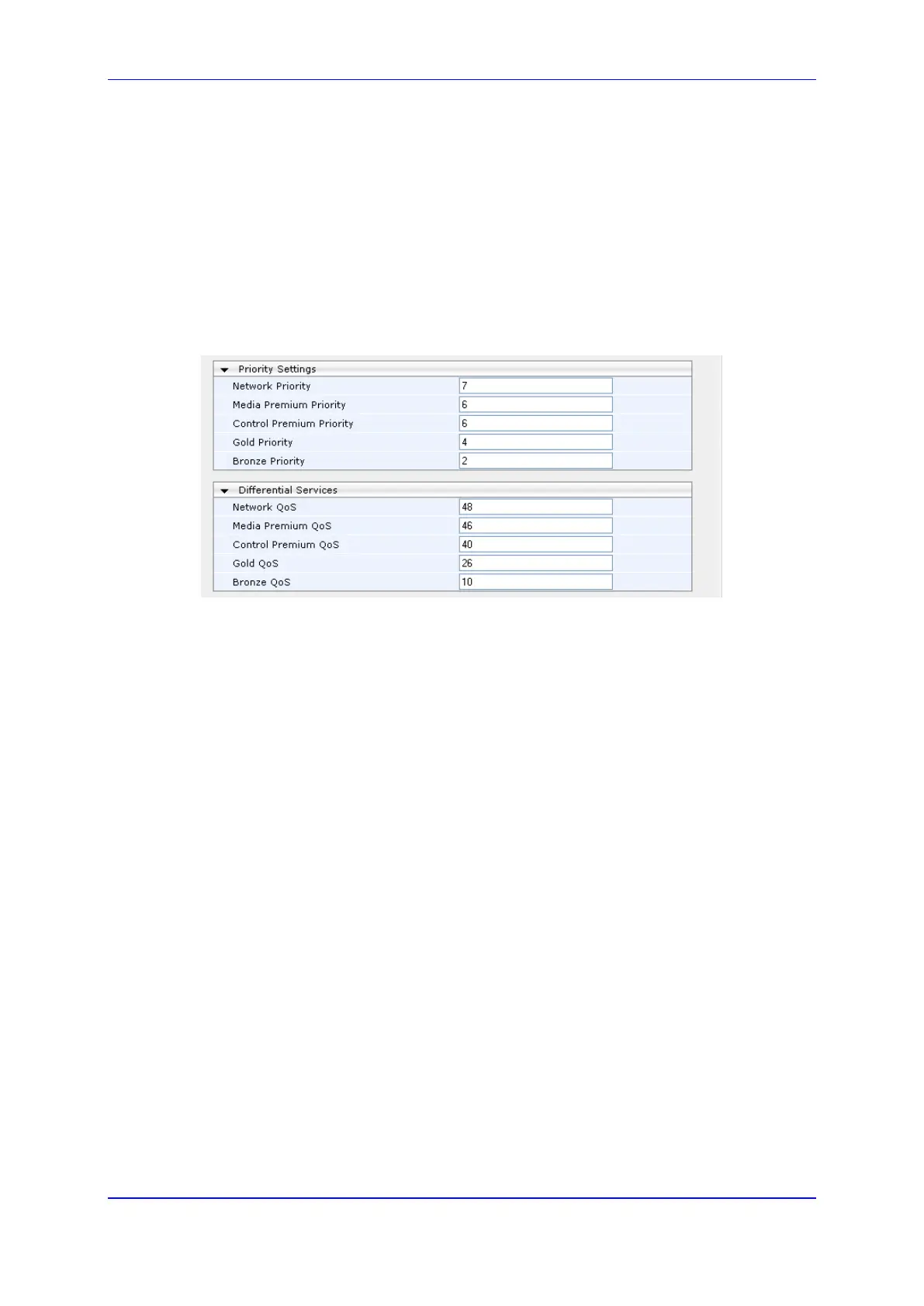
6.5.2.5 QoS Settings
This page allows the user to configure values for the priority field of the VLAN tag, and the
DiffServ field of the IP Header. Refer to QoS Parameters in the Product Reference Manual,
for more information.
In order to access this page, set the configuration mode on the Navigation Pane to Full.
To configure the QoS Settings:
1. Open the QoS Settings page (Configuration tab > VoIP menu > Network >
QoS Settings).
Figure 56: QoS Settings
2. To configure this page, refer to the Infrastructure ini File Parameters sub-section in the
Product Reference Manual.
3. After configuring/modifying the parameter fields, click the Submit button. The changes
are entered into the system and the page is refreshed.













 To Next Page