User's Manual 90 Document #: LTRT-71405
MediaPack Series
6.5.2.4 Network Settings
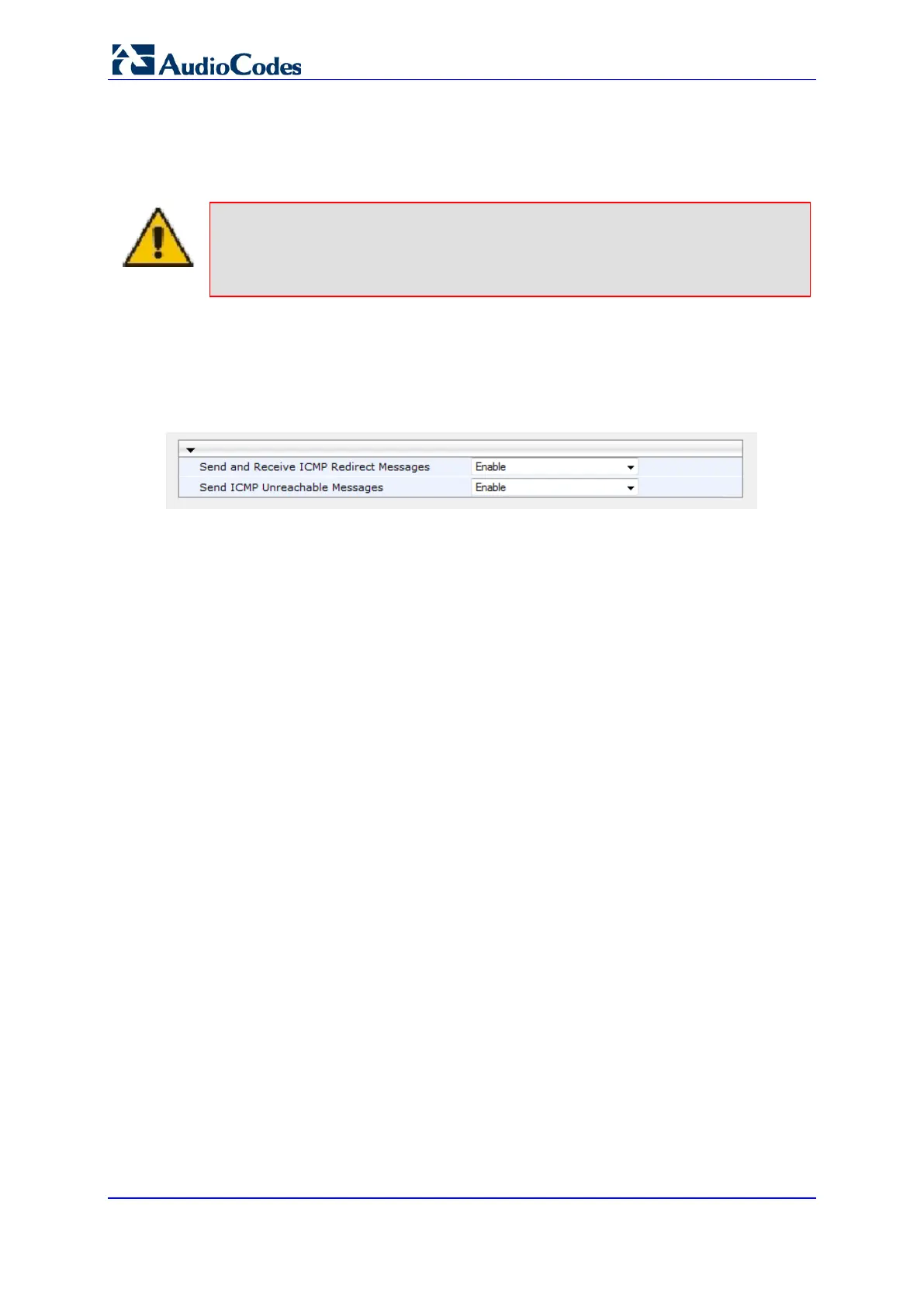
You can configure the device's handling of ICMP Redirect messages. These messages
can either be rejected (ignored) or permitted.
Note:
You can also configure this feature using the ini file parameter
DisableICMPRedirects (see 'Routing Parameters' in the Product Reference Manual.
To configure the handling of ICMP Redirect messages:
1. Open the Network Settings page (Configuration tab > VoIP menu > Network >
Network Settings).
Figure 55: Network Settings
2. Click Submit to apply your changes.













 To Next Page