User's Manual 6. Configuration Using the Web Interface
Version 6.6 65 MediaPack Series
6.4.18 Resetting an Analog Channel
Note: The following sub-section on Resetting an Analog Channel is only
applicable to MediaPack.
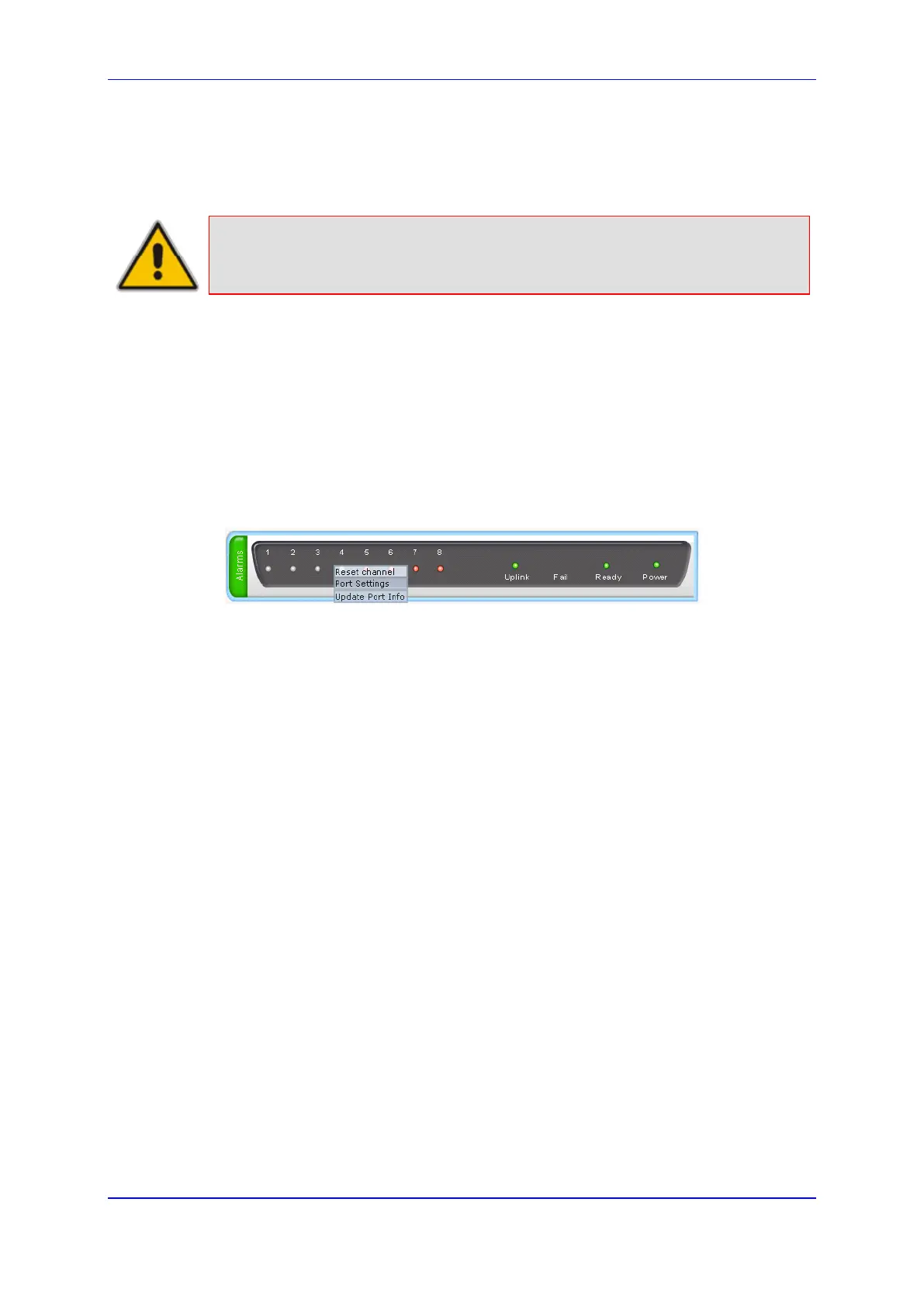
The 'Home' page allows you to inactivate (reset) an FXO or FXS analog channel. This is
sometimes useful in scenarios, for example, when the device (FXO) is connected to a PBX
and the communication between the two can't be disconnected (e.g., when using reverse
polarity).
To reset a channel:
Click the required FXS or FXO port icon, and then from the shortcut menu, choose Reset
Channel; the channel is changed to inactive (i.e., LED is displayed in grey).
Figure 33: MP-11x - Reset Channel













 To Next Page