User's Manual 7. Troubleshooting
Version 6.6 149 MediaPack Series
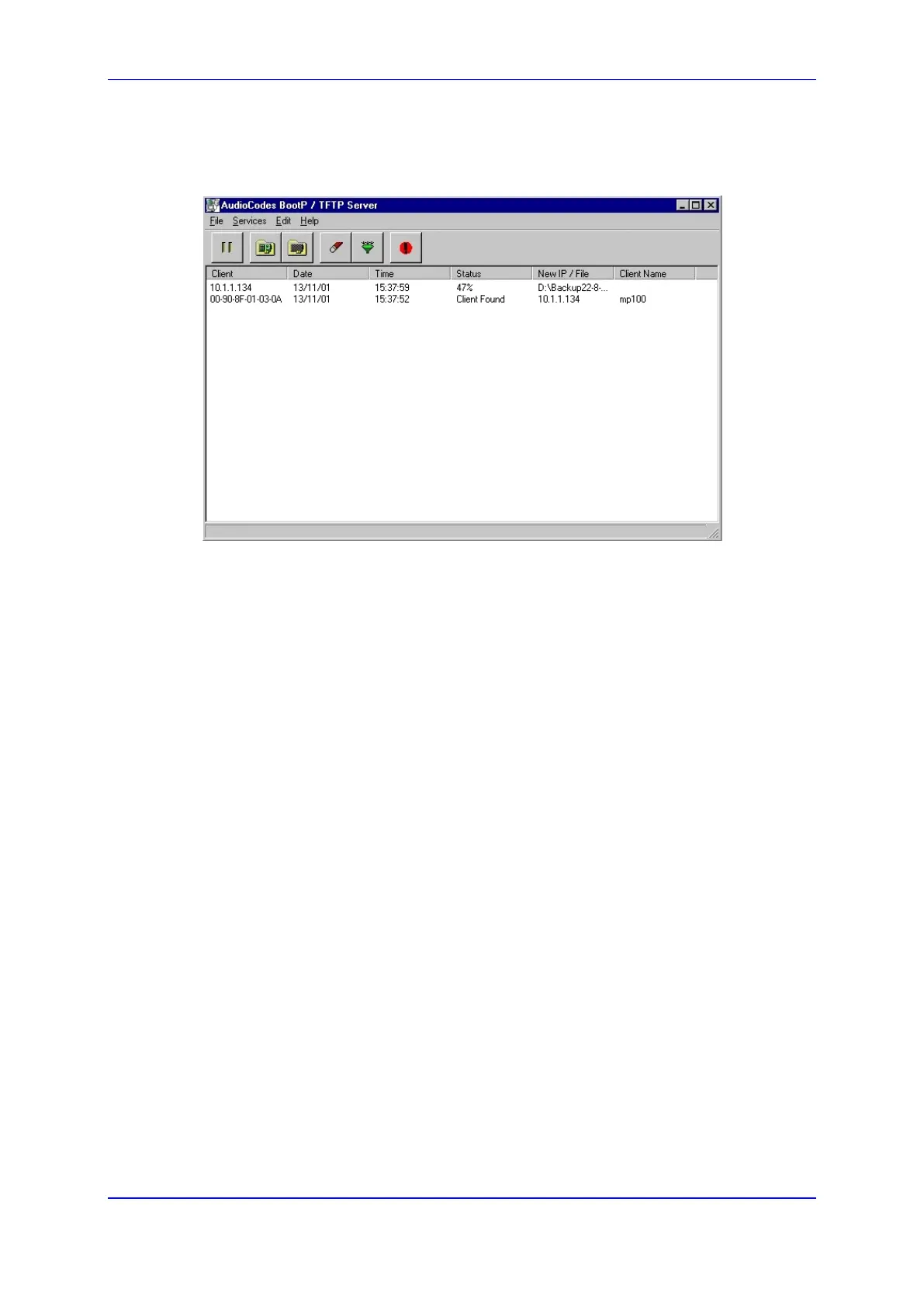
13. Perform a hot hardware reset or cold reset. The MediaPack initializes and the
following status messages should be displayed in the BootP/TFTP Server main
screen:
Figure 109: BootP/TFTP Server - Client Found
7.2 LED Indicators
All LED indicators are described in the tables in Front LED Indicators and Rear LED
Indicators.
7.2.1 MediaPack Front View LED Indicators
The full range of the MediaPack includes a front view displaying LED Indications of channel
activity status, data, control and LAN status.













 To Next Page