User's Manual 142 Document #: LTRT-71405
MediaPack Series
6.7.1.4.2 Viewing Alarm History
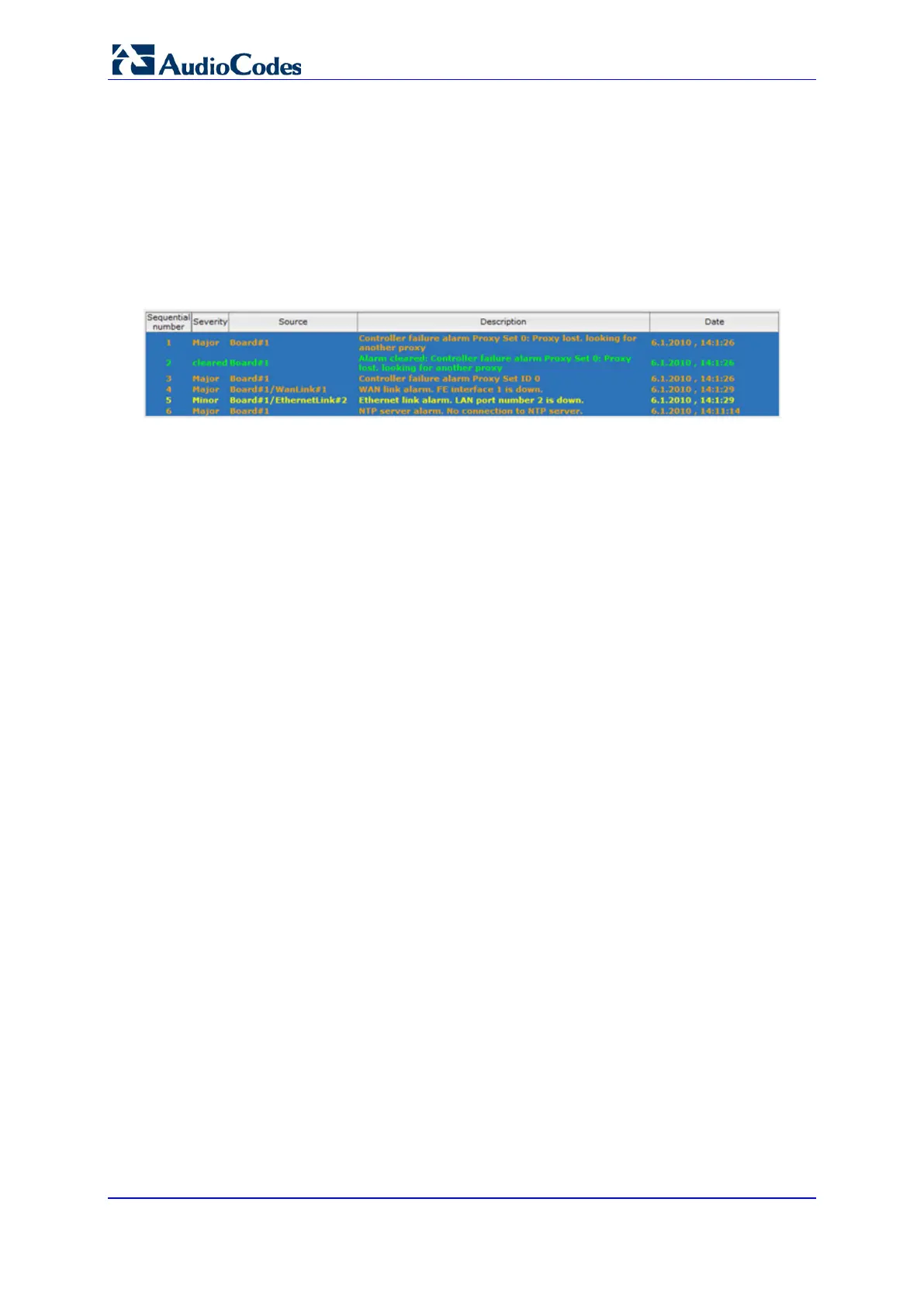
The Alarms History page displays a list of alarms that have been raised and traps that have
been cleared.
To view the list of history alarms:
Open the Alarms History page (Status & Diagnostics tab > System Status menu >
Carrier-Grade Alarms > Alarms History).
Figure 103: Viewing Alarm History
For each alarm, the following information is provided:
Severity: severity level of the alarm:
• Critical (red)
• Major (range)
• Minor (yellow)
• Cleared (green)
Source: unit from which the alarm was raised
Description: brief explanation of the alarm
Date: date and time that the alarm was generated
You can view the next 20 alarms (if exist), by clicking the Go to page button.
To delete all the alarms in the table:
1. Click the Delete History Table button; a confirmation message box appears.
2. Click OK to confirm.













 To Next Page