USER’S MANUAL / bit Tune /
20
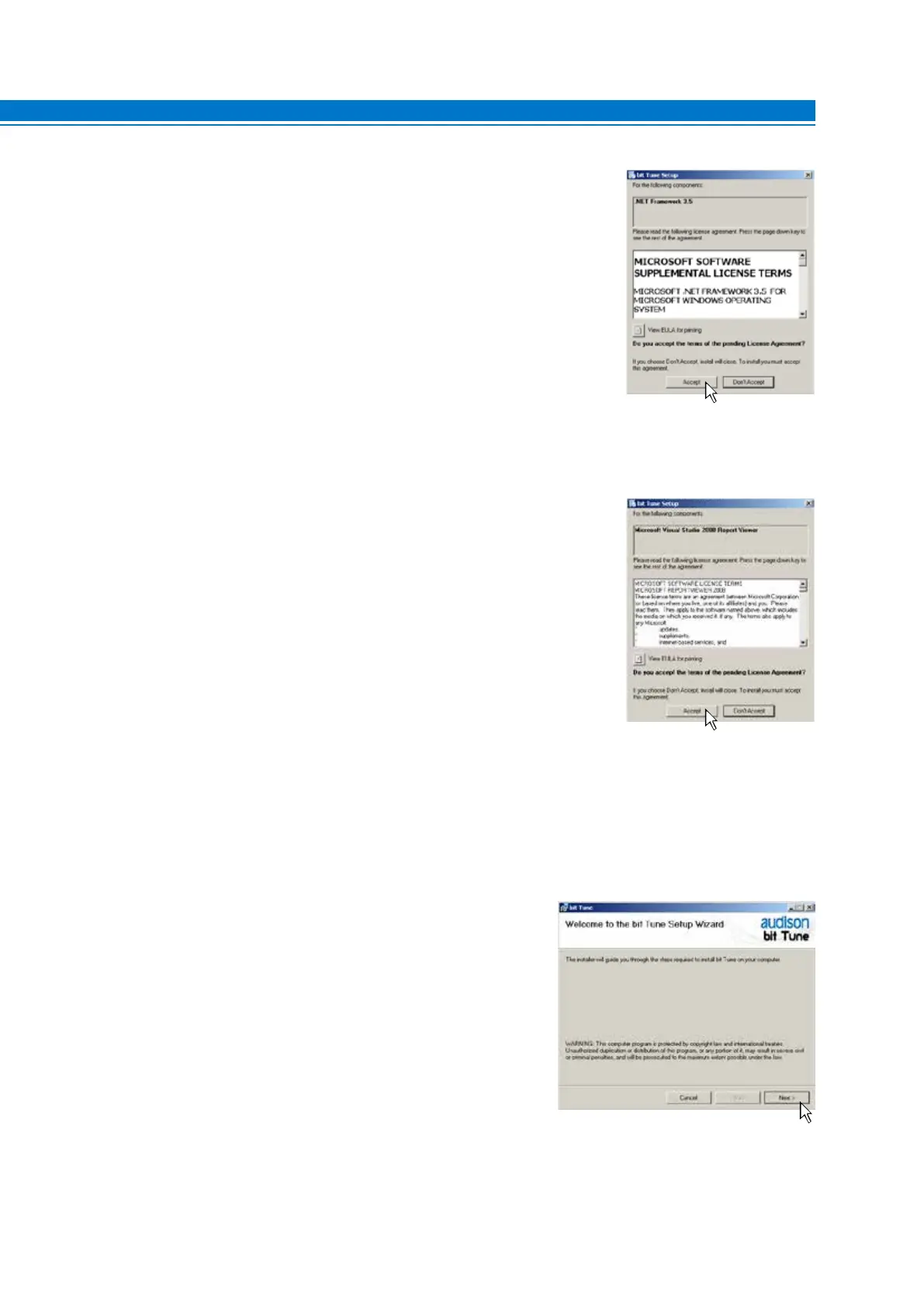
5. Windows XP: select ACCEPT;
Windows Vista: select ACCEPT;
Windows 7: select ACCEPT;
Windows 8 / 10: select ACCEPT;
6. Windows XP: select ACCEPT and wait for the installation;
Windows Vista: select ACCEPT and wait for the installation;
Windows 7: select ACCEPT and wait for the installation;
Windows 8 / 10: select ACCEPT and wait for the installation;
7. Windows XP: select NEXT to continue with the installation,
CANCEL to stop it;
Windows Vista: select NEXT to continue with the installation,
CANCEL to stop;
Windows 7: select NEXT to continue with the installation,
CANCEL to stop;
Windows 8 / 10: select NEXT to continue with the installation,
CANCEL to stop;
5



 To Next Page