USER’S MANUAL / bit Tune /
21
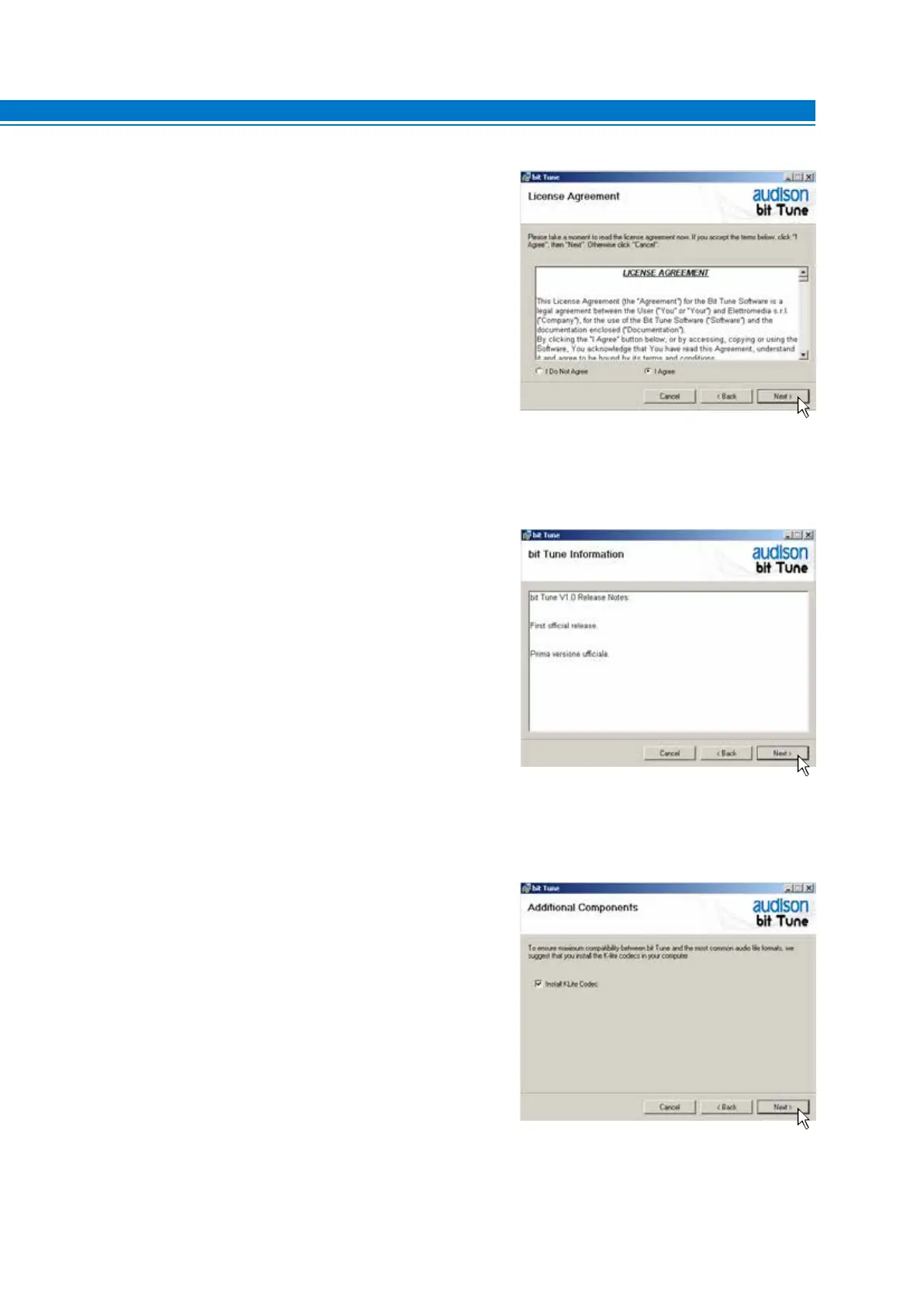
8. Windows XP: select I Agree, then NEXT;
Windows Vista: select I Agree, then NEXT;
Windows 7: select I Agree, then NEXT;
Windows 8 / 10: select I Agree, then NEXT;
9. Windows XP: select NEXT.
Windows Vista: select NEXT.
Windows 7: select NEXT.
Windows 8 / 10: select NEXT.
10.
Windows XP: Choose NEXT to start the installation of
audio codecs.
Windows Vista: Choose NEXT to start the installation
of audio codecs.
Windows 7: Select NEXT to start the installation of
audio codecs.
Windows 8 / 10: Select NEXT to start the installation of
audio codecs.
5



 To Next Page