USER’S MANUAL / bit Tune /
25
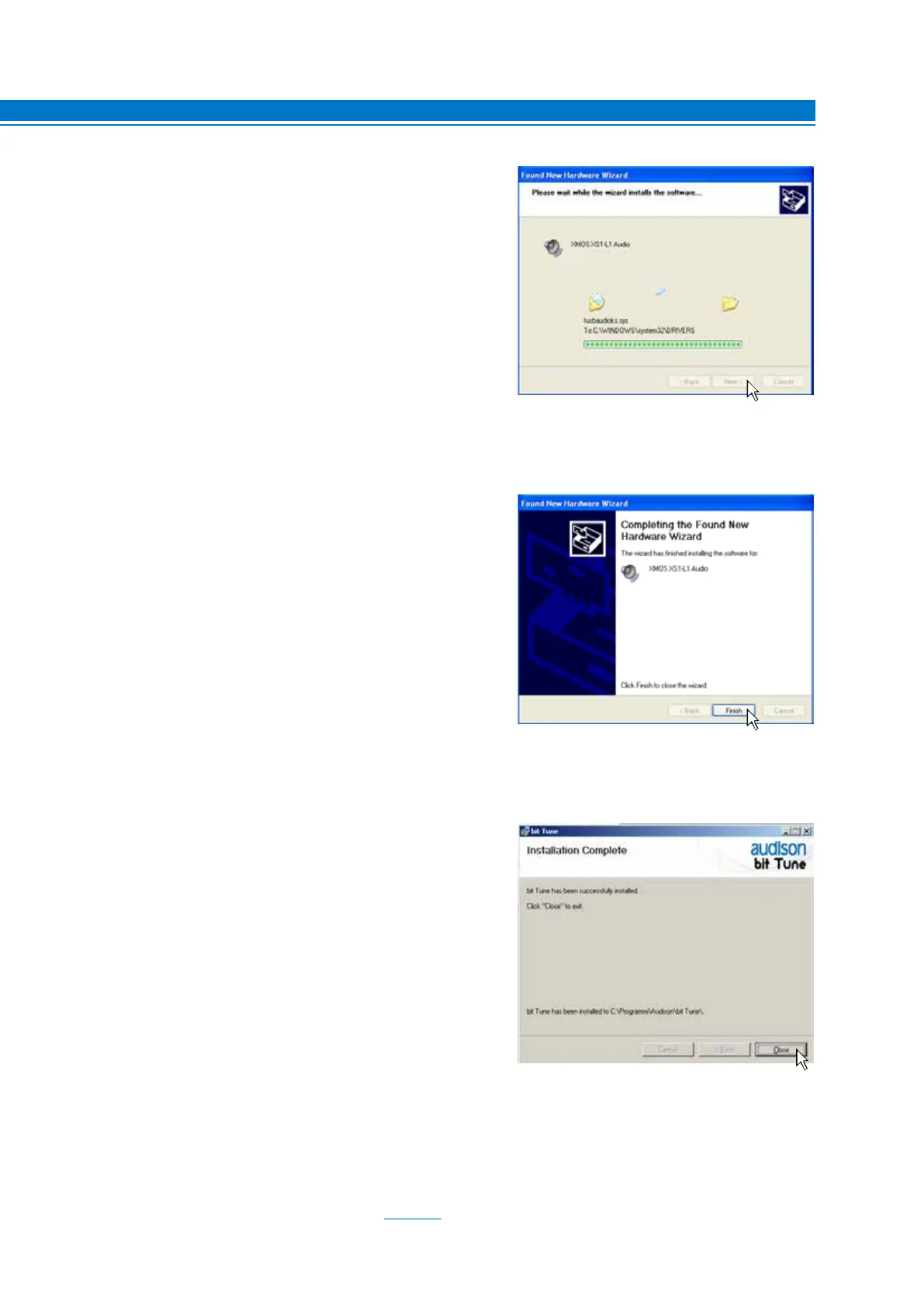
18. The system will install the XMOS interface drivers.
19.
If the procedure is successful, the system will notify that
the driver installation is complete.
Windows XP: click “Finish”;
Windows Vista: will not ask for confirmation; drivers
will be installed automatically;
Windows 7: will not ask for confirmation; drivers will
be installed automatically;
Windows 8 / 10: will not ask for confirmation; drivers will
be installed automatically;
20.
If the procedure is successful, the system will notify
that the driver installation is complete.
Windows XP: click “CLOSE”;
Windows Vista: click “CLOSE”;
Windows 7: click “CLOSE”;
Windows 8 / 10: click “CLOSE”;
21.
The installation of the bit Tune software and drivers is now complete.
At this point the bit Tune is ready for use (see sect. 6).
5



 To Next Page