USER’S MANUAL / bit Tune /
74
5. If you want to fine-tune the acoustic response of your audio system, proceed as follows:
- Close the measurement window of the Real Time Analyzer.
- From the main menu of the bit Tune PC software select the following command: Settings-> Disconnect->
Processor.
- Open the PC software of the Audison bit processor and select:
• The previously used memory to perform the RTA with the bit Tune.
• For acoustic refinement play a reference song with:
A. The bit Tune Player. Select from the control panel the AUX input for the bit Ten and Aux 1 for the bit One.
B. Audio source (CD). Select one of the inputs of the processor (Master, Optical.) where the source is connected.
6. Modify on the levels of the sliders of the
processor’s equalizer to change the acoustic
response to suit your musical taste.
7. Perform the equalizer’s adjustments, save the settings using the FINALIZE function from the PC Processor
Software.
8. It is useful to make a new RTA measurement repeating the operation from step 1 to verify the changes made
after the manual acoustic refinement.
7
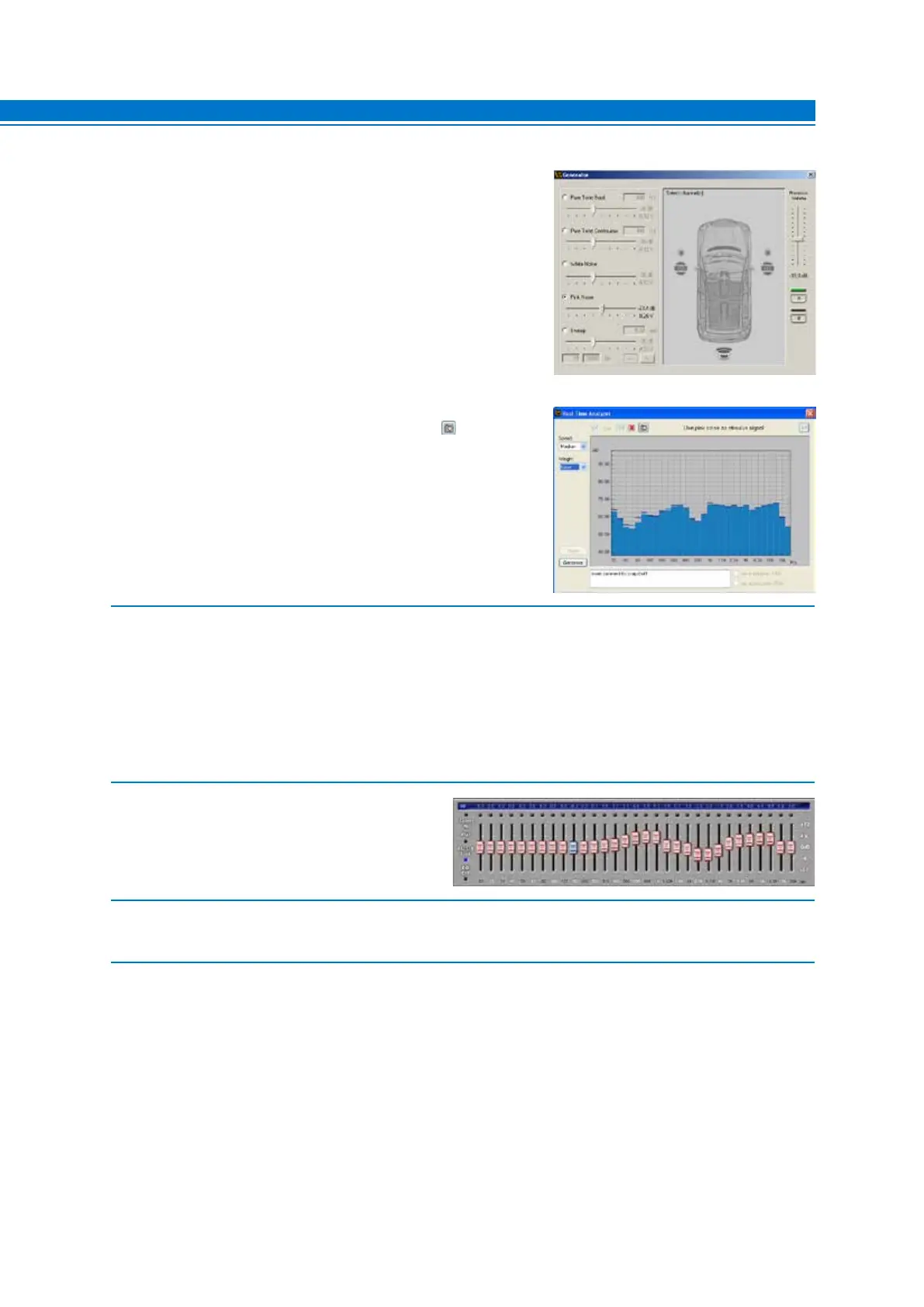
4. Activate the system’s speakers by clicking on them on
the channel map.
- Set the output level of the Pink Noise generator to about -20 dB.
- Increase the level of the Processor Volume until visualizing
the spectrum with maximum peaks centered around to 60 dB.
- Select the previously saved memory of the Audison bit
processor during its configuration in order to analyze the
frequency response by the RTA.
- The snapshot of the measurement can be saved to
store the measurement graph that will also appear in the
final report.



 To Next Page