300-002547-00 rev7 93
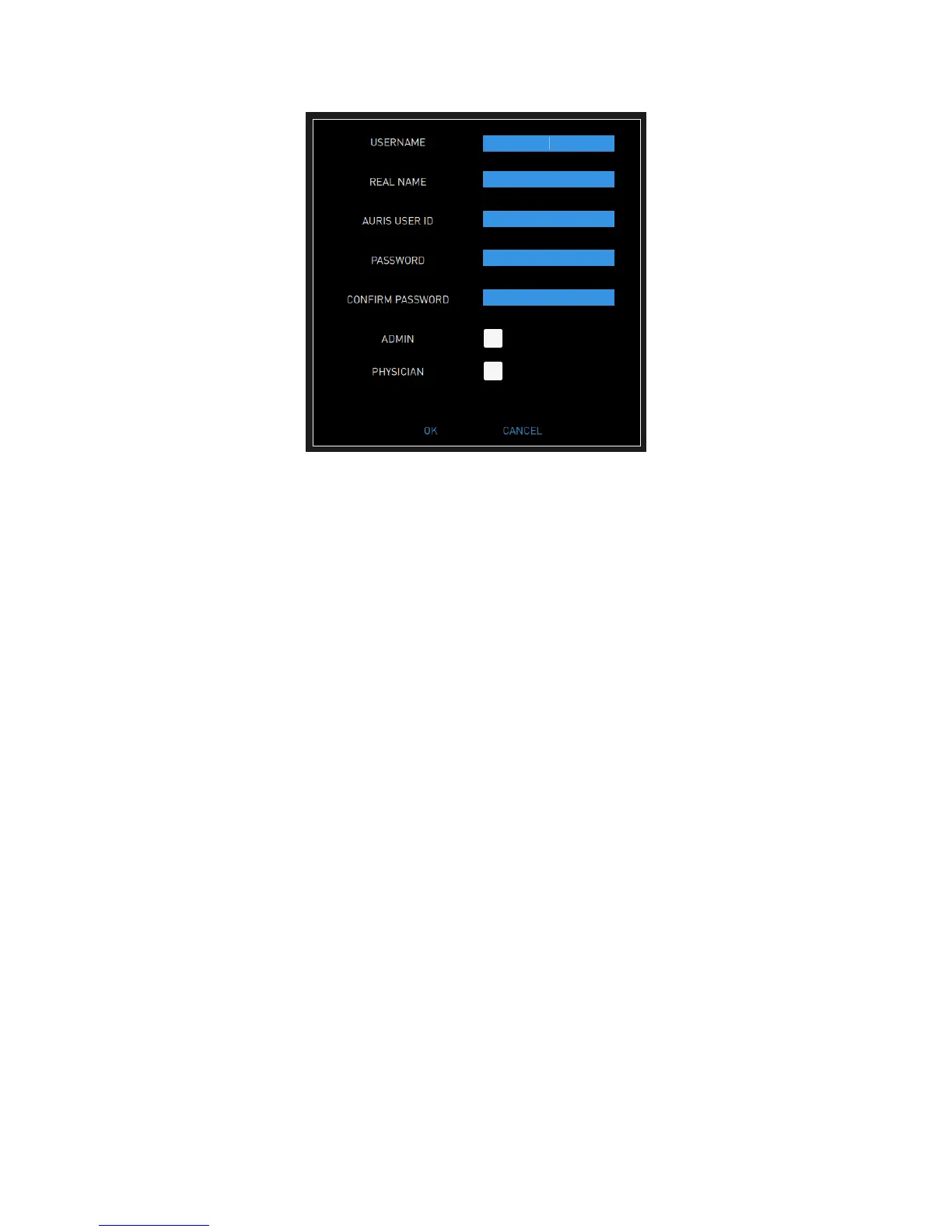
4. Enter the following information for the new user:
USERNAME: a user name should be more than one character and be
unique.
REAL NAME
AURIS USER ID: the user ID provided by Auris Health, Inc.
PASSWORD: a password should have at least 12 characters and contain
at least one uppercase letter, one lowercase letter, one number, and one
special character/symbol.
CONFIRM PASSWORD
5. Select whether the user rights include ADMIN or PHYSICIAN or both.
6. Select OK to save.
7. Click CLOSE to exit the Settings screen.
Change User Password
If You Have Security Access to Other User Accounts
1. Log on as admin.
2. Select SETTINGS to view the Settings screen. A user list will populate for
current users.
3. Select PASSWORD in the row of the user profile whose password needs to
be changed. The following dialog box appears.



 To Next Page